AI Photo &amp Image Generator

Picarta

Discover photo locations worldwide with Picarta: the AI-powered tool that identifies where any photo was taken globally.

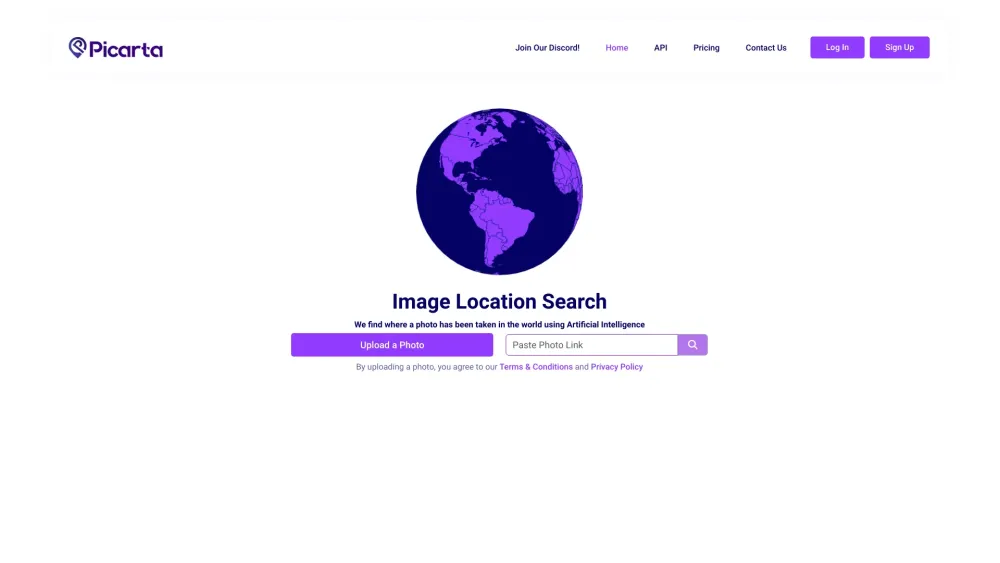
Picarta website preview

Picarta Website screenshot

What is Picarta?

Picarta is an advanced AI tool designed to precisely identify the global locations where photos are taken.

How to use Picarta?

Simply upload a photo to the platform, and Picarta will determine its GPS coordinates.

Picarta's Core Features

Photo Location Finder

Image Geolocalization

EXIF Data Analysis

Location Search via Image

Picarta's Use Cases

Identifying Photo Locations

Geotagging Photographs

AI-Powered GPS Prediction

Product source: Picarta official website. Check the provider for current plans, limits and availability.

FAQ

Picarta questions and answers

Product context and practical checks for evaluating Picarta.

What is Picarta used for?

Discover photo locations worldwide with Picarta: the AI-powered tool that identifies where any photo was taken globally.

How do I get started with Picarta?

Simply upload a photo to the platform, and Picarta will determine its GPS coordinates.

Which capabilities are described for Picarta?

Photo Location FinderImage GeolocalizationEXIF Data AnalysisLocation Search via Image

What projects can I evaluate Picarta for?

Identifying Photo LocationsGeotagging PhotographsAI-Powered GPS Prediction Picarta Discord Join the Picarta community on Discord: https://discord.gg/g5BAd2UFbs. For more details, click here. Picarta Support Email & Customer Service Contact For customer service, reach out via email: [email protected]. For additional contact details, visit the Contact Us page. Picarta Company Learn more about the Picarta company on the About Us page. Picarta Login Access your account: Login Here Picarta Sign Up Create a new account: Sign Up Here Picarta Pricing View pricing details: Pricing Information Picarta YouTube Subscribe to our YouTube channel: YouTube Channel Picarta TikTok Follow us on TikTok: TikTok Profile Picarta Twitter Stay updated on Twitter: Twitter Profile Picarta Instagram Follow us on Instagram: Instagram Profile

What should I compare before choosing a Picarta plan?

View pricing details: Pricing Information Confirm current prices and allowances on the provider’s website before purchasing.

What inputs should I prepare for a Picarta trial?

Look for text prompts, image references, masks or sketches as appropriate. Compare composition control, supported upload types and the ability to revise a selected area.

How can I check the quality of a Picarta result?

Inspect text, hands, edges, reflections and repeated objects at full size. Check that important product or brand details survive editing.

Which export options should I check in Picarta?

Compare pixel dimensions, transparency, file formats and any enlargement options. Confirm that the downloaded result works in your design or publishing software.

What is a practical way to test Picarta against alternatives?

Prepare a brief with a subject, composition, lighting and required output size. Test a first generation and a targeted revision to see how much control you retain.

Where is the official Picarta website?

The website linked from this profile is https://picarta.ai. Use the provider’s own documentation, account area and support channels to confirm current product details.

Visit Picarta