AI Rewriter

Paraphrasing.io

Paraphrasing.io: Effortlessly rewrite text with AI precision. Enhance clarity, avoid plagiarism, and transform content with ease. Perfect for writers and students.

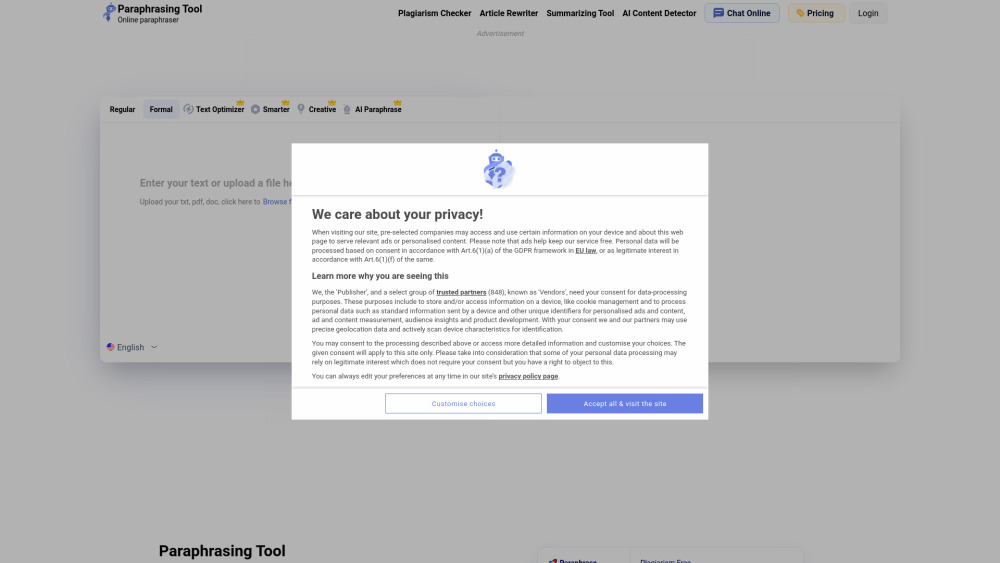
Paraphrasing.io website preview

Paraphrasing.io Website screenshot

What is Paraphrasing.io?

Paraphrasing.io is an AI-driven tool that simplifies the process of rewriting text, whether it's for essays, emails, or other forms of writing. It offers a user-friendly solution to rephrase content with precision, ensuring that the final product is unique, readable, and free of plagiarism. Powered by sophisticated AI technology, Paraphrasing.io helps users effortlessly create engaging and accurate content.

How to use Paraphrasing.io?

To use Paraphrasing.io, simply input or upload the content you wish to rewrite, select a preferred mode from Regular, Formal, Creative, or Academic, and press 'Start Paraphrasing'. The tool will then deliver a newly paraphrased version that is both error-free and distinct.

Key Features of Paraphrasing.io

AI-Powered Content Rewriting

Multiple Paraphrasing Styles

Supports 15 Languages

Ensures Clarity and Creativity

Effective Plagiarism and Error Elimination

Ideal Use Cases for Paraphrasing.io

Enhance the Uniqueness of Essays, Articles, and Emails

Create Engaging, SEO-Optimized Content

Avoid Plagiarism in Academic and Professional Writing

  • Paraphrasing.io Customer Support & Contact

    For support, visit the Contact Us page.

  • About Paraphrasing.io

    To learn more about Paraphrasing.io, please visit the About Us page.

  • Login to Paraphrasing.io

    Access your account through the Login page.

  • Sign Up for Paraphrasing.io

    To create an account, visit the Sign Up page.

  • Paraphrasing.io Pricing

    For pricing details, visit the Plans page.

  • Follow Paraphrasing.io on Facebook

    Stay connected via Facebook.

  • Connect on LinkedIn

    Visit our LinkedIn page.

  • Discover on Pinterest

    Explore content on Pinterest.

Product source: Paraphrasing.io official website. Check the provider for current plans, limits and availability.

FAQ

Paraphrasing.io questions and answers

Product context and practical checks for evaluating Paraphrasing.io.

What is Paraphrasing.io used for?

Paraphrasing.io: Effortlessly rewrite text with AI precision. Enhance clarity, avoid plagiarism, and transform content with ease. Perfect for writers and students.

How do I get started with Paraphrasing.io?

To use Paraphrasing.io, simply input or upload the content you wish to rewrite, select a preferred mode from Regular, Formal, Creative, or Academic, and press 'Start Paraphrasing'. The tool will then deliver a newly paraphrased version that is both error-free and distinct.

Which capabilities are described for Paraphrasing.io?

AI-Powered Content RewritingMultiple Paraphrasing StylesSupports 15 LanguagesEnsures Clarity and CreativityEffective Plagiarism and Error Elimination

What projects can I evaluate Paraphrasing.io for?

Enhance the Uniqueness of Essays, Articles, and EmailsCreate Engaging, SEO-Optimized ContentAvoid Plagiarism in Academic and Professional Writing Paraphrasing.io Customer Support & Contact For support, visit the Contact Us page. About Paraphrasing.io To learn more about Paraphrasing.io, please visit the About Us page. Login to Paraphrasing.io Access your account through the Login page. Sign Up for Paraphrasing.io To create an account, visit the Sign Up page. Paraphrasing.io Pricing For pricing details, visit the Plans page. Follow Paraphrasing.io on Facebook Stay connected via Facebook. Connect on LinkedIn Visit our LinkedIn page. Discover on Pinterest Explore content on Pinterest.

What should I compare before choosing a Paraphrasing.io plan?

For pricing details, visit the Plans page. Confirm current prices and allowances on the provider’s website before purchasing.

What inputs should I prepare for a Paraphrasing.io trial?

Compare support for source documents, style instructions, outlines and length limits. Check whether citations link to real material rather than merely looking like references.

How can I check the quality of a Paraphrasing.io result?

Verify names, dates, quotations and factual claims against the original sources. Edit tone, remove repetition and make sure the text answers the intended reader’s question.

Which export options should I check in Paraphrasing.io?

Check export to plain text, Markdown, documents or your publishing system. Formatting, headings and working links matter when moving a draft into production.

What is a practical way to test Paraphrasing.io against alternatives?

Use a real brief and a short source document. Compare factual accuracy, structure and editing time rather than accepting the longest or most confident draft.

Where is the official Paraphrasing.io website?

The website linked from this profile is https://paraphrasing.io. Use the provider’s own documentation, account area and support channels to confirm current product details.

Visit Paraphrasing.io