AI Advertising Assistant

Optimo

Optimo is an AI-powered marketing tool created by FATJOE, a platform that offers on-demand SEO and marketing services. It is designed to help smart marketers save time and achieve instant results by automating various marketing tasks.

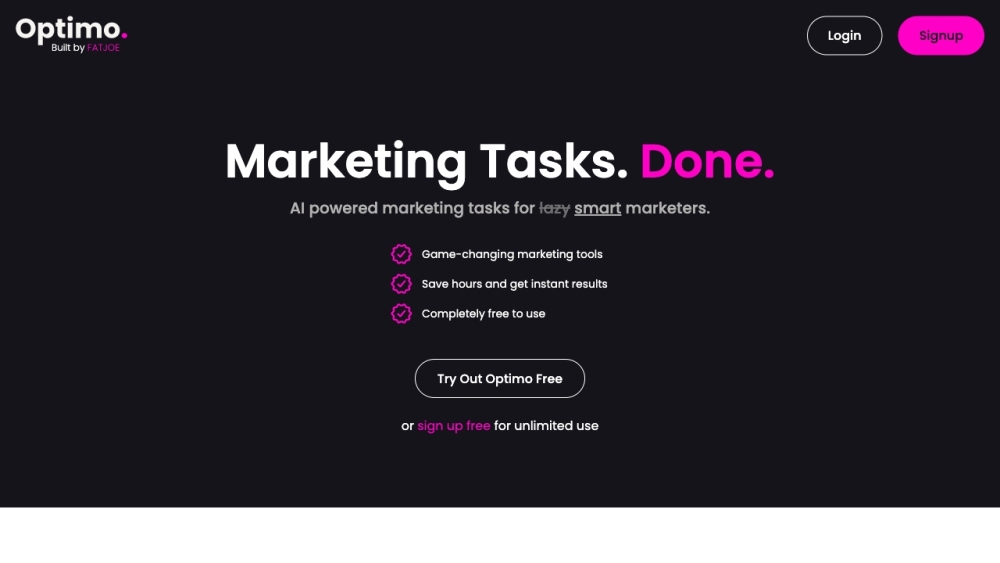
Optimo website preview

Optimo Website screenshot

Discover Optimo: Your AI Marketing Assistant

Optimo, developed by FATJOE, is an innovative AI-driven marketing tool designed to streamline marketing efforts for professionals. By automating various tasks, Optimo helps marketers save time and enhance productivity.

Getting Started with Optimo

To begin using Optimo, register for a free account on the official website. After logging in, explore the Optimo Tool Suite which includes features for Instagram Captions, Ad Copywriting, SEO, Social Media, Email, and Video. Each tool is crafted to enhance creativity and expedite routine marketing tasks. Simply enter your requirements, and the AI will generate the content or perform the necessary marketing activities for you.

Key Features of Optimo

Automated AI marketing tasks

Enhanced creativity for marketers

Accelerated marketing processes

Comprehensive SEO and marketing tools

Extensive suite of AI tools

Instantaneous results

Trusted by over 2.5k users

Over 1 million tool generations

Applications of Optimo

Creating Instagram captions up to 3000 characters

Generating engaging blog post titles

SEO keyword clustering

Drafting blog post briefs

Developing Facebook advertisements

Enhancing social media strategies

Improving email marketing campaigns

Producing and editing marketing videos

Product source: Optimo official website. Check the provider for current plans, limits and availability.

FAQ

Optimo questions and answers

Product context and practical checks for evaluating Optimo.

What is Optimo used for?

Optimo is an AI-powered marketing tool created by FATJOE, a platform that offers on-demand SEO and marketing services. It is designed to help smart marketers save time and achieve instant results by automating various marketing tasks.

How do I get started with Optimo?

To begin using Optimo, register for a free account on the official website. After logging in, explore the Optimo Tool Suite which includes features for Instagram Captions, Ad Copywriting, SEO, Social Media, Email, and Video. Each tool is crafted to enhance creativity and expedite routine marketing tasks. Simply enter your requirements, and the AI will generate the content or perform the necessary marketing activities for you.

Which capabilities are described for Optimo?

Automated AI marketing tasksEnhanced creativity for marketersAccelerated marketing processesComprehensive SEO and marketing toolsExtensive suite of AI toolsInstantaneous resultsTrusted by over 2.5k usersOver 1 million tool generations

What projects can I evaluate Optimo for?

Creating Instagram captions up to 3000 charactersGenerating engaging blog post titlesSEO keyword clusteringDrafting blog post briefsDeveloping Facebook advertisementsEnhancing social media strategiesImproving email marketing campaignsProducing and editing marketing videos Optimo Support and Contact Information For more details, visit the contact page. About Optimo Company: FATJOE Address: Point North, Park Plaza, Staffordshire, WS12 2DB, United Kingdom. Optimo Login Login here: https://askoptimo.com/pricing Optimo Sign Up Sign up here: https://askoptimo.com/pricing Optimo Pricing View pricing details: https://askoptimo.com/pricing Follow Optimo on Social Media Facebook: https://www.facebook.com/OptimoAI/ Tiktok: https://www.tiktok.com/@optimoai Linkedin: https://uk.linkedin.com/company/fat-joe Twitter: https://twitter.com/optimoai Instagram: https://www.instagram.com/optimoai/

What should I compare before choosing a Optimo plan?

View pricing details: https://askoptimo.com/pricing Confirm current prices and allowances on the provider’s website before purchasing.

What inputs should I prepare for a Optimo trial?

Look for text prompts, image references, masks or sketches as appropriate. Compare composition control, supported upload types and the ability to revise a selected area.

How can I check the quality of a Optimo result?

Inspect text, hands, edges, reflections and repeated objects at full size. Check that important product or brand details survive editing.

Which export options should I check in Optimo?

Compare pixel dimensions, transparency, file formats and any enlargement options. Confirm that the downloaded result works in your design or publishing software.

What is a practical way to test Optimo against alternatives?

Prepare a brief with a subject, composition, lighting and required output size. Test a first generation and a targeted revision to see how much control you retain.

Where is the official Optimo website?

The website linked from this profile is https://www.promptdodo.com. Use the provider’s own documentation, account area and support channels to confirm current product details.

Visit Optimo