AI Product Description Generator

Obviously AI

Rapidly build and deploy AI models with Obviously AI - the no-code tool for instant data science, turning raw data into powerful predictions in minutes.

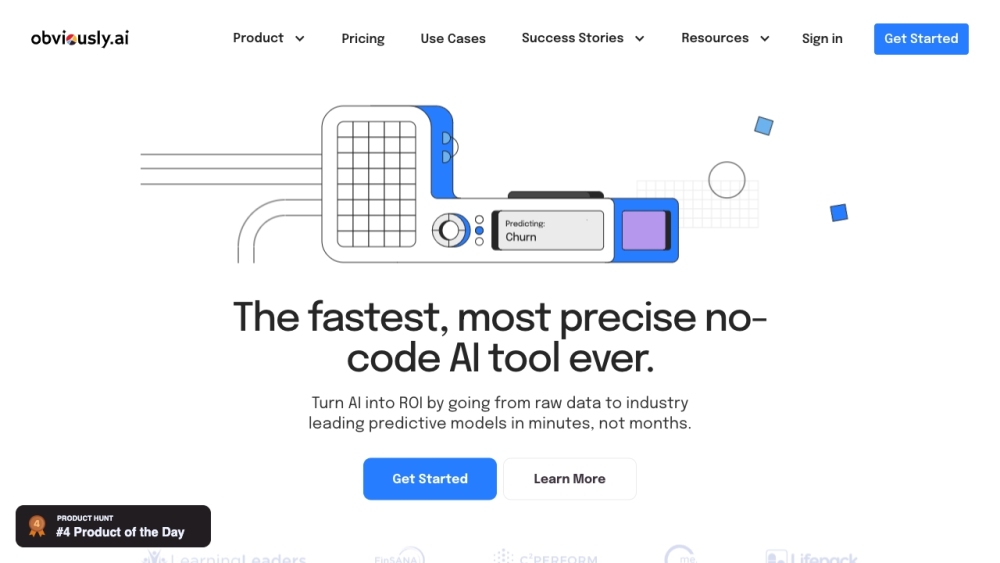
Obviously AI website preview

Obviously AI Website screenshot

What is Obviously AI?

Obviously AI is a groundbreaking no-code tool designed for rapid development and deployment of data science models. It enables users to build, explain, and deploy machine learning algorithms with just a single click, making data science accessible without needing any programming skills. Users can transform raw data into highly accurate predictive models in a fraction of the time it traditionally takes.

How to Use Obviously AI?

Using Obviously AI is straightforward: 1. Sign up on the Obviously AI platform. 2. Upload your tabular dataset and specify the target variable. 3. Select the type of prediction model you need, such as classification, regression, or time series. 4. Click 'Build Model' to let the tool generate a customized AI model. 5. Review the generated model's results and predictions. 6. Deploy your model instantly to create web apps or integrate it into your existing systems using real-time REST APIs.

Core Features of Obviously AI

Rapid AI Model Building

Single-Click Production Deployment

Automated Model Monitoring with Customizable Triggers

Real-Time REST APIs for Seamless Integration

24/7 Access to Expert Data Scientists for Advanced Support

Use Cases for Obviously AI

Customer Churn Prediction

Lead Conversion Optimization

Loan Repayment Forecasting

Fraud Detection

Sales Forecasting

Dynamic Pricing Strategies

Agricultural Yield Prediction

Deal Size Estimation

Time-Based Sales Predictions

Next-Day Stock Price Prediction

Product source: Obviously AI official website. Check the provider for current plans, limits and availability.

FAQ

Obviously AI questions and answers

Product context and practical checks for evaluating Obviously AI.

What is Obviously AI used for?

Rapidly build and deploy AI models with Obviously AI - the no-code tool for instant data science, turning raw data into powerful predictions in minutes.

How do I get started with Obviously AI?

Using Obviously AI is straightforward: 1. Sign up on the Obviously AI platform. 2. Upload your tabular dataset and specify the target variable. 3. Select the type of prediction model you need, such as classification, regression, or time series. 4. Click 'Build Model' to let the tool generate a customized AI model. 5. Review the generated model's results and predictions. 6. Deploy your model instantly to create web apps or integrate it into your existing systems using real-time REST APIs.

Which capabilities are described for Obviously AI?

Rapid AI Model BuildingSingle-Click Production DeploymentAutomated Model Monitoring with Customizable TriggersReal-Time REST APIs for Seamless Integration24/7 Access to Expert Data Scientists for Advanced Support

What projects can I evaluate Obviously AI for?

Customer Churn PredictionLead Conversion OptimizationLoan Repayment ForecastingFraud DetectionSales ForecastingDynamic Pricing StrategiesAgricultural Yield PredictionDeal Size EstimationTime-Based Sales PredictionsNext-Day Stock Price Prediction Obviously AI Support Email & Customer Service Contact For more contact details, visit the contact us page. About Obviously AI Company name: Obviously AI, Inc. For more details, visit the about us page. Obviously AI Login Login Link: https://app.obviously.ai/login Obviously AI Pricing Pricing Details: https://www.obviously.ai/pricing Obviously AI LinkedIn LinkedIn Profile: https://www.linkedin.com/company/obviously-ai Obviously AI Twitter Twitter Profile: https://twitter.com/obviouslyai

What should I compare before choosing a Obviously AI plan?

Pricing Details: https://www.obviously.ai/pricing Confirm current prices and allowances on the provider’s website before purchasing.

What inputs should I prepare for a Obviously AI trial?

Compare repository access, context limits, supported languages and tool permissions. Check whether the assistant can read relevant files and run your existing checks.

How can I check the quality of a Obviously AI result?

Review the diff, run tests and inspect error handling and dependency changes. Generated code should meet the same review standard as a human contribution.

Which export options should I check in Obviously AI?

Prefer changes you can inspect and keep in version control. Check whether code, tests and configuration can be exported without depending on a hosted preview.

What is a practical way to test Obviously AI against alternatives?

Choose a small reproducible bug with an existing failing check. Measure whether the tool fixes the cause, preserves behavior and produces a reviewable change.

Where is the official Obviously AI website?

The website linked from this profile is https://www.obviously.ai. Use the provider’s own documentation, account area and support channels to confirm current product details.

Visit Obviously AI