Introducing NativeMind: Your AI, Fully Local — No Cloud, No Compromise
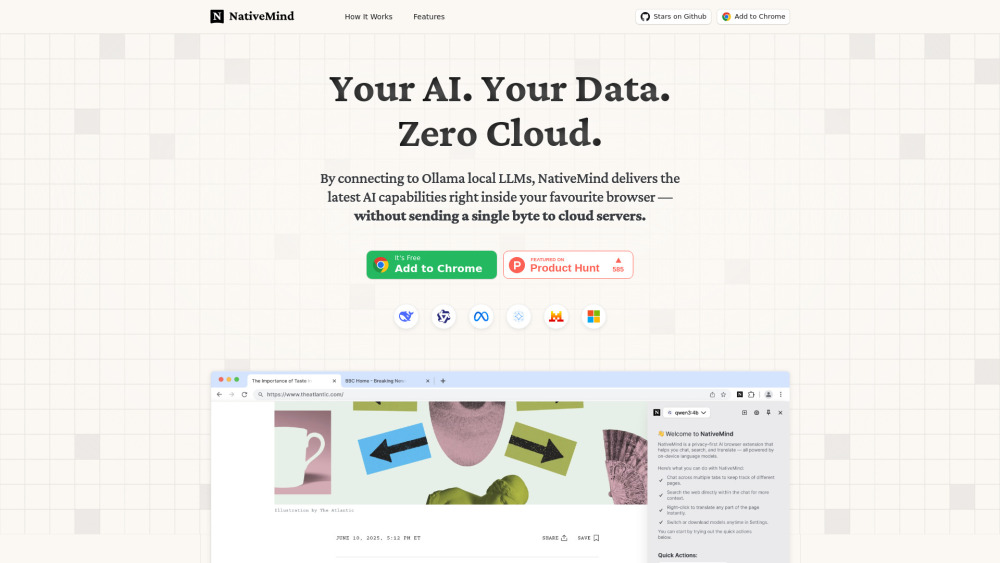
NativeMind redefines what it means to use AI in the browser — not as a remote service, but as an intelligent, self-contained extension that lives entirely on your device. Built for privacy-first users, it leverages Ollama’s local inference engine and integrates state-of-the-art open-weight models including DeepSeek, Qwen, Llama 3, Gemma 2, and Mistral NeMo — all running without internet transmission, cloud APIs, or third-party servers. Your prompts, page content, and conversations never leave your machine.
Getting Started with NativeMind — Instant, Invisible, Independent
Installation takes seconds: click “Add to Chrome” (or Firefox/Edge), grant minimal permissions, and launch. No account creation. No telemetry. No login wall. Once installed, NativeMind auto-detects your locally running Ollama instance — instantly enabling real-time AI interactions like summarizing dense documentation, maintaining contextual chat across open tabs, executing private web searches using your own indexed pages, and translating multilingual websites — all while preserving layout, styling, and confidentiality.
NativeMind’s Foundational Capabilities
100% on-device execution — zero cloud calls, zero data egress
Transparent, community-reviewed open-source architecture
Model-agnostic support for top-tier open-weight LLMs (DeepSeek-R1, Qwen3, Llama 3.2, Gemma 2 27B, Mistral Large 2)
One-click model switching via native Ollama integration — no restarts, no delays
Intelligent webpage distillation — extract key insights from complex articles in seconds
Context-aware cross-tab dialogue — remember prior questions, references, and intent across domains
Privacy-first local search — query your browsing history or saved pages without external indexing
Semantic translation layer — render foreign-language sites in your preferred language, with fidelity to original structure and tone
Real-World Applications of NativeMind
Condense technical whitepapers, legal documents, or research PDFs directly in-browser — no upload required.
Conduct multi-source fact-checking by asking follow-up questions across news, academic, and government sites — with persistent memory between tabs.
Search your own bookmarks, downloads, or cached pages privately — answers generated locally, not fetched from search engines.
Translate e-commerce product pages, forums, or documentation — with accurate terminology and preserved formatting — all offline-capable.
Use production-grade AI for writing, coding, or analysis — without exposing sensitive drafts, internal URLs, or proprietary context to any external endpoint.