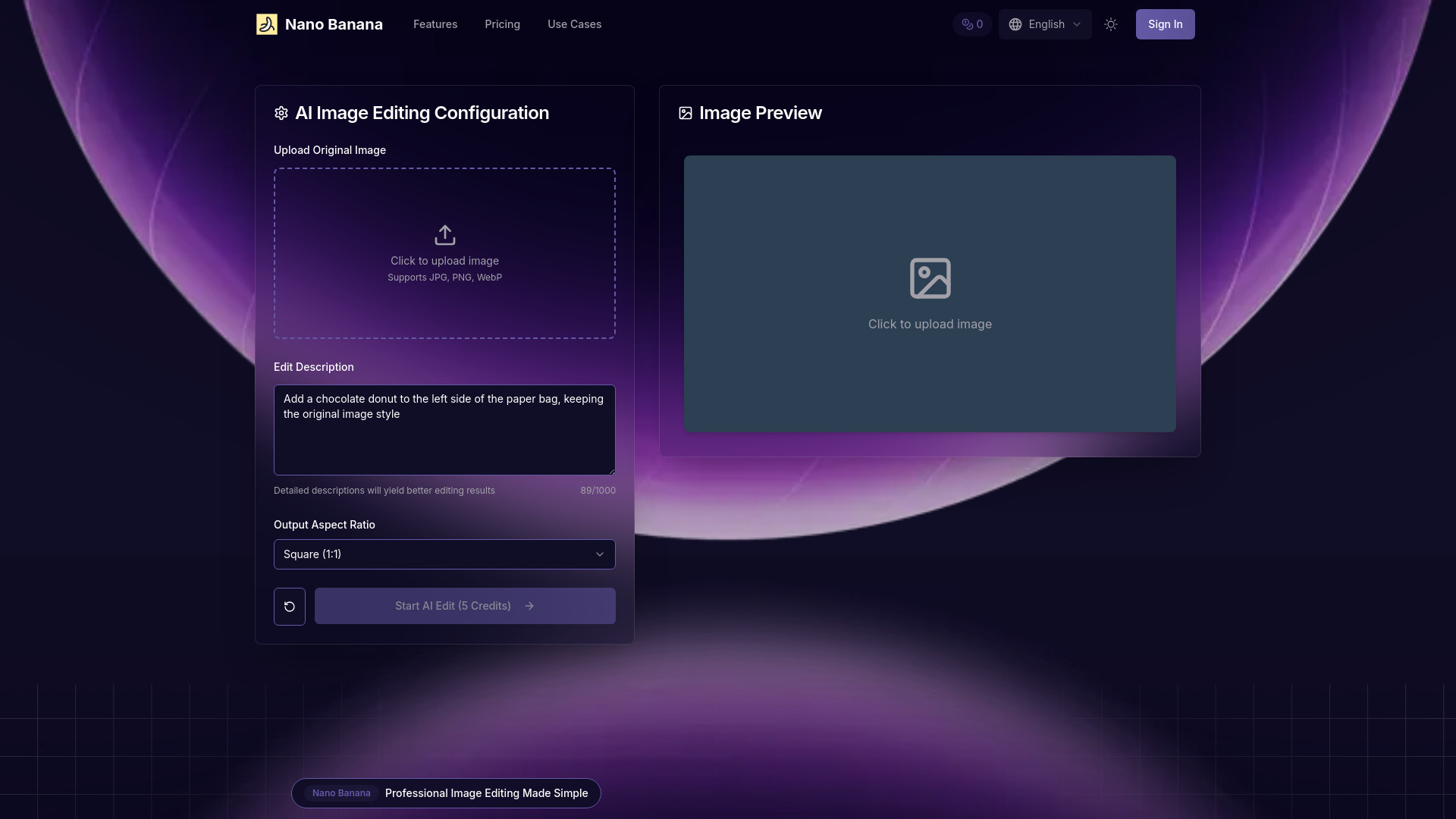
What Is Nano Banana?
Nano Banana is an online AI photo editor that lets you transform images by describing the changes you want. Instead of learning complicated menus or making every adjustment manually, you can use text prompts to guide the editing process. From replacing a distracting background to improving the atmosphere of a portrait, Nano Banana offers a practical way to explore creative ideas without extensive design experience.
For users searching for free online AI photo editing with text prompts, Nano Banana provides a starting point for exploring prompt-based image transformations. Check the platform’s current free access options and usage limits before beginning, as available features may vary by plan. Whether you create social content, manage an online store, or edit personal photos, the appeal is straightforward: describe your vision, review the result, and refine your request.
How to Use Nano Banana
Start by uploading the photo you want to edit. Next, write a clear instruction explaining what should change and what should stay the same. For example, you might ask, “Replace the background with a bright home office while keeping the person unchanged,” or “Give this product photo softer lighting and a neutral backdrop.” Specific instructions help the AI interpret your intended composition, mood, and visual details.
After the image is generated, inspect the result carefully. If necessary, adjust your prompt to address unwanted changes or improve a particular area. Working through a few focused revisions can be more effective than requesting many unrelated changes at once. Before downloading, check the available output settings, image dimensions, and any plan-based restrictions to ensure the finished photo suits your intended use.
Key Features of Nano Banana
- Text-Prompt Photo Editing: Describe image changes in everyday language rather than relying entirely on manual selection tools, layers, and adjustment controls.
- Background and Scene Changes: Explore new settings for portraits, products, and lifestyle photos, from simple studio-style backgrounds to more imaginative environments.
- Object and Detail Adjustments: Request additions, removals, or changes to elements within an image, then review how naturally those edits fit the surrounding scene.
- Product Photo Styling: Develop cleaner presentation concepts for online listings, promotional graphics, and branded content without building a physical photography setup for every idea.
- Creative Visual Transformations: Experiment with lighting, color, atmosphere, and artistic direction to produce different interpretations of the same original photo.
- Accessible Online Workflow: Use a browser-based editing process that makes it easier to move from an initial idea to a revised image without mastering traditional design software.
These capabilities can reduce repetitive editing work and make visual experimentation more approachable. Results depend on the source image, the clarity of the prompt, and the complexity of the requested transformation. For important projects, allow time to check fine details rather than assuming every generated edit is ready to publish.
Why Choose Nano Banana?
Nano Banana is worth considering if you prefer explaining an edit to performing every step yourself. Traditional photo editing offers precise manual control, but it can also involve a substantial learning curve. A text-based AI workflow provides a different approach: you communicate the desired outcome, evaluate the generated version, and make further requests as needed.
This approach is useful when you want to compare creative directions quickly. A content creator might test several background concepts, while a shop owner might explore different ways to present a product. Beginners can focus on the appearance they want rather than unfamiliar editing terminology, and experienced users can use AI-generated variations as starting points for further refinement.
Before choosing a plan, compare the platform’s current features, usage allowances, download options, and pricing against your requirements. Free access can be helpful for evaluating the workflow, while more frequent or demanding projects may require a paid option.
Use Cases and Applications
Social media creators can use Nano Banana to refresh portraits, explore seasonal themes, and develop visual concepts for posts or campaigns. Clear prompts describing lighting, background colors, and mood can help guide a consistent look across different images. Always review faces, hands, text, and other detailed elements before sharing the result.
Small businesses can explore product image variations for storefronts, newsletters, and promotional materials. For instance, a seller might request a minimalist backdrop or a lifestyle setting that complements a product. When editing commercial images, it is important to preserve the product’s actual color, shape, packaging, and other defining characteristics so the final visual does not mislead customers.
Photographers and designers can use prompt-based editing to test concepts, prepare visual drafts, or explore alternatives before committing to detailed manual work. Everyday users can also experiment with personal portraits, travel photos, and creative compositions. In each case, Nano Banana works best as a tool for guided experimentation, with the user making the final quality decisions.