AI Celebrity Voice Generator

Musicfy

Musicfy: Effortlessly create AI voice clones for music collaboration. Save time and enhance your creative process with our platform.

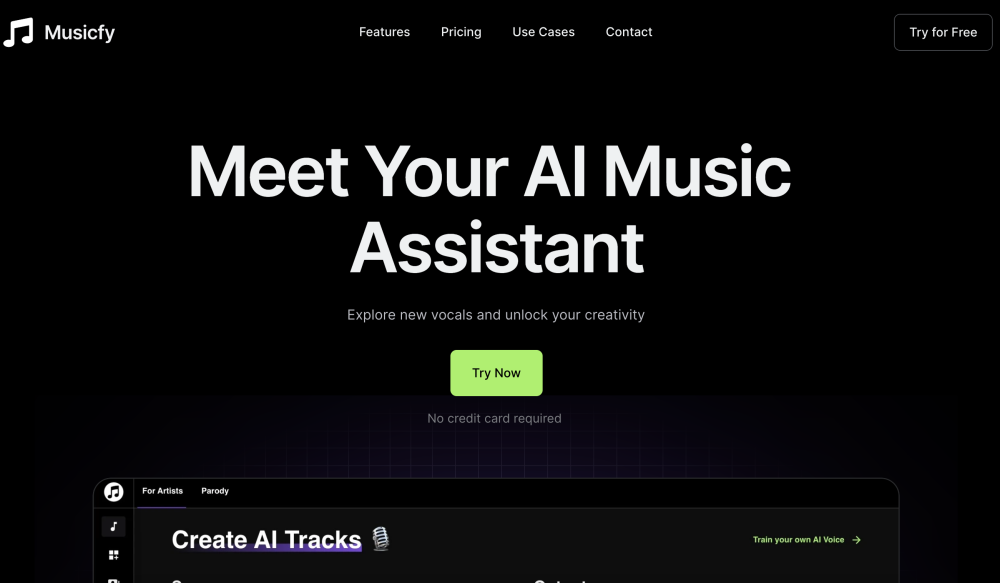
Musicfy website preview

Musicfy Website screenshot

Discover Musicfy

Musicfy is a revolutionary AI-driven platform designed to transform how musicians create and collaborate. By generating an AI clone of your voice, Musicfy streamlines the music production process, making it more efficient and collaborative.

Getting Started with Musicfy

To begin your journey with Musicfy, dive into its extensive library of copyright-free vocals, which can provide fresh, unique sounds for your music. Alternatively, upload your own vocals to generate a personalized AI model that mirrors your voice. Musicfy also features stem splitters, enabling you to isolate and manipulate tracks, enhancing your music creation experience.

Key Features of Musicfy

AI Voice Conversion

Transform your voice into an AI clone, opening new avenues for music production.

Custom AI Models

Create an AI model that sounds just like you, ensuring authenticity in your music.

Stem Splitters

Isolate and edit tracks from any song for more creative control.

Applications of Musicfy

AI-Powered Music Creation

Leverage AI to produce innovative music effortlessly.

Enhancing Songs with AI

Integrate AI features into your existing tracks for a modern touch.

Collaborative Projects

Work seamlessly with other artists and songwriters using AI technology.

  • Customer Support & Contact

    For assistance, visit our contact page.

  • About Musicfy

    Company: Musicfy Inc.

  • Musicfy Login

    Access your account here.

  • Pricing Information

    View our pricing plans here.

  • Musicfy on LinkedIn

    Connect with us on LinkedIn.

  • Follow Us on Twitter

    Stay updated on Twitter.

  • Join Us on Instagram

    Follow our journey on Instagram.

Product source: Musicfy official website. Check the provider for current plans, limits and availability.

FAQ

Musicfy questions and answers

Product context and practical checks for evaluating Musicfy.

What is Musicfy used for?

Musicfy: Effortlessly create AI voice clones for music collaboration. Save time and enhance your creative process with our platform.

How do I get started with Musicfy?

To begin your journey with Musicfy, dive into its extensive library of copyright-free vocals, which can provide fresh, unique sounds for your music. Alternatively, upload your own vocals to generate a personalized AI model that mirrors your voice. Musicfy also features stem splitters, enabling you to isolate and manipulate tracks, enhancing your music creation experience.

Which capabilities are described for Musicfy?

AI Voice ConversionTransform your voice into an AI clone, opening new avenues for music production.Custom AI ModelsCreate an AI model that sounds just like you, ensuring authenticity in your music.Stem SplittersIsolate and edit tracks from any song for more creative control.

What projects can I evaluate Musicfy for?

AI-Powered Music CreationLeverage AI to produce innovative music effortlessly.Enhancing Songs with AIIntegrate AI features into your existing tracks for a modern touch.Collaborative ProjectsWork seamlessly with other artists and songwriters using AI technology. Customer Support & Contact For assistance, visit our contact page. About Musicfy Company: Musicfy Inc. Musicfy Login Access your account here. Pricing Information View our pricing plans here. Musicfy on LinkedIn Connect with us on LinkedIn. Follow Us on Twitter Stay updated on Twitter. Join Us on Instagram Follow our journey on Instagram.

What should I compare before choosing a Musicfy plan?

View our pricing plans here. Confirm current prices and allowances on the provider’s website before purchasing.

What inputs should I prepare for a Musicfy trial?

Compare recording length, file types, language support and speaker handling. For voice generation, check pronunciation controls and permission to use any reference voice.

How can I check the quality of a Musicfy result?

Listen for mispronounced names, unnatural pauses, clipped words and noise. For transcripts, compare the text with the recording and correct speaker labels.

Which export options should I check in Musicfy?

Check audio format, sample rate, separate tracks, captions and timestamp exports. Confirm that the result works in your editing or accessibility workflow.

What is a practical way to test Musicfy against alternatives?

Use a short recording with names, numbers and more than one speaker, or a script with difficult pronunciation. Review the exported audio or transcript in full.

Where is the official Musicfy website?

The website linked from this profile is https://www.promptdodo.com. Use the provider’s own documentation, account area and support channels to confirm current product details.

Visit Musicfy