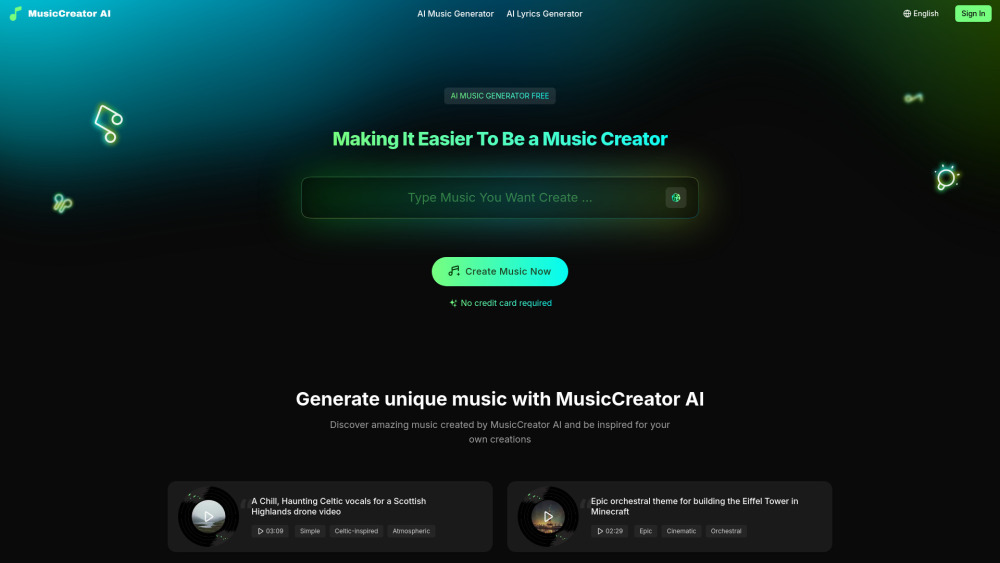
Introducing MusicCreator AI: Your All-in-One Royalty-Free Music Studio
MusicCreator AI is a next-generation AI-powered music creation platform engineered for creators, marketers, and storytellers who need original, high-fidelity audio—fast. Unlike traditional stock libraries or basic beat makers, it generates fully produced, royalty-free songs from scratch using advanced generative models trained on diverse musical genres and vocal styles. Whether you're crafting a cinematic trailer score, drafting a viral TikTok jingle, or composing a heartfelt ballad from your poetry, MusicCreator AI delivers studio-quality tracks—including AI-sung vocals, dynamic instrumentation, and adaptive arrangements—all in under 30 seconds. Every output is 100% license-clear, commercially safe, and ready for immediate use across YouTube, podcasts, ads, games, and more.
Getting Started with MusicCreator AI: Simple, Instant, No Experience Needed
Launching your first track takes just two steps: choose your creative path (Text-to-Music or Lyrics-to-Song), then describe your vision—or paste your words—and hit generate. The AI interprets mood, tempo, genre, instrumentation, and even emotional tone to produce a polished, multi-track composition complete with melody, harmony, rhythm, and expressive AI vocals (in multiple voice types and languages). No downloads, no plugins—just a browser-based interface with real-time previews and one-click export. Best of all? A robust free plan lets you explore unlimited generation ideas before upgrading—no credit card required.
Why Creators Choose MusicCreator AI: Key Capabilities
Intelligent Text-to-Music Engine
Smart Lyrics-to-Song Composer
AI Vocal Generation with Expressive Delivery
Commercial-Grade Royalty-Free Licensing
Genre-Agnostic Output (Pop, Lo-fi, Orchestral, EDM, Jazz & more)
Instant Export in WAV, MP3, and Stem Formats
Real-World Applications Across Industries
YouTube & Short-Form Video Creators: Seamless background scores that match video pacing and emotion
Podcast Producers: Custom theme music, transitions, and branded sonic signatures
Digital Marketers & Agencies: On-brand jingles, ad soundtracks, and campaign-specific audio assets
Indie Game Developers: Adaptive, loopable music for gameplay without licensing headaches
Educators & Content Designers: Engaging audio for e-learning modules and presentations
Brands & Startups: Scalable sonic identity development—from logo stings to full audio guidelines
Songwriters & Poets: Instant musicalization of lyrics into demo-ready productions
MusicCreator AI: Quick Answers
What exactly is MusicCreator AI?
MusicCreator AI is an intelligent, web-native music production platform that transforms descriptive prompts or raw lyrics into fully realized, royalty-free songs—complete with AI-composed melodies, layered instrumentation, and expressive synthetic vocals. Built for speed, quality, and legal clarity, it empowers creators to own their audio instantly.
Can I create a full song—including vocals—with AI?
Absolutely. MusicCreator AI doesn’t just generate instrumentals—it synthesizes human-like vocals with pitch accuracy, phrasing nuance, and stylistic authenticity across genres. Upload lyrics, select a voice profile (e.g., warm female pop, gritty male rock), and receive a mixed, mastered song ready for release.
How does MusicCreator AI compare to other AI music tools?
Where many tools focus solely on background loops or lack vocal integration, MusicCreator AI unifies lyric interpretation, melodic generation, arrangement intelligence, and vocal synthesis into one seamless workflow—backed by transparent, perpetual royalty-free licensing.
Is the music truly royalty-free for commercial use?
Yes. Every track generated is licensed under MusicCreator AI’s Standard Commercial License: unlimited usage across platforms, monetization, redistribution (as part of your content), and no hidden fees or attribution requirements—valid worldwide.
Do I need musical training to use it?
No prior knowledge is needed. The interface uses intuitive natural-language input (“upbeat synthwave track for tech review intro”) and smart presets. Advanced users can fine-tune BPM, key, stem isolation, and vocal parameters—but simplicity is built in by design.
What are the pricing tiers—and what’s included in the free plan?
The free tier includes 5 high-res song exports per month, access to all core AI models, and standard licensing. Pro ($19/mo) unlocks unlimited generations, stem exports, priority rendering, and extended commercial rights—including resale in templates and SaaS integrations. Enterprise plans offer white-labeling and API access.