AI Chatbot

**MossAI

AI chatbot for user-friendly chat assistance.

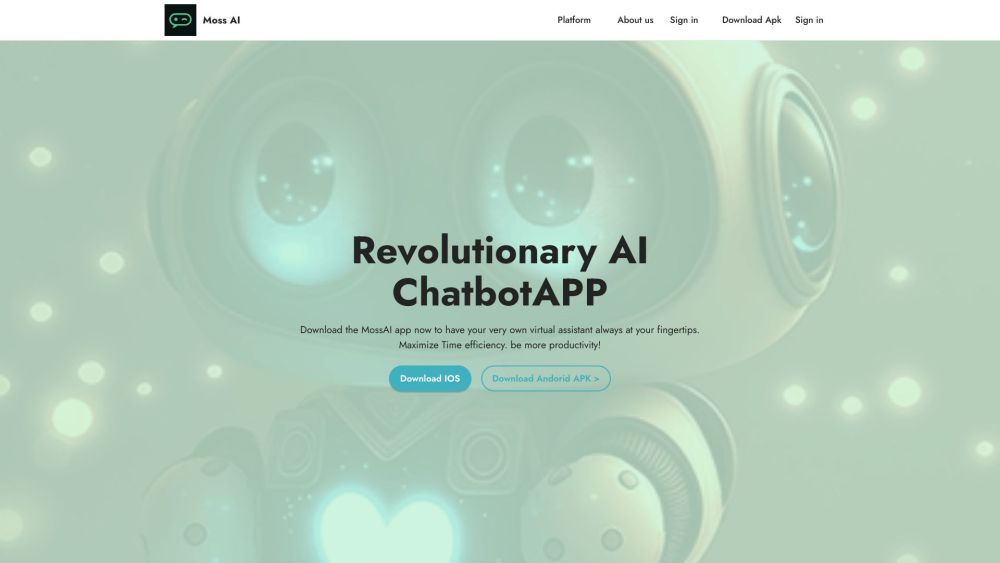
**MossAI website preview

MossAI Website screenshot

What is MossAI?

MossAI is an innovative AI-powered chatbot designed to deliver an intuitive and efficient chat experience. Leveraging cutting-edge artificial intelligence, MossAI acts as a versatile virtual assistant, making it easy for users to manage tasks and get instant responses.

How to Use MossAI?

Using MossAI is straightforward. Download the app from the App Store or Google Play on your iPhone, iPad, or Android device. Once installed, you can begin chatting with your personal assistant, helping you save time and stay organized.

Key Features of MossAI

Advanced AI Chat Capabilities

Compatible across multiple platforms including iPhone, iPad, and web

Unlimited question and answer functionality

Supports multiple languages

Stores chat history for continuous conversation

MossAI Use Cases

Generate essays, emails, website content, and more

Daily assistance as your personal AI helper

Receive AI-powered horoscope, zodiac, and compatibility readings

Engage with intelligent virtual animals

Language translation and practice

Homework assistance

Rewrite any text content

Explore new recipes

Idea brainstorming

Information retrieval

Content creation

Business model development

Answering inquiries

Customized chat experience

Receive tailored AI recommendations

Experiment with the latest GPT prompts

  • MossAI Support Contact Information

    For customer service, reach out to MossAI support via email: [email protected].

  • About MossAI

    MossAI is committed to providing top-tier AI solutions. Learn more by visiting our About Us page.

  • MossAI Login

    Access your MossAI account here: [email protected].

  • MossAI Social Media

    Stay connected with MossAI on Facebook, YouTube, Twitter, and Instagram.

Product source: **MossAI official website. Check the provider for current plans, limits and availability.

FAQ

**MossAI questions and answers

Product context and practical checks for evaluating **MossAI.

What is **MossAI used for?

AI chatbot for user-friendly chat assistance.

How do I get started with **MossAI?

Using MossAI is straightforward. Download the app from the App Store or Google Play on your iPhone, iPad, or Android device. Once installed, you can begin chatting with your personal assistant, helping you save time and stay organized.

Which capabilities are described for **MossAI?

Advanced AI Chat CapabilitiesCompatible across multiple platforms including iPhone, iPad, and webUnlimited question and answer functionalitySupports multiple languagesStores chat history for continuous conversation

What projects can I evaluate **MossAI for?

Generate essays, emails, website content, and moreDaily assistance as your personal AI helperReceive AI-powered horoscope, zodiac, and compatibility readingsEngage with intelligent virtual animalsLanguage translation and practiceHomework assistanceRewrite any text contentExplore new recipesIdea brainstormingInformation retrievalContent creationBusiness model developmentAnswering inquiriesCustomized chat experienceReceive tailored AI recommendationsExperiment with the latest GPT prompts MossAI Support Contact Information For customer service, reach out to MossAI support via email: [email protected]. About MossAI MossAI is committed to providing top-tier AI solutions. Learn more by visiting our About Us page. MossAI Login Access your MossAI account here: [email protected]. MossAI Social Media Stay connected with MossAI on Facebook, YouTube, Twitter, and Instagram.

What should I compare before choosing a **MossAI plan?

Check **MossAI’s current pricing page for included usage, renewal terms and any credit charges. Compare the cost of a usable result, including retries, rather than assuming that account registration includes free usage.

What inputs should I prepare for a **MossAI trial?

Identify the files, text or account connections your task needs. Confirm that the product accepts those inputs and offers controls for reviewing its work.

How can I check the quality of a **MossAI result?

Test one representative task and inspect the result for accuracy and completeness. Record where manual corrections or extra tools are needed.

Which export options should I check in **MossAI?

Check export formats, integrations and whether you can keep using your work outside the service. Test a real export before committing to a longer plan.

What is a practical way to test **MossAI against alternatives?

Choose one task with a clear success condition. Keep the input consistent, record the time spent reviewing and compare the complete workflow cost.

Where is the official **MossAI website?

The website linked from this profile is https://mossai.site. Use the provider’s own documentation, account area and support channels to confirm current product details.

Visit **MossAI