AI tool profile

MixAudio

4 tracks in just 2 seconds! Multimodal AI Music Generator for All Creators

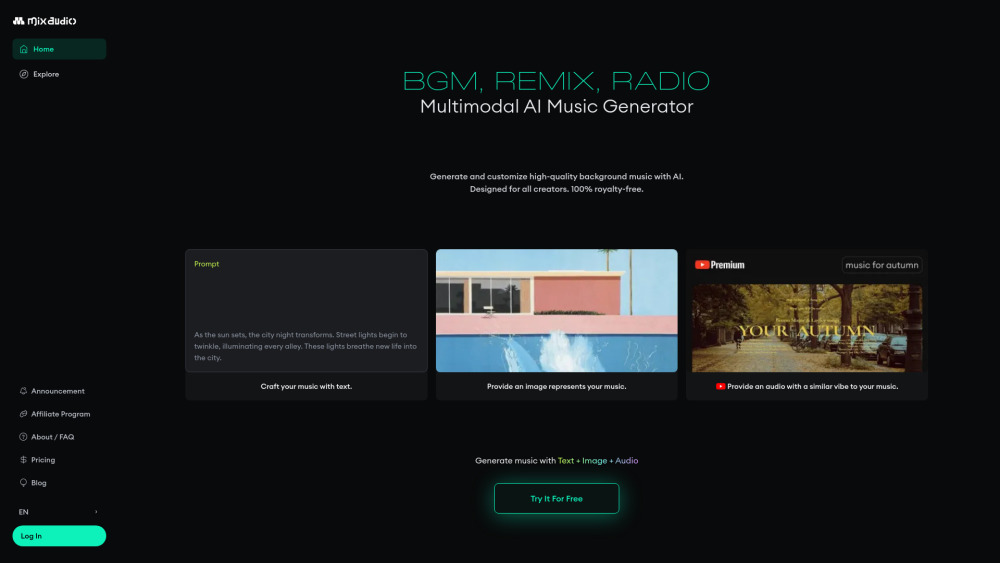
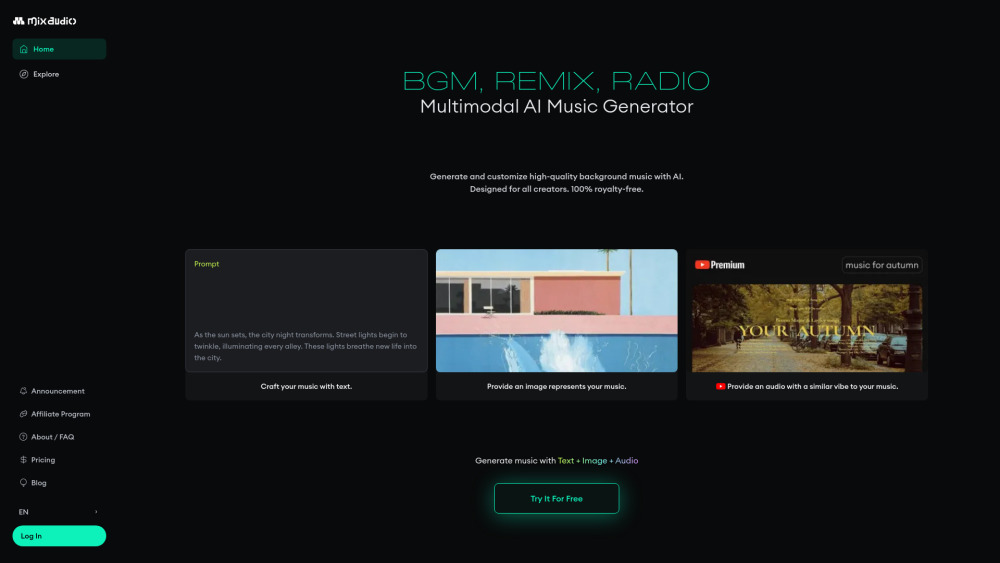
MixAudio website preview

MixAudio Website screenshot

What is MixAudio?

MixAudio is an AI music generator that quickly creates custom, royalty-free tracks from text, images, and audio. The AI assembles music like Lego blocks, allowing users to easily edit and tailor the final piece to fit their vision. Perfect for enhancing videos, games, and more.

How to use MixAudio?

You can freely express your musical inspiration through prompts. You can also upload an image file or a music file similar to the style you want. Additionally, you can select the desired mood, theme, genre, and specify the length. The generated music can be custom-edited in the same way.

MixAudio's Core Features

Generate music with text, Image and reference audio

Generate 4 tracks within 2 seconds

All generated tracks are Monetizable Copyright-free Music

Customize your tracks like LEGO blocks

AI Remix: Remix artist's music to your taste

AI Radio : streams music tailored to your inputs and mood preferences 24/7

MixAudio's Use Cases

Copyright-free music for content Creators

Customizable music for game developers & Designers

AI music for musician/producers

Product source: MixAudio official website. Check the provider for current plans, limits and availability.

FAQ

MixAudio questions and answers

Product context and practical checks for evaluating MixAudio.

What is MixAudio used for?

4 tracks in just 2 seconds! Multimodal AI Music Generator for All Creators

How do I get started with MixAudio?

You can freely express your musical inspiration through prompts. You can also upload an image file or a music file similar to the style you want. Additionally, you can select the desired mood, theme, genre, and specify the length. The generated music can be custom-edited in the same way.

Which capabilities are described for MixAudio?

Generate music with text, Image and reference audioGenerate 4 tracks within 2 secondsAll generated tracks are Monetizable Copyright-free MusicCustomize your tracks like LEGO blocksAI Remix: Remix artist's music to your tasteAI Radio : streams music tailored to your inputs and mood preferences 24/7

What projects can I evaluate MixAudio for?

Copyright-free music for content CreatorsCustomizable music for game developers & DesignersAI music for musician/producers MixAudio Support Email & Customer service contact & Refund contact etc. Here is the MixAudio support email for customer service: [email protected] . MixAudio Company MixAudio Company name: Neutune, Inc. . More about MixAudio, Please visit the about us page(https://mixaudio.notion.site/mixaudio/About-FAQ-EN-4f4ac8c9fc1a4949bcf9b8e723568d61). MixAudio Login MixAudio Login Link: https://mix.audio/login MixAudio Pricing MixAudio Pricing Link: https://mix.audio/pricing MixAudio Youtube MixAudio Youtube Link: https://www.youtube.com/@mixaudio_officialMixAudio Twitter MixAudio Twitter Link: https://twitter.com/mixaudio_MixAudio Instagram MixAudio Instagram Link: https://www.instagram.com/mixaudio_official

What should I compare before choosing a MixAudio plan?

MixAudio Pricing Link: https://mix.audio/pricing Confirm current prices and allowances on the provider’s website before purchasing.

What inputs should I prepare for a MixAudio trial?

Compare recording length, file types, language support and speaker handling. For voice generation, check pronunciation controls and permission to use any reference voice.

How can I check the quality of a MixAudio result?

Listen for mispronounced names, unnatural pauses, clipped words and noise. For transcripts, compare the text with the recording and correct speaker labels.

Which export options should I check in MixAudio?

Check audio format, sample rate, separate tracks, captions and timestamp exports. Confirm that the result works in your editing or accessibility workflow.

What is a practical way to test MixAudio against alternatives?

Use a short recording with names, numbers and more than one speaker, or a script with difficult pronunciation. Review the exported audio or transcript in full.

Where is the official MixAudio website?

The website linked from this profile is https://mix.audio. Use the provider’s own documentation, account area and support channels to confirm current product details.

Visit MixAudio