AI Productivity Tools

Mito

Mito is a Python spreadsheet automation and code generation tool that allows users to edit data in a spreadsheet and automatically generate Python code.

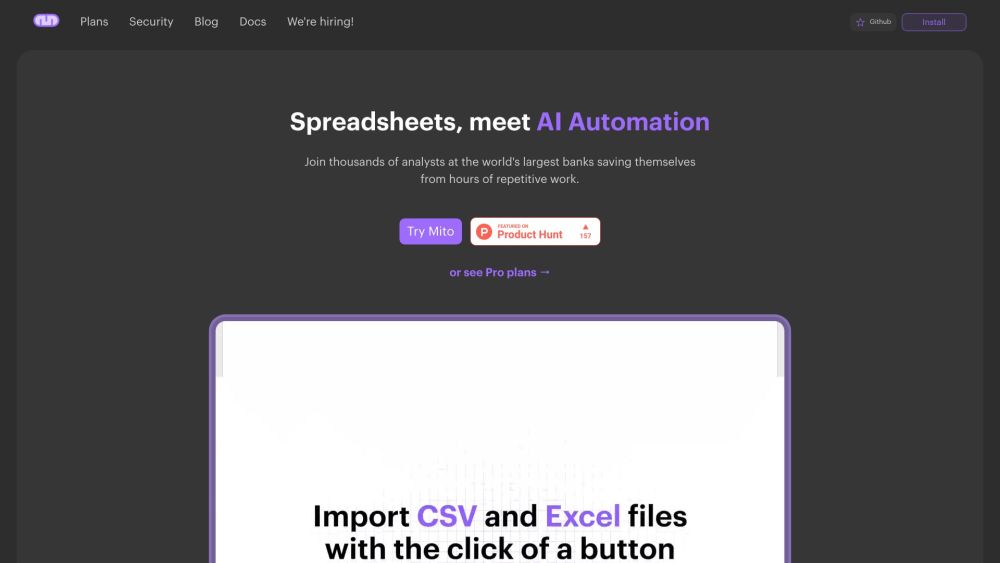
Mito website preview

Mito Website screenshot

Introducing Mito: Revolutionizing Spreadsheet Automation

Mito is a powerful tool designed for Python users, transforming the way you handle spreadsheets by automating tasks and generating Python code seamlessly. With Mito, you can effortlessly edit your data within a spreadsheet and watch as the corresponding Python code is automatically generated in real time.

Getting Started with Mito

Using Mito is straightforward. First, install the Mito extension or component compatible with Jupyter and Streamlit. Once installed, you can start editing your data directly in the Mito spreadsheet, which will then generate Python code for every edit you make. This feature empowers you to automate repetitive tasks while maintaining control through a familiar spreadsheet interface.

Key Features of Mito

Automatic Python code generation from spreadsheet edits

Mito AI assistant that writes code based on simple English instructions

Seamless integration with Jupyter and Streamlit for a smooth setup

Option to upgrade scripts into interactive Streamlit dashboards

Data import and analysis from various sources, including Snowflake

Data quality checks before exporting

Simple spreadsheet interface for data exploration and cleaning

Support for AI-driven automation and enhancement

Ideal for analysts in financial and life sciences sectors

Mito in Action: Real-World Applications

Automate spreadsheet tasks without needing deep Python knowledge

Simplify data cleaning and exploratory data analysis (EDA)

Create dynamic charts and visualizations from spreadsheet data

Leverage spreadsheets for AI data preparation to boost performance

Empower analysts to maintain control over data and automation

Product source: Mito official website. Check the provider for current plans, limits and availability.

FAQ

Mito questions and answers

Product context and practical checks for evaluating Mito.

What is Mito used for?

Mito is a Python spreadsheet automation and code generation tool that allows users to edit data in a spreadsheet and automatically generate Python code.

How do I get started with Mito?

Using Mito is straightforward. First, install the Mito extension or component compatible with Jupyter and Streamlit. Once installed, you can start editing your data directly in the Mito spreadsheet, which will then generate Python code for every edit you make. This feature empowers you to automate repetitive tasks while maintaining control through a familiar spreadsheet interface.

Which capabilities are described for Mito?

Automatic Python code generation from spreadsheet editsMito AI assistant that writes code based on simple English instructionsSeamless integration with Jupyter and Streamlit for a smooth setupOption to upgrade scripts into interactive Streamlit dashboardsData import and analysis from various sources, including SnowflakeData quality checks before exportingSimple spreadsheet interface for data exploration and cleaningSupport for AI-driven automation and enhancementIdeal for analysts in financial and life sciences sectors

What projects can I evaluate Mito for?

Automate spreadsheet tasks without needing deep Python knowledgeSimplify data cleaning and exploratory data analysis (EDA)Create dynamic charts and visualizations from spreadsheet dataLeverage spreadsheets for AI data preparation to boost performanceEmpower analysts to maintain control over data and automation Join the Mito Community Join the Mito Discord: https://discord.gg/XdJSZyejJU. For more Discord updates, click here(/discord/xdjszyejju). Customer Support and Contact Information For customer service, reach out via the Mito support email: [email protected]. For more contact options, visit the contact us page. About Mito Company Name: Saga, Inc. Explore Mito's Pricing Check out Mito’s pricing plans here: https://www.trymito.io/plans Mito on YouTube Watch Mito tutorials and more on YouTube: https://www.youtube.com/channel/UCN9o_0m1fwCjigfIpnKr0oA/videos Follow Mito on Twitter Stay updated by following Mito on Twitter: https://twitter.com/tryMito Mito on GitHub Explore Mito’s repository on GitHub: https://github.com/mito-ds/mito

What should I compare before choosing a Mito plan?

Check out Mito’s pricing plans here: https://www.trymito.io/plans Confirm current prices and allowances on the provider’s website before purchasing.

What inputs should I prepare for a Mito trial?

Compare repository access, context limits, supported languages and tool permissions. Check whether the assistant can read relevant files and run your existing checks.

How can I check the quality of a Mito result?

Review the diff, run tests and inspect error handling and dependency changes. Generated code should meet the same review standard as a human contribution.

Which export options should I check in Mito?

Prefer changes you can inspect and keep in version control. Check whether code, tests and configuration can be exported without depending on a hosted preview.

What is a practical way to test Mito against alternatives?

Choose a small reproducible bug with an existing failing check. Measure whether the tool fixes the cause, preserves behavior and produces a reviewable change.

Where is the official Mito website?

The website linked from this profile is https://trymito.io. Use the provider’s own documentation, account area and support channels to confirm current product details.

Visit Mito