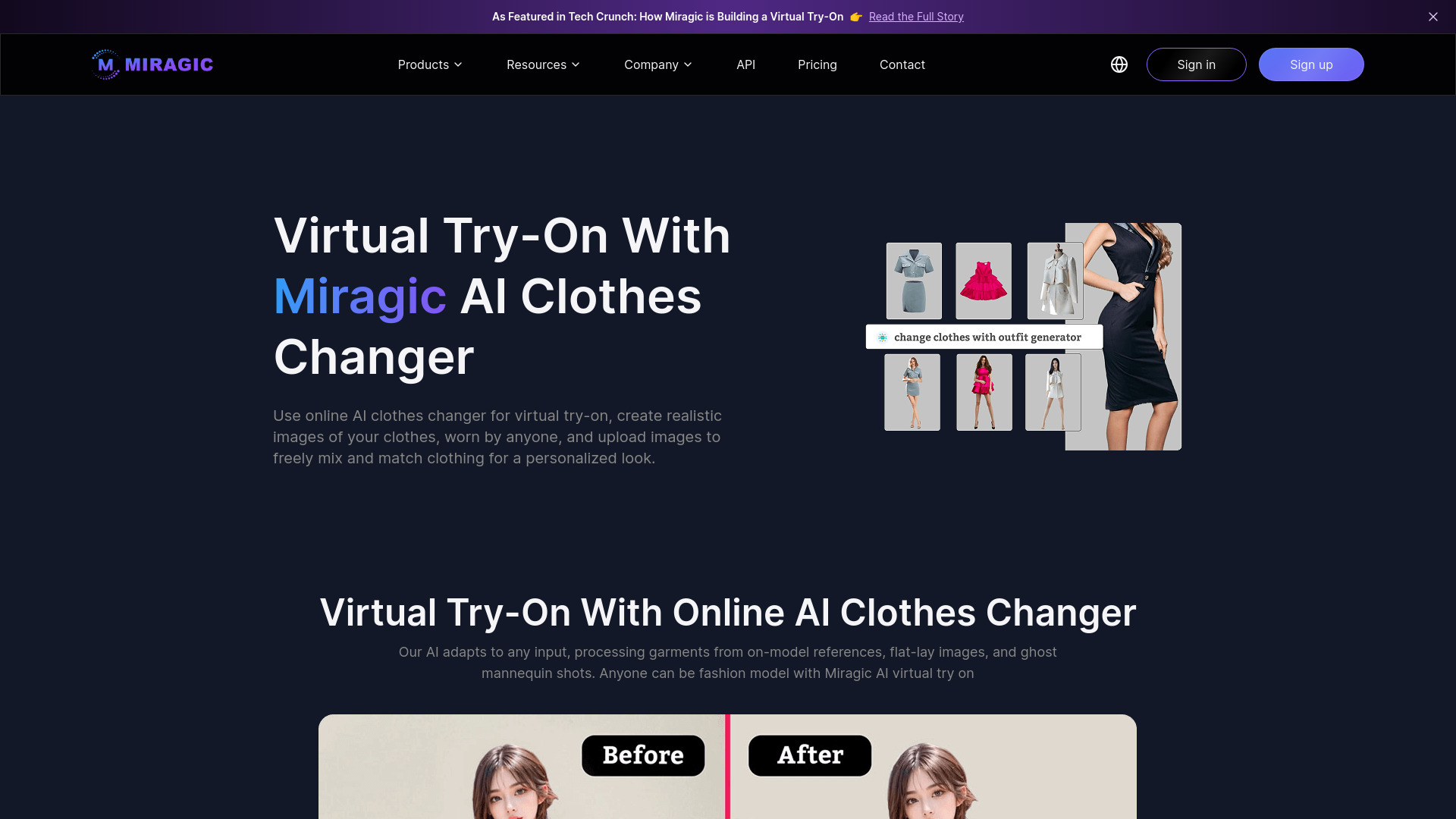
What is Miragic Virtual Try-on?
Miragic Virtual Try-on is an AI-powered fashion visualization platform designed to help users preview clothing and create engaging outfit content digitally. Instead of relying only on product photos or imagining how a garment may look, shoppers can upload a personal image and generate a realistic preview of selected apparel. This makes online fashion discovery more interactive, informative, and personalized.
Beyond virtual fitting, Miragic can support fashion content production by helping brands, creators, and retailers develop model images, outfit concepts, and promotional visuals without arranging a new photoshoot for every variation. Its AI clothes-changing technology connects digital styling with practical content creation, giving users a convenient way to test combinations, present products, and explore new looks. Whether you are comparing an outfit before purchasing or preparing visuals for an online store, Miragic Virtual Try-on offers a flexible solution for modern fashion workflows.
How to Create an AI Outfit Preview with Miragic
Using Miragic Virtual Try-on is designed to be straightforward. Begin by uploading a well-lit photo of yourself or a model. A full-body image with a forward-facing pose and minimal obstruction generally provides the AI with more useful information. Next, upload a clear image of the garment you want to preview. Product photos may be presented as flat-lay images, hanging garments, or other supported apparel formats.
After the images are submitted, the platform analyzes the person, garment shape, colors, and visible design details before generating an AI outfit preview. You can use the result to examine individual items or build a more complete look by combining tops, bottoms, dresses, and other fashion pieces. Trying several combinations makes it easier to compare styling ideas without changing clothes repeatedly or organizing a physical fitting session.
For the best experience, use sharp images with sufficient lighting and make sure the clothing is not folded, heavily cropped, or hidden by other objects. Businesses can also explore API options to connect virtual try-on functionality with an e-commerce website, product catalog, styling application, or other digital fashion service.
Key Features for Virtual Fashion and Content Creation
- AI-Powered Outfit Preview: Generate a visual representation of how apparel may appear on a person, helping shoppers and stylists evaluate colors, silhouettes, and overall outfit balance before making a decision.
- AI Clothes Changer: Replace the clothing shown in an existing image with another garment, making it easier to produce outfit variations, campaign concepts, and product presentation images without repeating the entire photography process.
- Digital Wardrobe Exploration: Mix and match different fashion items to test complete looks, coordinate separates, and discover styling combinations that may not be obvious from individual product images.
- Fashion Content Generation: Create visual assets for product pages, social media posts, advertising concepts, editorial planning, and creator content with a faster, more flexible AI-assisted workflow.
- Virtual Dressing Room Experience: Give online shoppers a more interactive way to engage with apparel, helping them visualize products in a personal context rather than viewing them only on a standard model.
- Additional Creative Tools: Depending on the available platform features, users may also access utilities such as background removal, image enhancement, creative generation tools, and API support for custom applications.
These features can help reduce the time required for outfit planning and fashion image production. They also give retailers and creators more opportunities to test different visual directions, personalize product presentations, and keep their content libraries fresh.
Why Use Miragic for AI Fashion Visualization?
Online shoppers often hesitate when they cannot determine how a garment might look with their body shape, personal style, or existing wardrobe. Miragic Virtual Try-on addresses this challenge by transforming static apparel browsing into a visual experience. An AI-generated preview cannot replace the information provided by physical fitting, but it can offer useful guidance when comparing styles and deciding which items deserve closer consideration.
For fashion businesses, the platform brings together two important functions: virtual product visualization and scalable content development. Retailers can use outfit previews to make product discovery more engaging, while brands and creators can generate concepts for campaigns, catalogs, or social platforms more efficiently. The ability to work from existing images may also reduce the need for repeated sample shoots when a team wants to explore multiple garment combinations.
Miragic is suitable for individual users as well as companies that need a repeatable fashion imaging workflow. Its browser-friendly experience can support everyday styling exploration, while integration capabilities may help developers add AI Virtual Try On features to shopping platforms, mobile experiences, or personalized styling tools.
How Businesses and Creators Can Use Miragic
E-commerce retailers can add virtual outfit previews to product discovery journeys, helping visitors understand how garments may work together. A customer could preview a top with several pairs of trousers, compare different colors, or visualize a complete look before adding items to a cart. This type of interactive experience can encourage longer product exploration and provide shoppers with additional confidence during online purchasing.
Fashion brands and designers can use the AI clothes changer to explore campaign directions, presentation styles, and seasonal outfit combinations. Instead of producing a separate photo for every early concept, teams can use AI-generated previews during planning and reserve professional photography for finalized creative work.
Content creators and influencers can develop outfit variations for videos, posts, mood boards, and styling guides. Miragic makes it easier to experiment with different aesthetics, plan a series of fashion ideas, and produce supporting visuals when time or resources are limited.
App developers and technology teams can investigate API integration for building virtual fitting rooms, personal shopping assistants, wardrobe planners, and other fashion-focused experiences. By connecting AI outfit previews to an existing product database, businesses may create more personalized ways for customers to interact with apparel.
Everyday shoppers can use the platform to compare potential purchases, plan outfits for events, and experiment with styles before visiting a store or placing an order. This makes fashion exploration more convenient and encourages users to make decisions based on a broader view of how items may work together.
Tips for Creating Better AI Fashion Content
The quality of the source images has a direct effect on the usefulness of an AI-generated result. Choose a photo with one clearly visible person, even lighting, and a natural standing position. Avoid images where the body is cut off, heavily angled, covered by accessories, or blended into a busy background. A simple pose allows the system to identify the body outline more effectively.
Garment images should show the item clearly from a useful angle. Remove distractions such as packaging, hangers that cover the design, or other garments placed nearby. Product images with visible sleeves, hems, collars, patterns, and fabric details generally give the system more information for creating a convincing preview.
When creating marketing assets, review every generated image before publishing it. AI visuals are useful for ideation and presentation, but small differences in garment structure, fit, texture, or print placement may occur. Combining AI-assisted content with accurate product descriptions, measurements, and professional photography can provide customers with a more complete understanding of the item.