AI Content Generator

MindPlexa

MindPlexa: AI-powered platform to organize ideas, collaborate seamlessly, and boost productivity. Explore use cases, pricing, reviews, features & alternatives.

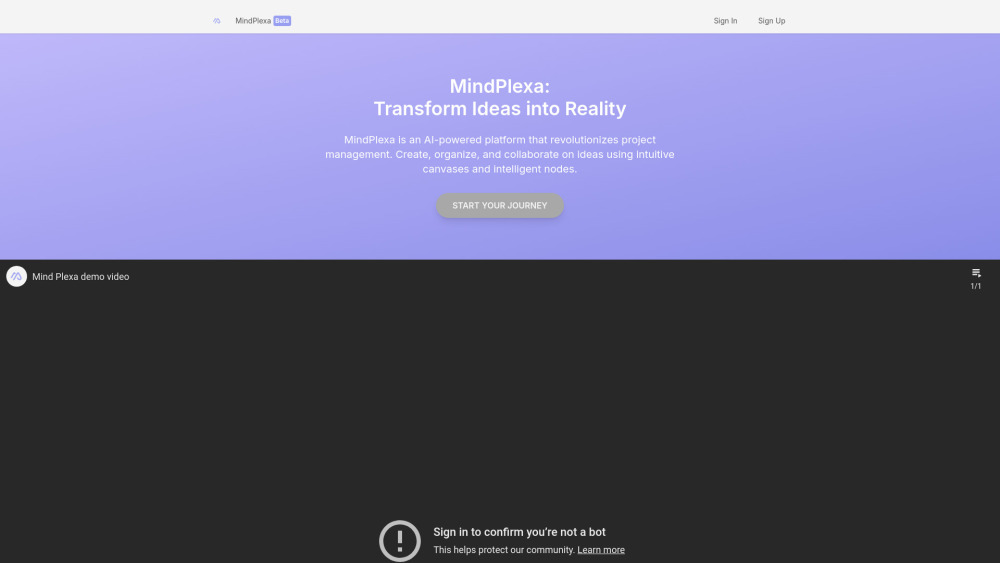
MindPlexa website preview

MindPlexa Website screenshot

What is MindPlexa?

MindPlexa is an intelligent idea organization platform powered by AI, designed to streamline creativity and teamwork through visual thinking. It enables users to map out thoughts, manage projects, and collaborate seamlessly using adaptive nodes on flexible digital canvases.

How to Use MindPlexa?

Getting started with MindPlexa is simple—create an account, log in, and begin building your workflow on a dynamic canvas. Add smart nodes to capture ideas, link concepts, assign tasks, and leverage AI suggestions for optimal project structuring.

MindPlexa's Core Features

Dynamic Canvases for Visual Thinking

Create expansive workspaces that grow with your ideas, supporting free-form layout design and intuitive navigation.

Smart Node System

Each node adapts to your content—whether it’s text, checklists, timelines, or sketches—enabling rich, interactive idea mapping.

AI-Driven Project Optimization

Leverage artificial intelligence to auto-organize layouts, suggest connections, and enhance productivity based on usage patterns.

MindPlexa's Use Cases

Idea Capture & Knowledge Management

Effortlessly jot down insights and structure complex information for personal or team reference.

Team Collaboration & Task Coordination

Invite teammates to co-edit canvases in real time, delegate responsibilities, and track progress visually.

Creative Brainstorming Sessions

Foster innovation with interactive tools ideal for workshops, strategy meetings, and product planning.

Product source: MindPlexa official website. Check the provider for current plans, limits and availability.

FAQ

MindPlexa questions and answers

Product context and practical checks for evaluating MindPlexa.

What is MindPlexa used for?

MindPlexa: AI-powered platform to organize ideas, collaborate seamlessly, and boost productivity. Explore use cases, pricing, reviews, features & alternatives.

How do I get started with MindPlexa?

Getting started with MindPlexa is simple—create an account, log in, and begin building your workflow on a dynamic canvas. Add smart nodes to capture ideas, link concepts, assign tasks, and leverage AI suggestions for optimal project structuring.

Which capabilities are described for MindPlexa?

Dynamic Canvases for Visual ThinkingCreate expansive workspaces that grow with your ideas, supporting free-form layout design and intuitive navigation.Smart Node SystemEach node adapts to your content—whether it’s text, checklists, timelines, or sketches—enabling rich, interactive idea mapping.AI-Driven Project OptimizationLeverage artificial intelligence to auto-organize layouts, suggest connections, and enhance productivity based on usage patterns.

What projects can I evaluate MindPlexa for?

Idea Capture & Knowledge ManagementEffortlessly jot down insights and structure complex information for personal or team reference.Team Collaboration & Task CoordinationInvite teammates to co-edit canvases in real time, delegate responsibilities, and track progress visually.Creative Brainstorming SessionsFoster innovation with interactive tools ideal for workshops, strategy meetings, and product planning.

What should I compare before choosing a MindPlexa plan?

Check MindPlexa’s current pricing page for included usage, renewal terms and any credit charges. Compare the cost of a usable result, including retries, rather than assuming that account registration includes free usage.

What inputs should I prepare for a MindPlexa trial?

Identify the files, text or account connections your task needs. Confirm that the product accepts those inputs and offers controls for reviewing its work.

How can I check the quality of a MindPlexa result?

Test one representative task and inspect the result for accuracy and completeness. Record where manual corrections or extra tools are needed.

Which export options should I check in MindPlexa?

Check export formats, integrations and whether you can keep using your work outside the service. Test a real export before committing to a longer plan.

What is a practical way to test MindPlexa against alternatives?

Choose one task with a clear success condition. Keep the input consistent, record the time spent reviewing and compare the complete workflow cost.

Where is the official MindPlexa website?

The website linked from this profile is https://www.mindplexa.com. Use the provider’s own documentation, account area and support channels to confirm current product details.

Visit MindPlexa