Table of contents
Metering.ai : Simplify Stripe Billing for SaaS with No-Code Tool
Metering.ai: Simplify SaaS Stripe Billing with our no-code tool. Easily connect usage data, automate billing, and streamline your processes.
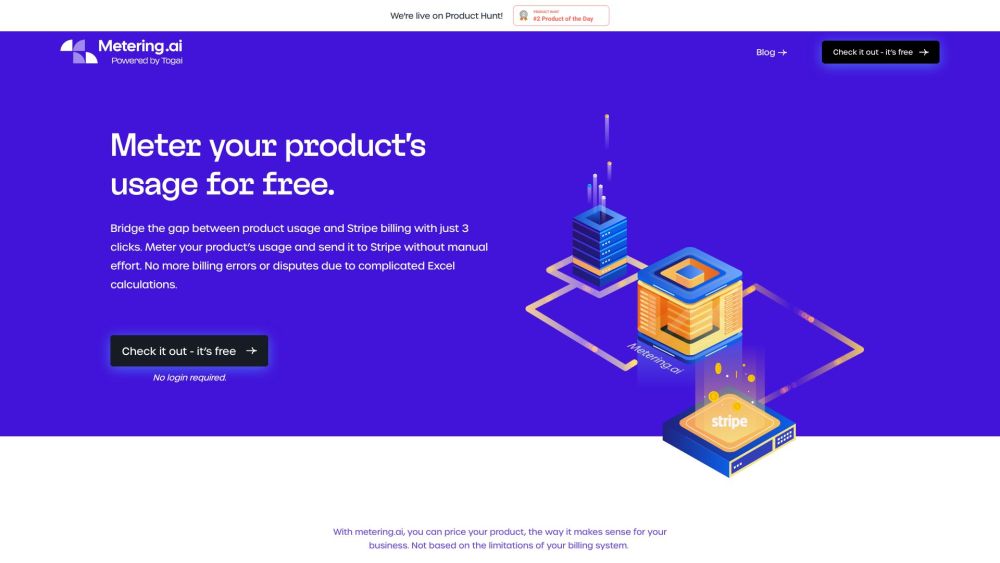
What is Metering.ai?
Metering.ai is a no-code tool designed to simplify the process of Stripe metered billing for SaaS companies. By seamlessly connecting your usage data to Stripe, it automates the entire billing workflow, saving time and minimizing errors.
How to Use Metering.ai?
Using Metering.ai is straightforward. Here's how:
- Register for a Togai account.
- Upload your product's usage data in a CSV file.
- Link your Stripe account.
- Create billing formulas based on your pricing strategy.
- Sync the data with Stripe.
Core Features of Metering.ai
Automated Data Aggregation
Seamless Stripe Integration
No Coding Needed
Supports Multiple Pricing Models
Accurate, Error-Free Billing
Scalable for Business Growth
Use Cases for Metering.ai
B2B SaaS Companies with Usage-Based Pricing
API-First Companies
Fintech Payment Solutions
Marketing Automation and Customer Data Platforms
Cloud Infrastructure Providers
-
Metering.ai Support Email & Customer Service Contact
For customer service, contact Metering.ai at: [email protected]
-
Company Information
Company Name: Metering.ai
-
Login to Metering.ai
Login Link: https://app.metering.ai/
-
Sign Up for Metering.ai
Sign Up Link: https://app.metering.ai/
Frequently Asked Questions about Metering.ai
What is Metering.ai?
Metering.ai is a no-code tool designed to simplify Stripe metered billing for SaaS companies by automating the billing process using your usage data.
How to Use Metering.ai?
To use Metering.ai, sign up for a Togai account, upload your usage data in CSV format, connect your Stripe account, create billing formulas, and sync with Stripe. The tool will handle the rest, automating your billing process.
How Secure is My Data?
Metering.ai ensures full security by not storing any of your data.
Can I Use Metrics from Other Platforms?
Yes, you can export your usage metrics from platforms like Amplitude, Mixpanel, or Segment and upload them to Metering.ai in CSV format.
Why Does Metering.ai Need My Stripe API?
Metering.ai requires access to your Stripe account to retrieve product and pricing information and to sync it with your usage data for precise billing.
What Formulas are Supported?
Metering.ai supports a wide range of Excel formulas, including those for array manipulation, date and time calculations, and financial computations. Refer to the documentation for a full list.
Who is Metering.ai For?
Metering.ai is ideal for B2B SaaS companies facing difficulties in converting usage data into invoices on billing platforms such as Stripe, Zuora, Chargebee, or Recurly.
Is Metering.ai Scalable?
Yes, Metering.ai is designed to scale with your business, handling increasing billing demands as you grow.