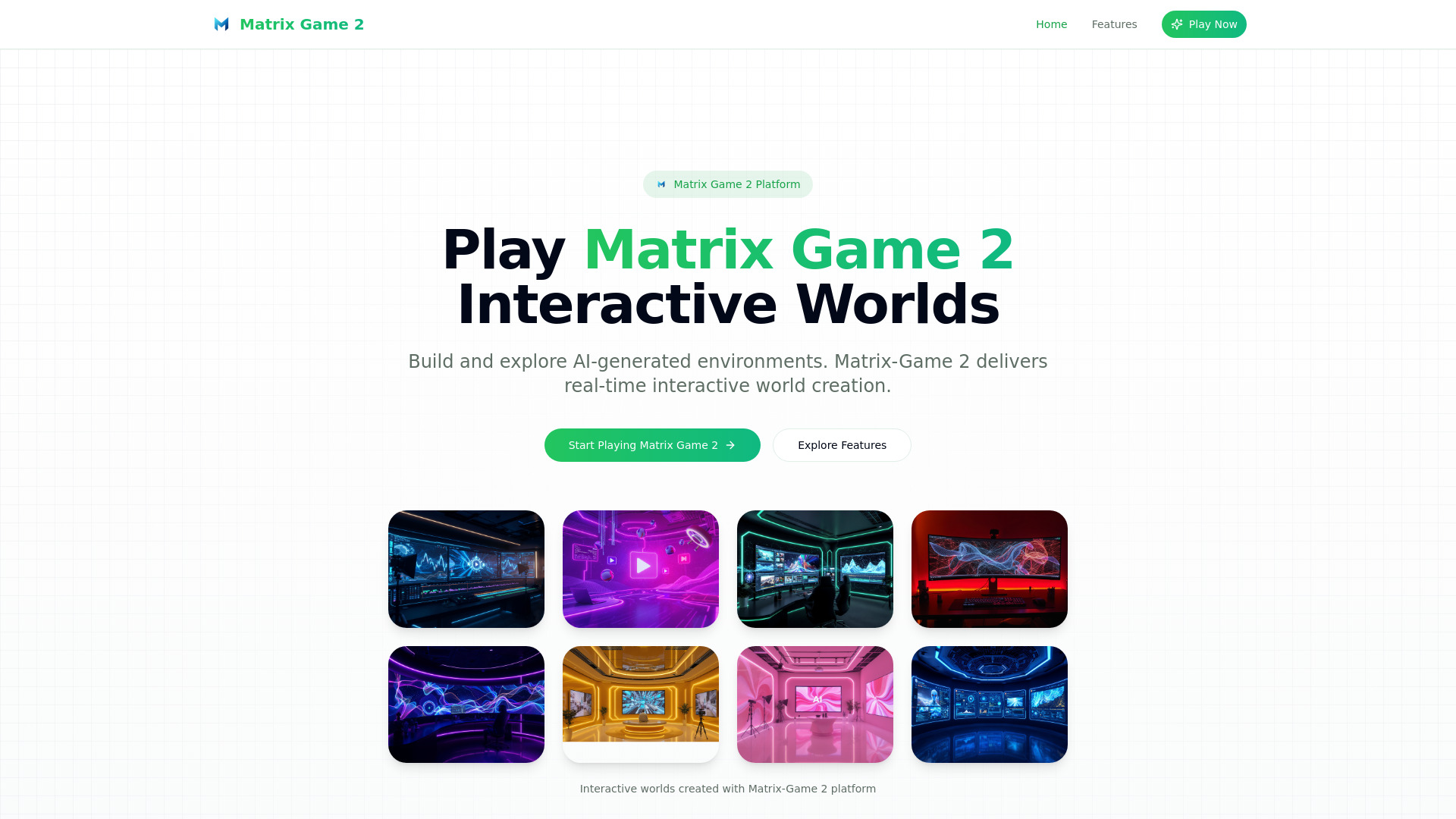
What is Matrix Game 2?
Matrix Game 2 is an AI-driven creative platform designed to turn written ideas into interactive digital worlds and polished video content. With Matrix Game 2 AI, users can describe a setting, story, character, or visual concept and quickly transform that idea into an explorable environment or a finished video. The platform brings together real-time world creation, text-to-video production, dynamic audio, and natural lip-sync technology in one accessible online experience. Whether you want to experiment with an AI adventure, develop educational content, or produce engaging promotional videos, Matrix Game 2 makes advanced creation tools available directly from your browser.
How to Use Matrix Game 2
Matrix Game 2 is built around simple text instructions, so you can begin creating without learning complicated software. Open the platform, describe what you want to make, and let the AI interpret your prompt. When generating an interactive world, you might request a futuristic city, an enchanted forest, or a historical environment. The system can build the setting and adjust details as you move through the experience. Your prompts can guide the atmosphere, characters, locations, and events that appear within the world.
The video workflow follows the same straightforward approach. Enter a description of the scene, message, or story you want to present, then allow Matrix Game 2 to assemble the visual sequence. Depending on the concept, the output can include narration, background sound, character dialogue, and synchronized mouth movements. You can refine the prompt to change the tone, pacing, setting, or presentation style. Since the tool runs online, creators can move from an initial idea to a usable draft without installing large applications or managing a complex production setup.
Key Features of Matrix Game 2
- Interactive AI World Building: Create responsive environments from natural-language descriptions. Matrix Game 2 can generate landscapes, buildings, characters, scenarios, and story elements that make digital spaces feel more active and immersive.
- Prompt-Based Video Generation: Turn a written concept into video content with visuals organized around your instructions. This feature can support short advertisements, explainers, narrative clips, presentations, and creative experiments.
- Dynamic Audio Support: Add atmosphere and movement to generated videos with sound effects, music, and spoken content. Audio helps make each scene more expressive and can improve the impact of marketing, entertainment, and educational material.
- AI Lip-Sync Technology: Produce dialogue scenes with facial and mouth movements that correspond more naturally to the selected voice or script. This is useful for presenters, fictional characters, promotional spokespeople, and storytelling projects.
- Browser-Based Access: Start working through a compatible web browser without a lengthy installation process. The online format makes it easier to test ideas from different devices and return to projects when inspiration strikes.
- Flexible Creative Workflows: Use the platform for individual experiments, classroom activities, social media clips, brand communication, or larger concept development. Its combination of world creation and video production supports many types of visual storytelling.
These features allow users to shorten the distance between an idea and a presentable result. A small team can visualize a campaign before production begins, an educator can illustrate an abstract subject through an interactive scene, and an independent creator can test several video concepts without assembling a full studio workflow.
Why Choose Matrix Game 2?
Matrix Game 2 brings two related forms of AI creation into one environment. A creator may begin by exploring a generated world, then use that setting as inspiration for a narrated video or promotional sequence. This connection makes the platform useful for people who need both exploration and presentation. Instead of treating interactive environments and video content as completely separate projects, Matrix Game 2 allows users to develop ideas across both formats.
The platform is also suited to users with different levels of technical experience. Beginners can start with a short description and gradually improve their instructions as they learn how the system responds. More experienced creators can use detailed prompts to define visual direction, character behavior, dialogue, sound, and pacing. This gives users room to experiment while keeping the starting process approachable.
Fast browser access can also make AI content development more practical. Teams can use early drafts to discuss a campaign, test a story idea, explain a proposed experience, or present a visual direction to clients. Students and independent creators can explore concepts that might otherwise require costly software, specialized production skills, or a large amount of time. Matrix Game 2 offers a convenient way to investigate creative possibilities before committing to a final production.
Use Cases and Applications
Matrix Game 2 can support a wide range of creative and professional projects. Teachers may create interactive environments that help students understand geography, history, science, or literature through direct exploration. A lesson about ancient civilizations, for example, could be presented through a generated setting that gives students a more visual way to examine places, objects, and events. Interactive simulations can also help explain processes that are difficult to communicate through static images alone.
Marketing and communications teams can use the video tools to draft product introductions, social media content, brand stories, internal announcements, and short promotional campaigns. Dynamic audio and AI lip-sync can make character-led or presenter-led videos more engaging, especially when a message needs to feel conversational. Teams can create several variations of a concept and compare different tones, scripts, or visual styles before selecting a direction.
Artists, writers, game designers, and filmmakers can use the world-generation features as creative laboratories. A generated environment may help establish the mood for a story, provide a setting for a music video, or inspire a new character concept. Researchers and organizations can also explore simulations and visual demonstrations for presentations, training materials, and public communication. From imaginative storytelling to practical business content, Matrix Game 2 provides a flexible starting point for visual ideas.
Tips for Getting Better Results with Matrix Game 2
Clear prompts usually produce more focused results. Include useful details such as the location, time period, mood, visual style, intended audience, and important subjects. For a video, describe the approximate action, narration, dialogue, sound direction, and desired length when those details matter. For an interactive world, explain how the environment should respond and what the user should be able to discover.
It can also help to develop a project in stages. Begin with the main concept, review the initial result, and then add specific instructions to improve the setting or sequence. Small adjustments to lighting, pacing, character behavior, or audio can change the overall feel of the output. Testing several prompts gives you a better understanding of which details have the strongest effect on the final result.