What Is Math AI?
Math AI is an AI-powered math solver designed to help users work through equations, understand mathematical concepts, and tackle homework with greater confidence. Instead of presenting only a final answer, it provides step-by-step explanations that make the solving process easier to follow. Students can use it to review everyday arithmetic, explore algebra, or get guidance with more demanding topics such as calculus and statistics.
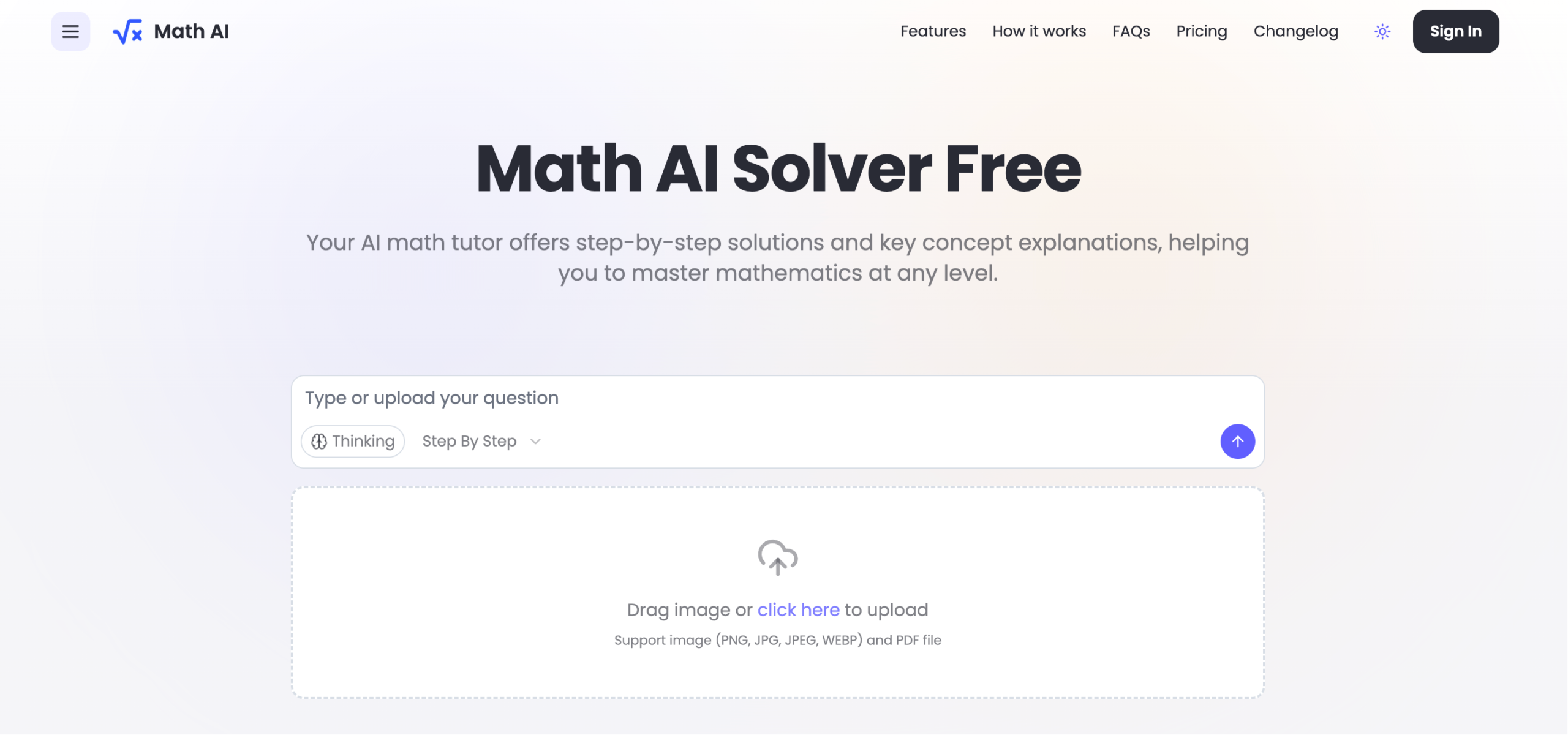
Featured on aitop-tools.com, Math AI brings several input methods into one learning-focused interface. Users can type a problem, upload a screenshot, or submit a photo of a printed or handwritten question. The goal is to connect a mathematical question with an understandable explanation. For anyone searching for a free AI math solver and step-by-step homework help, Math AI is an option to explore, although free access and paid features should be confirmed on its current pricing page.
How to Use Math AI
Start by entering the problem you want to solve. You can type an equation directly or upload a clear image of the question. When photographing handwritten work, make sure symbols, fractions, exponents, and diagrams are easy to read. Good lighting and a closely cropped image can help reduce recognition errors and give the solver a clearer starting point.
Before reviewing the solution, check that Math AI has interpreted your question correctly. A missing negative sign, an unclear exponent, or a misplaced bracket can change the result. Once the expression matches your original problem, follow the explanation one step at a time. Pay attention to the rules and operations used rather than skipping straight to the answer.
For a more productive study session, attempt the question yourself first, then compare your approach with the generated solution. If a step is unclear, ask for a simpler explanation or another approach where supported. When learning recommendations or practice features are available, use them to revisit topics that need more attention.
Key Features of Math AI
- AI-Powered Math Solver: Submit mathematical questions and receive guided assistance with the solving process. Math AI can help identify relevant operations and organize a problem into more manageable steps, making it useful for both quick checks and focused study.
- Photo and Image Input: Bring problems from worksheets, textbooks, or handwritten notes into the interface without retyping every symbol. Image-based input is especially convenient for longer expressions, although users should always confirm that the question has been recognized correctly.
- Step-by-Step Explanations: Explore how an answer is reached through a sequence of mathematical operations. Detailed working can help users understand equation rearrangement, formula selection, simplification, and other techniques they can apply to similar questions.
- AI Homework Help: Get support when an assignment introduces an unfamiliar method or a difficult concept. Use the explanations to find mistakes, review classroom material, and develop an independent solution rather than treating the tool as a shortcut to submitted answers.
- Calculator Support Across Topics: Work on calculations ranging from arithmetic and algebra to calculus and statistics. Available functions and the depth of explanations may vary by problem type and access level, so check whether the tool supports your specific task.
- Learning and Review Assistance: Turn solved examples into opportunities for further practice. Where personalized recommendations are offered, they can help guide revision; otherwise, users can build their own review list from the questions they find most challenging.
Together, these capabilities make Math AI useful as both a calculation aid and a study companion. Its educational value comes from examining the reasoning, checking the result, and practicing the method independently.
Why Choose Math AI?
A conventional calculator can return a number without explaining why it is correct. Math AI adds a guided layer to that experience by showing the intermediate work behind a solution. This approach can be helpful when students understand a topic in class but struggle to apply it to a new question on their own.
Flexible input is another practical advantage. Typing a short equation may be convenient, while photographing a longer problem can save time. Bringing these options together allows users to choose the method that fits their study routine. The combination of problem input and explanatory output makes the tool worth considering for homework review, revision sessions, and checking calculations.
If you are comparing Math AI with Mathway, Photomath, or other AI math solvers, focus on your actual needs. Test how clearly each tool explains your subject, whether image recognition works well with your notes, and which features are included for free. No solver should be assumed to be universally more accurate than another without reliable comparative testing.
Use Cases and Applications
Students can use Math AI to revisit a difficult lesson, check an attempted answer, or prepare for a test using worked examples. For instance, a learner practicing quadratic equations can compare the generated steps with their own calculations and identify where a sign error occurred. Calculus students can examine how a differentiation or integration rule is applied before attempting a related exercise without assistance.
Teachers and tutors can use AI-generated solutions as material to review, adapt, or discuss. A worked example may help illustrate a method, while an incorrect or incomplete explanation can become an opportunity to teach verification skills. Any output intended for classroom use should be checked for mathematical accuracy and alignment with the course curriculum.
Professionals may also find the tool useful for preliminary calculations, refreshing a formula, or checking intermediate steps in technical work. However, engineering, finance, research, and other high-stakes applications require independent verification. Math AI is best treated as a supporting resource, not a substitute for validated software, subject expertise, or professional judgment.