AI tool profile

Make-Print

Streamline 3D workflow

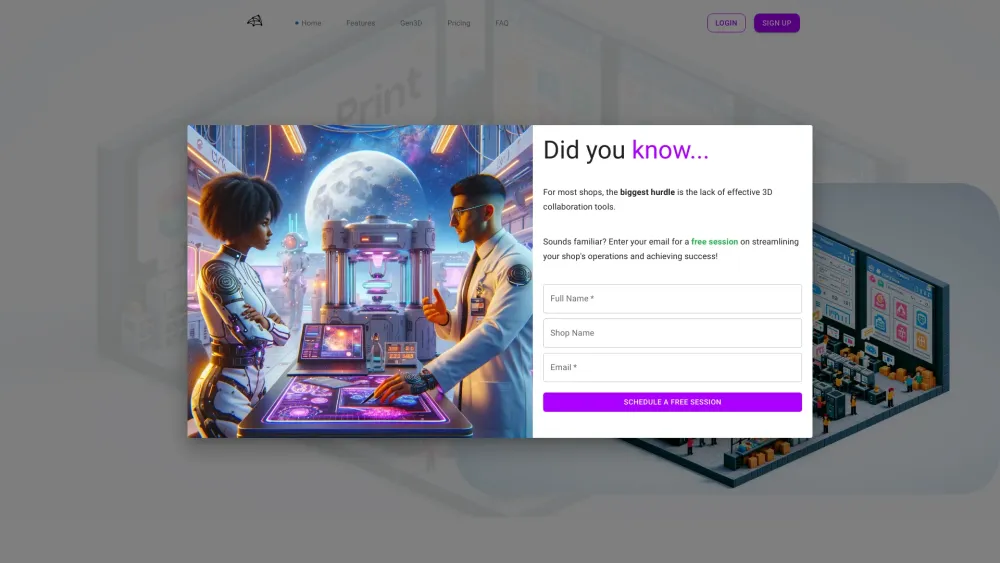
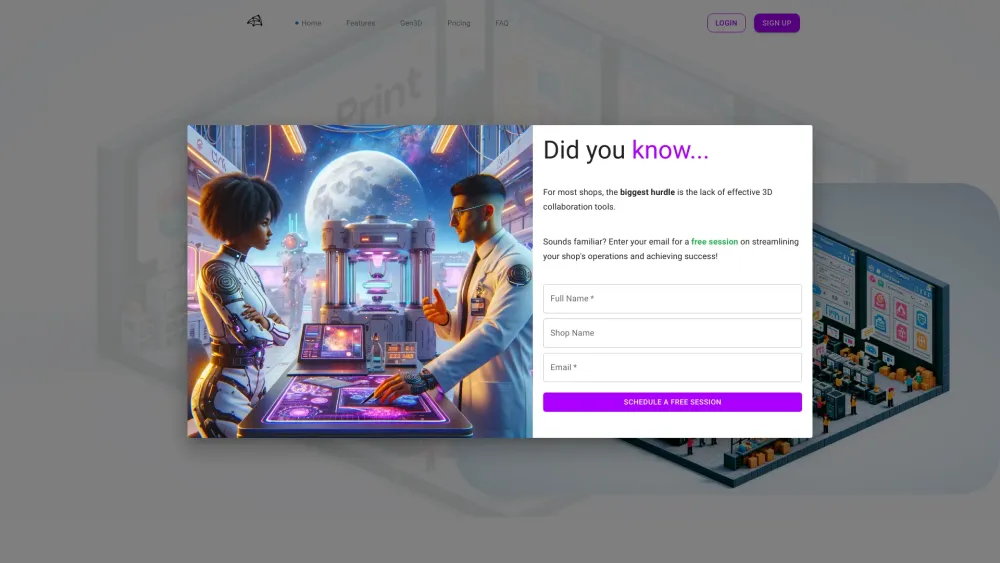
Make-Print website preview

Make-Print Website screenshot

What is Make-Print?

Make-Print helps prototyping and product development companies using additive manufacturing by providing a 3D management software platform to enhance workflows, customer experience, and profitability.

How to use Make-Print?

Sign in, create projects, upload/view models, manage team and machines, access specialized tools like 3D viewer and AI chat.

Make-Print's Core Features

Project Management

AI Assistance

3D File Inspection

Inventory Management

Auto Quoting Services

Make-Print's Use Cases

Track all tasks and projects

Inspect parts from browser

Stay connected with team and clients

Product source: Make-Print official website. Check the provider for current plans, limits and availability.

FAQ

Make-Print questions and answers

Product context and practical checks for evaluating Make-Print.

What is Make-Print used for?

Streamline 3D workflow

How do I get started with Make-Print?

Sign in, create projects, upload/view models, manage team and machines, access specialized tools like 3D viewer and AI chat.

Which capabilities are described for Make-Print?

Project ManagementAI Assistance3D File InspectionInventory ManagementAuto Quoting Services

What projects can I evaluate Make-Print for?

Track all tasks and projectsInspect parts from browserStay connected with team and clients Make-Print Discord Here is the Make-Print Discord: https://discord.gg/frr8qHsu6M. For more Discord message, please click here(/discord/frr8qhsu6m). Make-Print Support Email & Customer service contact & Refund contact etc. Here is the Make-Print support email for customer service: [email protected] . Make-Print Company Make-Print Company name: Make-Print . Make-Print Login Make-Print Login Link: https://make-print.com/signin Make-Print Sign up Make-Print Sign up Link: https://make-print.com/signup Make-Print Pricing Make-Print Pricing Link: https://make-print.com/#pricing Make-Print Youtube Make-Print Youtube Link: https://www.youtube.com/@make-printMake-Print Tiktok Make-Print Tiktok Link: https://www.tiktok.com/@make_print?_t=8jVE7iwSvU6&_r=1Make-Print Linkedin Make-Print Linkedin Link: https://www.linkedin.com/company/make-print/Make-Print Twitter Make-Print Twitter Link: https://twitter.com/make_print95727Make-Print Instagram Make-Print Instagram Link: https://www.instagram.com/make.prints/

What should I compare before choosing a Make-Print plan?

Make-Print Pricing Link: https://make-print.com/#pricing Confirm current prices and allowances on the provider’s website before purchasing.

What inputs should I prepare for a Make-Print trial?

Look for text prompts, image references, masks or sketches as appropriate. Compare composition control, supported upload types and the ability to revise a selected area.

How can I check the quality of a Make-Print result?

Inspect text, hands, edges, reflections and repeated objects at full size. Check that important product or brand details survive editing.

Which export options should I check in Make-Print?

Compare pixel dimensions, transparency, file formats and any enlargement options. Confirm that the downloaded result works in your design or publishing software.

What is a practical way to test Make-Print against alternatives?

Prepare a brief with a subject, composition, lighting and required output size. Test a first generation and a targeted revision to see how much control you retain.

Where is the official Make-Print website?

The website linked from this profile is https://make-print.com. Use the provider’s own documentation, account area and support channels to confirm current product details.

Visit Make-Print