AI Content Generator

Make Content

Make Content is a online content creation platform that uses artificial intelligence (AI) to create unique and high-quality content automatically. With Make Content, you no longer need to worry about writer's block or spending countless hours creating content. Our AI-powered content creation tools can generate text, images, videos, and other multimedia content in minutes.

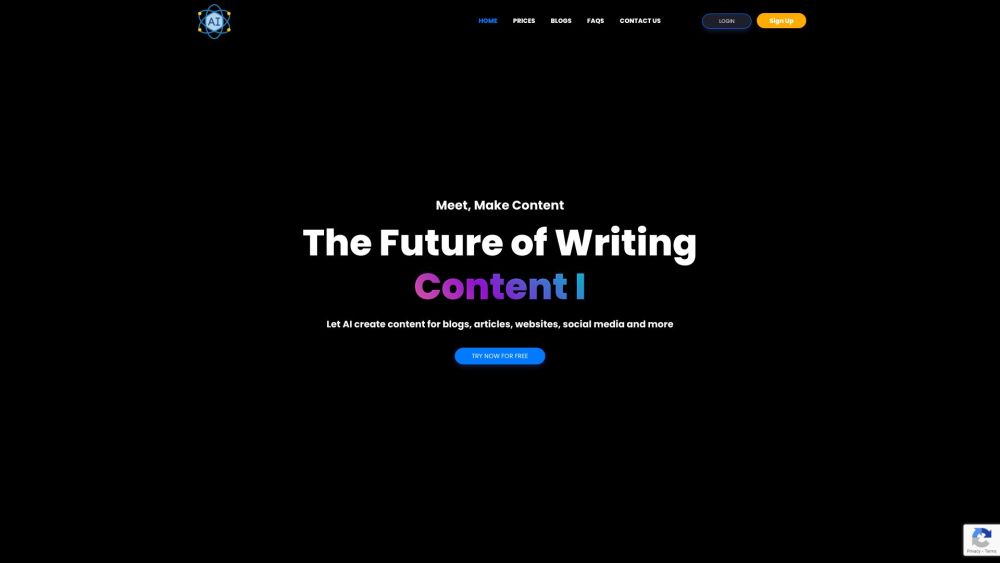
Make Content website preview

Make Content Website screenshot

What is Make Content?

Make Content is an innovative online platform designed to revolutionize the way you create content. Leveraging advanced artificial intelligence (AI), Make Content enables users to generate unique and high-quality content effortlessly. Say goodbye to writer's block and tedious hours spent crafting content. Our AI-driven tools swiftly produce text, images, videos, and more in just a few minutes.

How to use Make Content?

Using Make Content is straightforward and efficient. Begin by registering for an account on our website. Once registered, you can explore a variety of AI-based content creation tools, such as an article generator, blog writer, social media post creator, video description writer, and more. Input your desired keywords or a brief description, select a suitable template, and let our AI handle the rest. You can further refine the generated content using our comprehensive editing tools. Finally, export your content in different formats and share it on your website or social media platforms to captivate your audience.

Make Content's Core Features

AI-based content creation tools

Supports over 25 languages

Two-factor authentication for account security

Robust editing tools

Export content in PDF and Word formats

Generate AI images from text prompts

State-of-the-art AI technology

Make Content's Use Cases

Craft compelling blog articles

Create engaging social media posts

Generate persuasive ad headlines

Write detailed product descriptions

Draft comprehensive press releases

Come up with catchy names for startups

Develop new business ideas based on keywords

Rewrite existing content with specific keywords

Create legal documents like privacy policies and terms & conditions

Produce creative academic essays

Write SEO-optimized meta descriptions

Enhance credibility with user testimonials

Generate newsletters based on provided information

Product source: Make Content official website. Check the provider for current plans, limits and availability.

FAQ

Make Content questions and answers

Product context and practical checks for evaluating Make Content.

What is Make Content used for?

Make Content is a online content creation platform that uses artificial intelligence (AI) to create unique and high-quality content automatically. With Make Content, you no longer need to worry about writer's block or spending countless hours creating content. Our AI-powered content creation tools can generate text, images, videos, and other multimedia content in minutes.

How do I get started with Make Content?

Using Make Content is straightforward and efficient. Begin by registering for an account on our website. Once registered, you can explore a variety of AI-based content creation tools, such as an article generator, blog writer, social media post creator, video description writer, and more. Input your desired keywords or a brief description, select a suitable template, and let our AI handle the rest. You can further refine the generated content using our comprehensive editing tools. Finally, export your content in different formats and share it on your website or social media platforms to captivate your audience.

Which capabilities are described for Make Content?

AI-based content creation toolsSupports over 25 languagesTwo-factor authentication for account securityRobust editing toolsExport content in PDF and Word formatsGenerate AI images from text promptsState-of-the-art AI technology

What projects can I evaluate Make Content for?

Craft compelling blog articlesCreate engaging social media postsGenerate persuasive ad headlinesWrite detailed product descriptionsDraft comprehensive press releasesCome up with catchy names for startupsDevelop new business ideas based on keywordsRewrite existing content with specific keywordsCreate legal documents like privacy policies and terms & conditionsProduce creative academic essaysWrite SEO-optimized meta descriptionsEnhance credibility with user testimonialsGenerate newsletters based on provided information Make Content Support Email & Customer Service Contact For more contact information, visit the contact us page. Make Content Company Company name: Make Content For more about Make Content, visit the about us page. Make Content Login Login here: Make Content Login Make Content Sign Up Sign up here: Make Content Sign Up Make Content Pricing Check pricing here: Make Content Pricing Make Content on Social Media Follow us on Facebook: Make Content Facebook Subscribe on YouTube: Make Content YouTube Connect on LinkedIn: Make Content LinkedIn Follow us on Twitter: Make Content Twitter Follow us on Instagram: Make Content Instagram

What should I compare before choosing a Make Content plan?

Check pricing here: Make Content Pricing Confirm current prices and allowances on the provider’s website before purchasing.

What inputs should I prepare for a Make Content trial?

Compare text prompts, reference frames, source footage and audio support. Check duration, aspect ratio and whether the tool lets you keep a subject consistent between shots.

How can I check the quality of a Make Content result?

Watch the entire clip for motion errors, distorted objects, changing identities, lip-sync problems and abrupt transitions. Inspect the downloaded file as well as the preview.

Which export options should I check in Make Content?

Check export resolution, frame rate, aspect ratio, audio tracks and watermark rules. A good preview is not a substitute for an export that fits your publishing channel.

What is a practical way to test Make Content against alternatives?

Use a short shot with one subject and one camera movement. Keep the prompt and duration constant, then compare usable seconds and the number of regenerations.

Where is the official Make Content website?

The website linked from this profile is https://makecontent.net. Use the provider’s own documentation, account area and support channels to confirm current product details.

Visit Make Content