Title: Magika : AI Tools for Efficient, Quality Content Creation
Artificial Intelligence (AI) has revolutionized content creation, making it more efficient and of higher quality than ever before. Magika is at the forefront of this revolution, offering a suite of AI tools designed to streamline the content creation process.
Magika's core features include Copywriting AI, AI Image, Ichat PDF, AI Vision, AI ReWriter, Chat Image, AI Chat, AI Code, and AI YouTube. These tools work together seamlessly to empower users to generate authentic and human-like content in a fraction of the time it would take using traditional methods.
How to use Magika? It's as simple as 1, 2, 3. Users can choose a template and enter keywords, enhance the text, and voila, generate unique human-like content ready for publishing.
The use cases for Magika are diverse and impactful. From generating authentic reviews and creating high-converting ad copy to crafting unique blog articles and product descriptions, Magika is a versatile tool that can enhance content creation across various platforms and industries.
Magika's benefits extend beyond time savings. It also offers advanced monitoring, payment gateways, multilingual support, custom templates, and a support platform for managing customer requests. These features make it a comprehensive solution for companies seeking to streamline their content creation processes and enhance their online presence.
In conclusion, Magika is a game-changer in the world of content creation. Its AI-driven tools offer a powerful solution for businesses and creators looking to produce high-quality and engaging content efficiently. With Magika, the future of content creation is here.
For more information and to experience the power of Magika, visit the Magika Company website and explore the possibilities for efficient, quality content creation.
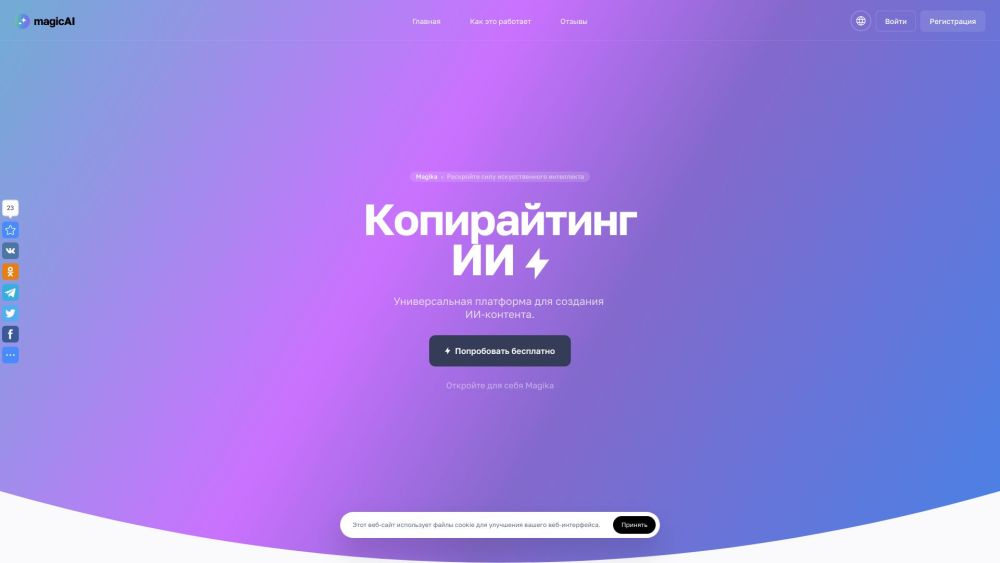
[Magika Website screenshot]
Magika Company
Magika Company name: Магика
Magika Login
Magika Login Link: https://magika.space/login
Magika Sign up
Magika Sign up Link: https://magika.space/register
FAQ from Magika
What is Magika?
Artificial Intelligence Tools for Content Creation
How to use Magika?
1. Choose a template and enter keywords
2. Enhance the text
3. Generate unique human-like content
How does Magika work?
Magika uses artificial intelligence algorithms to generate unique and human-like content based on templates and keywords provided by the user.
What are the benefits of using Magika?
Using Magika can save time and resources by automating the content creation process. It also offers features like advanced monitoring, payment gateways, multilingual support, custom templates, and a support platform for managing customer requests.
Product source: Magika official website. Check the provider for current plans, limits and availability.