Text to Image

LogoAI.ai

Create stunning, high-quality logos for free with LogoAI.ai. Our advanced AI turns your text into professional designs instantly. No design skills needed!

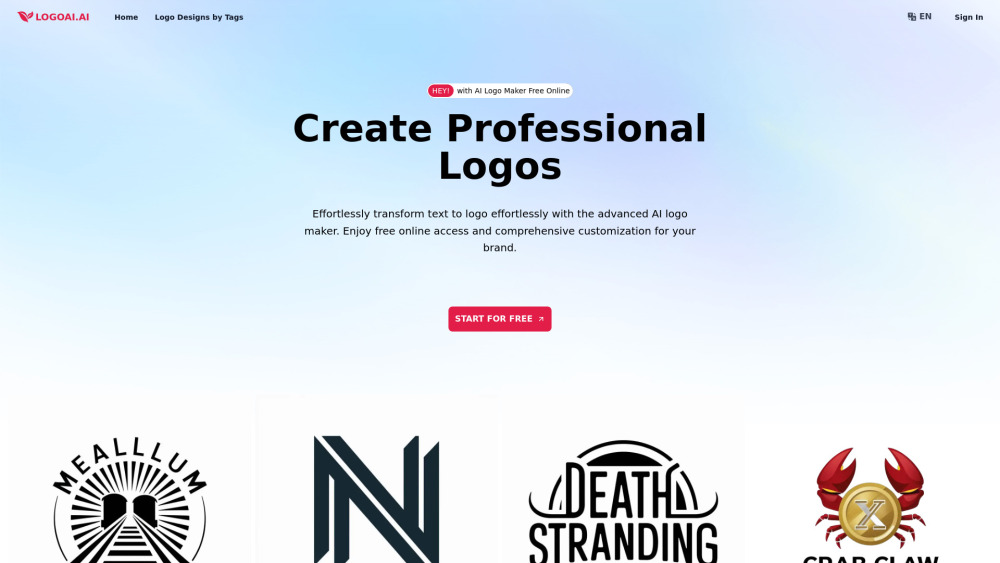
LogoAI.ai website preview

LogoAI.ai: AI Logo Maker Free Online Website screenshot

What is LogoAI.ai: Free AI Logo Maker?

🚀 Discover LogoAI.ai, the ultimate free AI logo maker designed to transform simple text into high-quality logos. Our innovative AI technology allows you to generate professional logos directly in your browser without the hassle of downloads or sign-ups.

🔍Key highlights of LogoAI.ai:

  • Daily Free Usage: Access advanced AI-powered logo creation every day at no cost.
  • Extensive Customization: Tailor every detail of your logo, including colors, fonts, icons, and layout, to reflect your brand.
  • High-Resolution Downloads: Get watermark-free, ready-to-use logos instantly.
  • Fast and Easy: Create stunning logos within minutes, helping you focus more on your business.
  • Multilingual Capabilities: Design logos in multiple languages, perfect for businesses targeting diverse markets.

🎨 Try LogoAI.ai today and see how our AI-driven system can effortlessly turn your text into a unique and professional logo, building your brand identity with minimal effort.

Core Features of LogoAI.ai: Free AI Logo Maker

Free Online Access

Extensive Customization

Watermark-Free Downloads

Free Copyright

Quick Logo Creation

Privacy and Security

Use Cases for LogoAI.ai: Free AI Logo Maker

Design Professional Logos for Startups

Create Unique Logos for Special Events

Enhance Your Social Media Branding

Product source: LogoAI.ai official website. Check the provider for current plans, limits and availability.

FAQ

LogoAI.ai questions and answers

Product context and practical checks for evaluating LogoAI.ai.

What is LogoAI.ai used for?

Create stunning, high-quality logos for free with LogoAI.ai. Our advanced AI turns your text into professional designs instantly. No design skills needed!

How do I get started with LogoAI.ai?

Open the official LogoAI.ai website and identify the workflow that matches your task. Prepare a brief with a subject, composition, lighting and required output size. Test a first generation and a targeted revision to see how much control you retain.

Which capabilities are described for LogoAI.ai?

Free Online AccessExtensive CustomizationWatermark-Free DownloadsFree CopyrightQuick Logo CreationPrivacy and Security

What projects can I evaluate LogoAI.ai for?

Design Professional Logos for StartupsCreate Unique Logos for Special EventsEnhance Your Social Media Branding Customer Support & Contact Information for LogoAI.ai: Free AI Logo Maker For customer service inquiries, you can reach us at: [email protected]. Follow Us on Facebook Find us on Facebook: https://www.facebook.com/sharer.php?u=https://logoai.ai Follow Us on LinkedIn Connect with us on LinkedIn: https://www.linkedin.com/sharing/share-offsite/?url=https://logoai.ai Follow Us on Twitter Join the conversation on Twitter: https://twitter.com/intent/tweet?url=https://logoai.ai Follow Us on Pinterest Pin our content on Pinterest: https://pinterest.com/pin/create/button/?url=https://logoai.ai

What should I compare before choosing a LogoAI.ai plan?

Check LogoAI.ai’s current pricing page for included usage, renewal terms and any credit charges. Compare the cost of a usable result, including retries, rather than assuming that account registration includes free usage.

What inputs should I prepare for a LogoAI.ai trial?

Look for text prompts, image references, masks or sketches as appropriate. Compare composition control, supported upload types and the ability to revise a selected area.

How can I check the quality of a LogoAI.ai result?

Inspect text, hands, edges, reflections and repeated objects at full size. Check that important product or brand details survive editing.

Which export options should I check in LogoAI.ai?

Compare pixel dimensions, transparency, file formats and any enlargement options. Confirm that the downloaded result works in your design or publishing software.

What is a practical way to test LogoAI.ai against alternatives?

Prepare a brief with a subject, composition, lighting and required output size. Test a first generation and a targeted revision to see how much control you retain.

Where is the official LogoAI.ai website?

The website linked from this profile is https://logoai.ai. Use the provider’s own documentation, account area and support channels to confirm current product details.

Visit LogoAI.ai