AI Productivity Tools

LipSurf

LipSurf: Revolutionize your browsing with voice control technology. navigate, search, and interact hands-free!

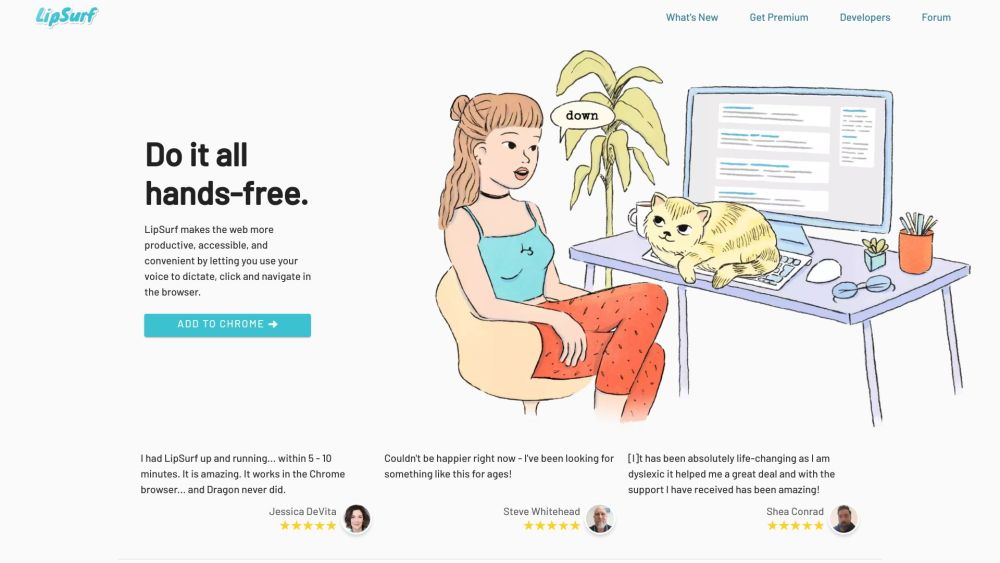
LipSurf website preview

LipSurf Website screenshot

What is LipSurf?

Innovative Voice Control for Browsers

How to Use LipSurf?

Achieve complete hands-free browsing. LipSurf revolutionizes your web experience by enabling you to dictate, click, and navigate using only your voice, making your online activities more productive, accessible, and convenient.

LipSurf's Core Features

Voice Dictation and Browser Navigation

Enhance Typing Efficiency with Speech-to-Text

Experience Hands-Free Web Browsing

Customize Voice Commands

Reduce Risk of RSI and Carpal Tunnel Syndrome

Multi-Task with Ease

No Data Tracking, No Ads

Supports Open-Source Plugins

Compatible with Existing Hardware and Microphones

LipSurf's Use Cases

Ideal for Individuals with Motor Impairments (Parkinson's, Arthritis, etc.)

Boosts Productivity Enthusiasts

Perfect for IT Professionals

Supports Neurodiverse Users (Dyslexia, ADHD)

Product source: LipSurf official website. Check the provider for current plans, limits and availability.

FAQ

LipSurf questions and answers

Product context and practical checks for evaluating LipSurf.

What is LipSurf used for?

LipSurf: Revolutionize your browsing with voice control technology. navigate, search, and interact hands-free!

How do I get started with LipSurf?

Achieve complete hands-free browsing. LipSurf revolutionizes your web experience by enabling you to dictate, click, and navigate using only your voice, making your online activities more productive, accessible, and convenient.

Which capabilities are described for LipSurf?

Voice Dictation and Browser NavigationEnhance Typing Efficiency with Speech-to-TextExperience Hands-Free Web BrowsingCustomize Voice CommandsReduce Risk of RSI and Carpal Tunnel SyndromeMulti-Task with EaseNo Data Tracking, No AdsSupports Open-Source PluginsCompatible with Existing Hardware and Microphones

What projects can I evaluate LipSurf for?

Ideal for Individuals with Motor Impairments (Parkinson's, Arthritis, etc.)Boosts Productivity EnthusiastsPerfect for IT ProfessionalsSupports Neurodiverse Users (Dyslexia, ADHD) LipSurf Support and Contact For more information, visit the contact us page. About LipSurf Inc. Company Name: LipSurf Inc. LipSurf Pricing Find pricing details at https://www.lipsurf.com/pricing. LipSurf on Facebook Follow us on Facebook: https://www.facebook.com/lipsurfapp/. LipSurf on YouTube Watch our videos on YouTube: https://www.youtube.com/channel/UCdBYe2r5Sg9IjMFvn6I7KJw. LipSurf on Twitter Follow us on Twitter: https://twitter.com/lipsurfapp. LipSurf on GitHub Explore our projects on GitHub: https://github.com/lipsurf.

What should I compare before choosing a LipSurf plan?

Find pricing details at https://www.lipsurf.com/pricing. Confirm current prices and allowances on the provider’s website before purchasing.

What inputs should I prepare for a LipSurf trial?

Compare recording length, file types, language support and speaker handling. For voice generation, check pronunciation controls and permission to use any reference voice.

How can I check the quality of a LipSurf result?

Listen for mispronounced names, unnatural pauses, clipped words and noise. For transcripts, compare the text with the recording and correct speaker labels.

Which export options should I check in LipSurf?

Check audio format, sample rate, separate tracks, captions and timestamp exports. Confirm that the result works in your editing or accessibility workflow.

What is a practical way to test LipSurf against alternatives?

Use a short recording with names, numbers and more than one speaker, or a script with difficult pronunciation. Review the exported audio or transcript in full.

Where is the official LipSurf website?

The website linked from this profile is https://lipsurf.com. Use the provider’s own documentation, account area and support channels to confirm current product details.

Visit LipSurf