Table of contents
Lecha : AI Lecture Recording, Smart Notes, Summarize & Review
Lecha: AI-powered lecture recording & smart note-taking—capture, summarize, and review effortlessly. Explore pricing, reviews, features & top alternatives.
Directory : Summarizer, Transcription, Transcriber, AI YouTube Assistant, AI Tiktok Assistant, AI Reviews Assistant, Homework Helper, AI Quizzes, AI Education Assistant, Recording, AI Notes Assistant, AI Video Recording
Introducing Lecha: Your AI-Powered Academic Companion
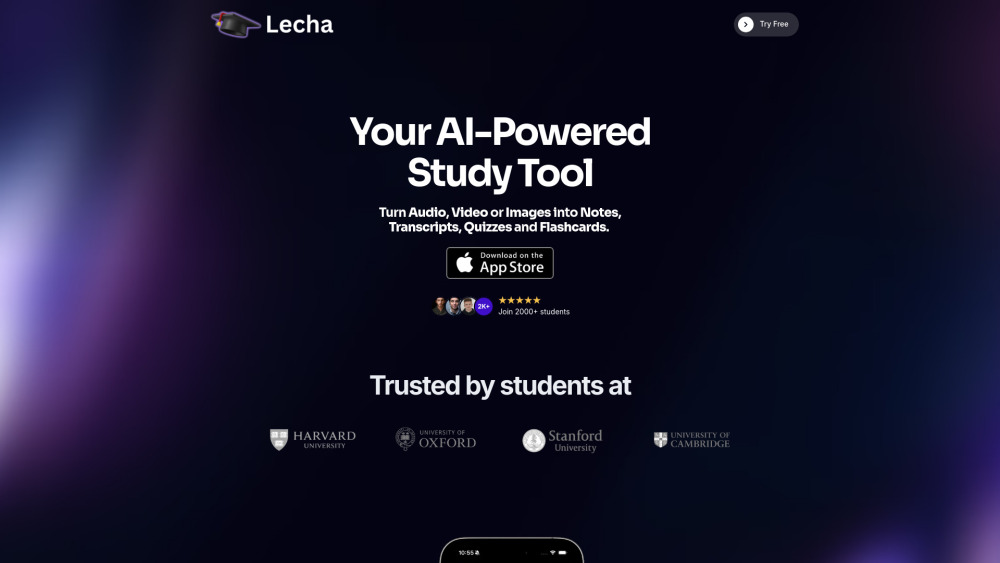
Lecha is an intelligent lecture assistant designed for modern learners—transforming raw classroom audio, video, and visual content into actionable study assets with precision and speed.
Get Started in Seconds
Install Lecha on your iPhone today and unlock instant access to a 7-day free trial—no credit card required. Begin recording, summarizing, and reviewing like never before.
Intelligent Features, Built for Learning
AI-powered lecture capture with speaker-aware segmentation
Smart note synthesis—contextual, concise, and curriculum-aligned
One-click flashcard generation from key concepts
Adaptive quiz builder with spaced repetition logic
YouTube & lecture video summarization in under 60 seconds
Visual problem solving—snap, upload, and understand diagrams or equations
Real-World Learning Scenarios
Turn hour-long lectures into skimmable, searchable notes—ready for exam prep.
Convert complex topics into self-testing quizzes and memory-optimized flashcards.
Distill hours of educational YouTube content into clear, structured summaries—perfect for last-minute review.
Frequently Asked Questions
-
How quickly does Lecha generate notes after a lecture ends?
-
Is using Lecha permitted in academic settings?
-
What are the pricing options after the trial?
-
Is Lecha available on Android or web browsers?
FAQ from Lecha
What is Lecha?
Lecha is an AI lecture recording and study acceleration platform—engineered to help students capture, comprehend, and retain knowledge more effectively than traditional note-taking allows.
How to use Lecha?
Download the official Lecha app from the App Store, sign up for your complimentary 7-day trial, and start recording your next lecture—notes, summaries, and study tools appear automatically.
How quickly does Lecha generate notes after a lecture ends?
Within seconds—Lecha processes recordings in real time and delivers polished, organized notes before you’ve even closed your notebook.
Is using Lecha permitted in academic settings?
Yes—Lecha supports ethical, transparent learning. It does not replace attendance or understanding; it enhances both. Always confirm local academic integrity guidelines.
What are the pricing options after the trial?
After the 7-day free trial, flexible subscription plans are available—including student-discounted annual and semester-based options.
Is Lecha available on Android or web browsers?
Currently, Lecha is optimized exclusively for iOS devices to ensure seamless microphone access, background recording, and privacy-first processing. Web and Android versions are in active development.