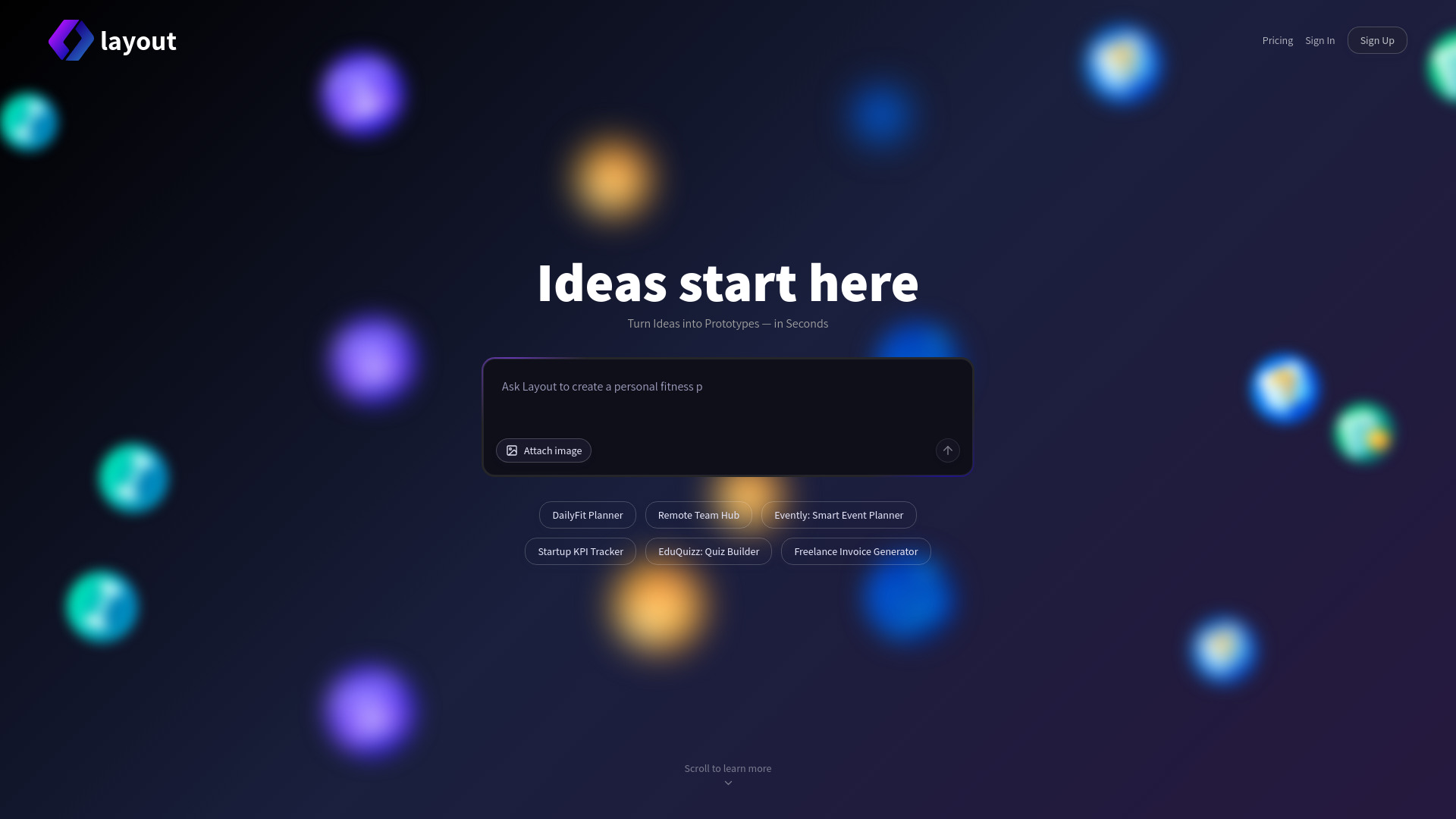
What is Layout?
Layout is a next-generation AI app generator engineered for speed, simplicity, and scalability—designed from the ground up to turn vision into viable software in minutes. More than just a no-code tool, Layout functions as an intelligent MVP builder that interprets your product intent—whether described in casual conversation or detailed spec—and delivers fully structured, production-grade prototypes. It auto-generates responsive UIs, modular codebases (React, Next.js, or vanilla HTML/CSS/JS), and coherent project architecture—no frameworks to configure, no boilerplate to write. From solo founders validating ideas to dev teams accelerating sprint zero, Layout redefines what’s possible in pre-launch development. Recognized among top-tier AI development platforms on aitop-tools.com, it bridges the gap between ideation and execution with unprecedented fidelity and velocity.
How to Use Layout
Using Layout is as intuitive as describing your idea aloud. Enter a prompt like *“A SaaS dashboard for freelance designers to track client projects, invoices, and deadlines”*, and within seconds, Layout renders a live, interactive prototype with navigation, data tables, form controls, and sample workflows. Its conversational interface supports iterative refinement—you can ask it to “add dark mode,” “swap the chart library,” or “export the user auth flow”—and the AI updates both UI and underlying logic accordingly. No syntax, no setup: just clarity, context, and rapid iteration. For advanced users, Layout offers granular control over tech stack selection, component theming, API mockups, and seamless export to GitHub, Vercel, or your preferred CI/CD pipeline—making it equally powerful for prototyping and as a springboard into full-stack development.
Key Features of Layout
- Instant, Context-Aware Prototyping: Leverage large language models fine-tuned for software design to generate functional, navigable prototypes—not static mockups. Layout understands domain logic, user flows, and interaction patterns, producing outputs that behave like real applications from day one.
- Production-Ready Code & Design System Integration: Every prototype ships with clean, well-documented, accessible code adhering to modern standards—and integrates with popular design systems (e.g., Material UI, Tailwind CSS, ShadCN). Components are modular, reusable, and styled consistently across pages and states.
- Unified MVP-to-Product Workflow: Go beyond prototyping: Layout supports conditional logic, fake backend APIs, form validation, role-based views, and even basic state management. Whether you’re launching a waitlist page, a niche productivity tool, or a multi-tenant analytics platform, Layout adapts its output to match your scope and ambition.
- Truly Inclusive No-Code + Pro-Code Flexibility: Non-technical users ship clickable demos without touching code; developers use Layout to scaffold entire feature branches, accelerate UI implementation, or onboard new team members with instantly understandable, AI-generated documentation and structure.
Together, these capabilities compress weeks of discovery, wireframing, and frontend scaffolding into minutes—empowering teams to test assumptions, gather user feedback, and secure early traction before writing a single line of custom logic.
Why Choose Layout?
In today’s fast-moving startup landscape, speed without sacrifice is non-negotiable—and Layout delivers exactly that. Unlike generic website builders or limited low-code environments, Layout combines deep AI understanding of software engineering principles with real-world product sensibility. Its architecture-aware generation ensures prototypes scale gracefully; its export-ready output integrates effortlessly with professional tools and teams. Trusted by seed-stage founders, indie hackers, and innovation labs alike, Layout eliminates the “build-or-buy” dilemma at the earliest stage—letting you focus on product-market fit, not parser errors or dependency conflicts. With continuous model upgrades, collaborative editing, audit logs, and SOC 2-aligned infrastructure, Layout isn’t just a shortcut—it’s your strategic advantage for building faster, learning sooner, and shipping smarter.
Use Cases and Applications
Layout thrives where agility meets specificity. A nutrition coach builds *VitaLog*, a habit-tracking web app with meal logging, weekly insights, and PDF report exports—all in under 15 minutes. A university research lab creates *DataSprint*, an internal tool for annotating datasets with drag-and-drop labeling and CSV export. Real estate agents deploy *LeaseSnap*, a tenant onboarding portal with e-signature fields, document uploads, and automated reminders. Edtech creators launch *QuizForge*, an adaptive quiz engine supporting branching logic and SCORM-compatible results. Even enterprise teams use Layout to rapidly spin up internal dashboards—like HR analytics portals or IT asset trackers—with role-based filters and live mock data. Each use case underscores Layout’s dual strength: deep domain adaptability paired with engineering rigor—proving that no-code doesn’t mean low-fidelity.