AI tool profile

KreadoAI

KreadoAI - Free AI Video Generator: Create AI videos with lifelike digital avatars, natural AI voices, and multilingual support. Transform content effortlessly!

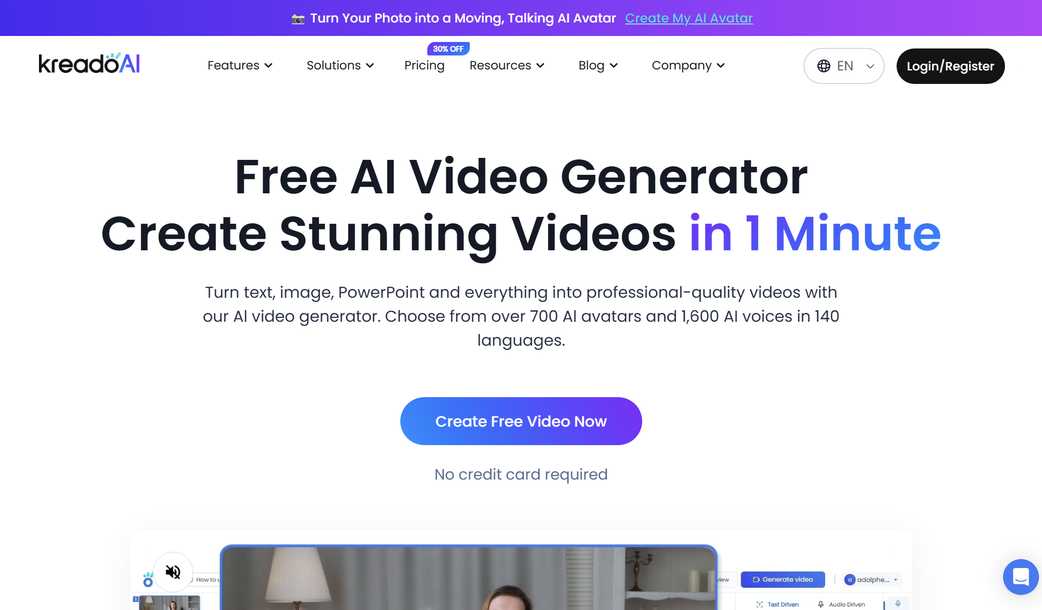
KreadoAI website preview

KreadoAI - Free AI Video Generator

KreadoAI: Your Ultimate Tool for Creating AI-Powered Videos

KreadoAI is a revolutionary platform that offers users the ability to generate free AI videos with unmatched versatility. With over 700 digital avatars, 1,600 AI voices, and support for 140 languages, KreadoAI empowers you to create personalized content effortlessly. Additionally, it allows you to design your own AI avatar and even clone your voice for an entirely unique experience.

The Power Behind KreadoAI

This all-in-one solution provides everything needed to craft professional-quality AI videos without any hassle. Choose from hundreds of pre-designed avatars or build your custom avatar to suit your vision. Select from a wide array of ultra-realistic voices, or train the system to mimic your tone perfectly. KreadoAI simplifies video creation by transforming text into engaging visuals, converting images into dynamic clips, removing unwanted backgrounds, and even generating videos directly from URLs.

Ensuring Security and Compliance

At KreadoAI, we prioritize trust and safety through rigorous content moderation, robust data protection measures, and adherence to AI compliance standards. Our dedicated team ensures that every piece of content produced meets the highest ethical guidelines while safeguarding user information.

Customer Feedback Highlights

Our users rave about how KreadoAI balances affordability, efficiency, and superior quality in one platform. Whether you're looking to save costs, reduce production time, or achieve top-notch results, KreadoAI delivers on all fronts.

Have Questions? We've Got Answers!

Feel free to explore more about what KreadoAI can do for you and discover how easy it is to bring your creative ideas to life with our cutting-edge technology.

Product source: KreadoAI official website. Check the provider for current plans, limits and availability.

FAQ

KreadoAI questions and answers

Product context and practical checks for evaluating KreadoAI.

What is KreadoAI used for?

KreadoAI - Free AI Video Generator: Create AI videos with lifelike digital avatars, natural AI voices, and multilingual support. Transform content effortlessly!

How do I get started with KreadoAI?

Open the official KreadoAI website and identify the workflow that matches your task. Use a short shot with one subject and one camera movement. Keep the prompt and duration constant, then compare usable seconds and the number of regenerations.

What should I compare before choosing a KreadoAI plan?

Check KreadoAI’s current pricing page for included usage, renewal terms and any credit charges. Compare the cost of a usable result, including retries, rather than assuming that account registration includes free usage.

What inputs should I prepare for a KreadoAI trial?

Compare text prompts, reference frames, source footage and audio support. Check duration, aspect ratio and whether the tool lets you keep a subject consistent between shots.

How can I check the quality of a KreadoAI result?

Watch the entire clip for motion errors, distorted objects, changing identities, lip-sync problems and abrupt transitions. Inspect the downloaded file as well as the preview.

Which export options should I check in KreadoAI?

Check export resolution, frame rate, aspect ratio, audio tracks and watermark rules. A good preview is not a substitute for an export that fits your publishing channel.

What is a practical way to test KreadoAI against alternatives?

Use a short shot with one subject and one camera movement. Keep the prompt and duration constant, then compare usable seconds and the number of regenerations.

What should I review before uploading material to KreadoAI?

Read the provider’s rules on access, retention, deletion and use of uploaded material. Start with a non-confidential sample that you have permission to use.

How can I check whether KreadoAI fits my existing workflow?

List the steps before and after using KreadoAI, including preparation, review and export. Test that complete sequence and check whether handoffs require manual conversion or another paid service.

Where is the official KreadoAI website?

The website linked from this profile is https://www.kreadoai.com/. Use the provider’s own documentation, account area and support channels to confirm current product details.

Visit KreadoAI