Transcription

Konch

Konch simplifies transcription - in 49 languages, Precision (Human transcription) Mode for 99% accuracy, and transcript translation in 30 languages. Effortless, accurate, and global.

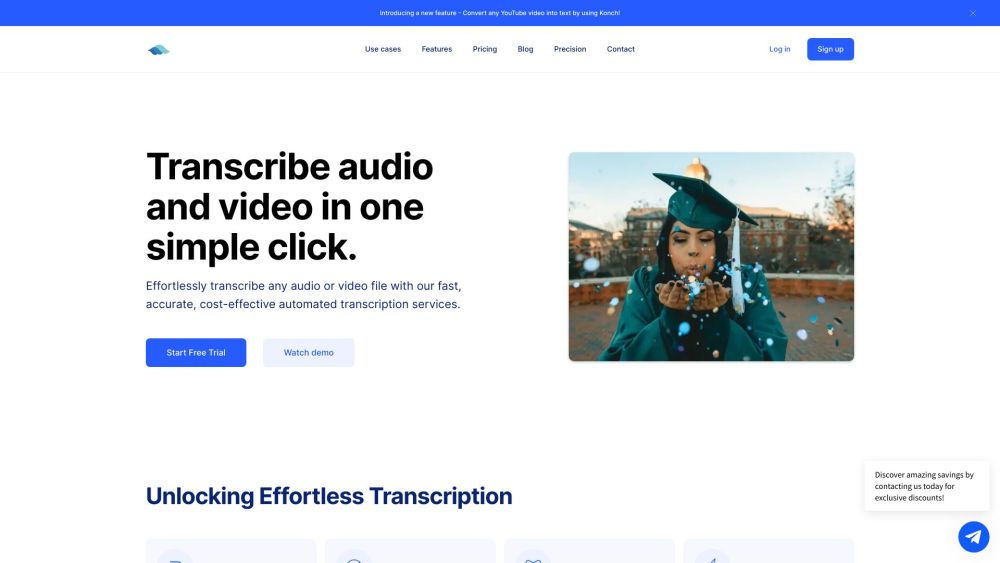
Konch website preview

Konch | Automated Transcription Platform Website screenshot

What is Konch | Automated Transcription Platform?

Konch revolutionizes transcription with support for 49 languages, delivering 99% accuracy with its Precision (Human Transcription) Mode. It also offers transcript translation in 30 languages, making it an easy-to-use, highly accurate, and global solution.

How to Use Konch | Automated Transcription Platform?

Transcribing audio and video with Konch is seamless. Upload any audio or video file, and the AI-powered system will quickly and accurately transcribe it. You can then review and edit the transcript as needed, and download it in your preferred format. For the highest accuracy, upgrade to Precision (Human Transcription).

Konch | Automated Transcription Platform's Core Features

Automated Transcription

High-Speed and Accuracy

Supports Over 30 Languages

Transcript Translation

Convert YouTube Videos to Text

Advanced Editing Tools

Precise Transcript Translation

Flexible Export Options

Transcripts for Generative AI

Enterprise-Grade Security

Konch | Automated Transcription Platform's Use Cases

Research Transcription

Digital Archives

Podcast Transcriptions

  • Konch | Automated Transcription Platform Support Email & Customer Service Contact & Refund Contact

    For more information, visit the contact us page.

  • Konch | Automated Transcription Platform Company

    Company Name: Konch, Inc.

  • Konch | Automated Transcription Platform Login

    Login Link: https://app.konch.ai/signin

  • Konch | Automated Transcription Platform Sign Up

    Sign Up Link: https://app.konch.ai

  • Konch | Automated Transcription Platform Pricing

    Pricing Link: https://www.konch.ai/pricing

Product source: Konch official website. Check the provider for current plans, limits and availability.

FAQ

Konch questions and answers

Product context and practical checks for evaluating Konch.

What is Konch used for?

Konch simplifies transcription - in 49 languages, Precision (Human transcription) Mode for 99% accuracy, and transcript translation in 30 languages. Effortless, accurate, and global.

How do I get started with Konch?

Transcribing audio and video with Konch is seamless. Upload any audio or video file, and the AI-powered system will quickly and accurately transcribe it. You can then review and edit the transcript as needed, and download it in your preferred format. For the highest accuracy, upgrade to Precision (Human Transcription).

Which capabilities are described for Konch?

Automated TranscriptionHigh-Speed and AccuracySupports Over 30 LanguagesTranscript TranslationConvert YouTube Videos to TextAdvanced Editing ToolsPrecise Transcript TranslationFlexible Export OptionsTranscripts for Generative AIEnterprise-Grade Security

What projects can I evaluate Konch for?

Research TranscriptionDigital ArchivesPodcast Transcriptions Konch | Automated Transcription Platform Support Email & Customer Service Contact & Refund Contact For more information, visit the contact us page. Konch | Automated Transcription Platform Company Company Name: Konch, Inc. Konch | Automated Transcription Platform Login Login Link: https://app.konch.ai/signin Konch | Automated Transcription Platform Sign Up Sign Up Link: https://app.konch.ai Konch | Automated Transcription Platform Pricing Pricing Link: https://www.konch.ai/pricing

What should I compare before choosing a Konch plan?

Pricing Link: https://www.konch.ai/pricing Confirm current prices and allowances on the provider’s website before purchasing.

What inputs should I prepare for a Konch trial?

Compare recording length, file types, language support and speaker handling. For voice generation, check pronunciation controls and permission to use any reference voice.

How can I check the quality of a Konch result?

Listen for mispronounced names, unnatural pauses, clipped words and noise. For transcripts, compare the text with the recording and correct speaker labels.

Which export options should I check in Konch?

Check audio format, sample rate, separate tracks, captions and timestamp exports. Confirm that the result works in your editing or accessibility workflow.

What is a practical way to test Konch against alternatives?

Use a short recording with names, numbers and more than one speaker, or a script with difficult pronunciation. Review the exported audio or transcript in full.

Where is the official Konch website?

The website linked from this profile is https://konch.ai. Use the provider’s own documentation, account area and support channels to confirm current product details.

Visit Konch