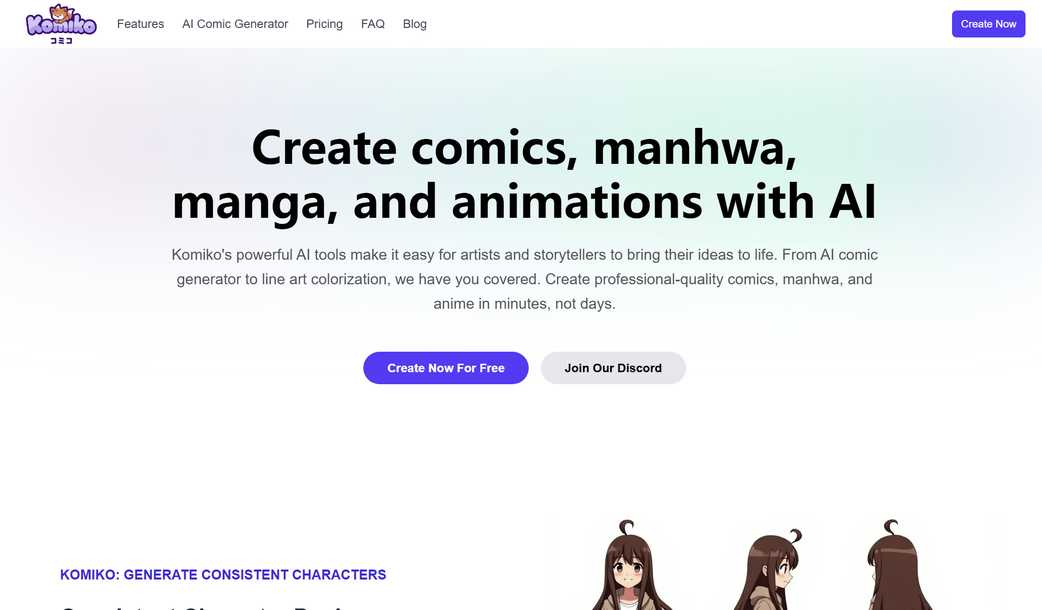
Transform Your Ideas into Stunning Comics, Manhwa, and Manga with Komiko AI
With Komiko's advanced AI technology, artists and storytellers can effortlessly bring their creative visions to life. Whether you're a seasoned professional or just beginning your artistic journey, Komiko offers an array of tools designed to make comic creation faster and more efficient than ever before. From generating high-quality line art to applying vibrant colors automatically, Komiko streamlines the entire process so you can focus on what truly matters—your story.
Komiko: Consistent Character Generation
Consistency in Every Frame
Komiko ensures that your characters remain consistent across every panel and scene through its extensive character database. You can also design custom characters tailored to your unique vision, ensuring that they appear seamlessly throughout your work. This feature is perfect for maintaining uniformity while crafting compelling narratives.
Komiko: Your Personal AI Comic Studio
Unlimited Creativity at Your Fingertips
Dive into the world of digital artistry with Komiko's expansive canvas! Use our intuitive text-to-image generator to create stunning visuals instantly, arrange panels freely on an infinite workspace, and enhance your stories with dynamic speech bubbles and visual effects. Let your imagination run wild as you build captivating worlds within moments.
Komiko: Empowering Illustrators, Artists, and Animators
Revolutionizing Professional Art Creation
Komiko equips creators with cutting-edge AI tools designed to elevate their craft. Effortlessly generate intricate artwork using text prompts, colorize detailed line drawings in seconds, upscale images for unparalleled clarity, and edit backgrounds with precision. These capabilities empower both beginners and experts alike to produce breathtaking illustrations, comics, and animations swiftly and efficiently.
Komiko: Bringing Your Art to Life Through Animation
From Keyframes to Lifelike Motion
Turn static frames into fluid animations utilizing industry-leading AI models such as Veo, Kling, Hailuo, Pixverse, and beyond. Accelerate your animation production pipeline by leveraging AI-driven interpolation techniques that generate smooth transitions between keyframes. Achieve professional-grade results without sacrificing quality or time.
Your One-Stop Solution for All Things Creative
Discover a comprehensive suite of AI-powered tools aimed at enhancing every step of your creative workflow—from conceptualization to final output.
Design Unique Characters
Utilize AI to craft original characters that align perfectly with your narrative needs.
Compose Comics Freely
Start from scratch on a blank canvas enhanced by AI image generation capabilities.
AI-Powered Comic Maker
Simply input your storyline, and watch as Komiko generates a fully formed comic almost instantaneously.
Automatic Line Art Coloring
Add vivid hues to black-and-white sketches effortlessly thanks to sophisticated AI algorithms.
Photo Transformation Into Anime Style
Easily convert photographs into anime-inspired artwork with just a few clicks.
Layer Extraction
Break down complex character images into individual components for easier manipulation.
Smart Background Elimination
Effortlessly remove unwanted backgrounds from any picture using advanced AI processing.
Resolution Enhancement
Boost the resolution of your creations without losing detail or sharpness.
Dynamic Relighting Effects
Adjust lighting conditions dynamically across multiple scenes for cohesive storytelling.
Static Image Animation
Breathe movement into still images via innovative AI animation techniques.
Frame Interpolation Between Keyframes
Generate intermediate frames automatically to achieve seamless motion sequences.
Video Resolution Boost
Enhance the overall quality of your animated projects by increasing video resolution levels.
Fluid Transitions Between Frames
Create natural-looking transitions between different frames through intelligent frame blending methods.
Increased Frame Rate For Smoother Videos
Insert additional frames strategically to raise the frame rate significantly, resulting in smoother playback experiences.
Real Stories From Real Users
Hear firsthand accounts of how Komiko has transformed the creative processes of various users:
"Komiko has revolutionized our approach to creating anime content. Not only have we reduced our production times dramatically, but we've also been able to tackle much more ambitious scenes effortlessly. It’s truly changed everything for us!"
"Previously, coloring was one of the most labor-intensive aspects of my work; now, it takes mere seconds thanks to Komiko's incredible AI colorization tool. This allows me to dedicate more energy towards developing richer stories instead."
"Whether it's designing new characters, building storyboards, or animating sequences, Komiko consistently saves us valuable time while amplifying our creativity. The entire team absolutely loves this platform—it’s indispensable!"
"As someone who adores Genshin Impact yet lacks formal drawing skills, Komiko provides me with all the necessary tools to create fan comics exactly as I envision them. It’s made my dream accessible!"
"Thanks to Komiko, my animations have reached heights I never thought possible. Producing top-notch material in record time feels like having an entire animation crew packed into one extraordinary tool."
Common Queries Answered
Release your inner artist
Let Komiko AI help transform even the wildest ideas into spectacular comics and animations today!
Copyright © 2025 Caffelabs. All rights reserved.