AI tool profile

Kling AI

Text-to-video model for artistic productions

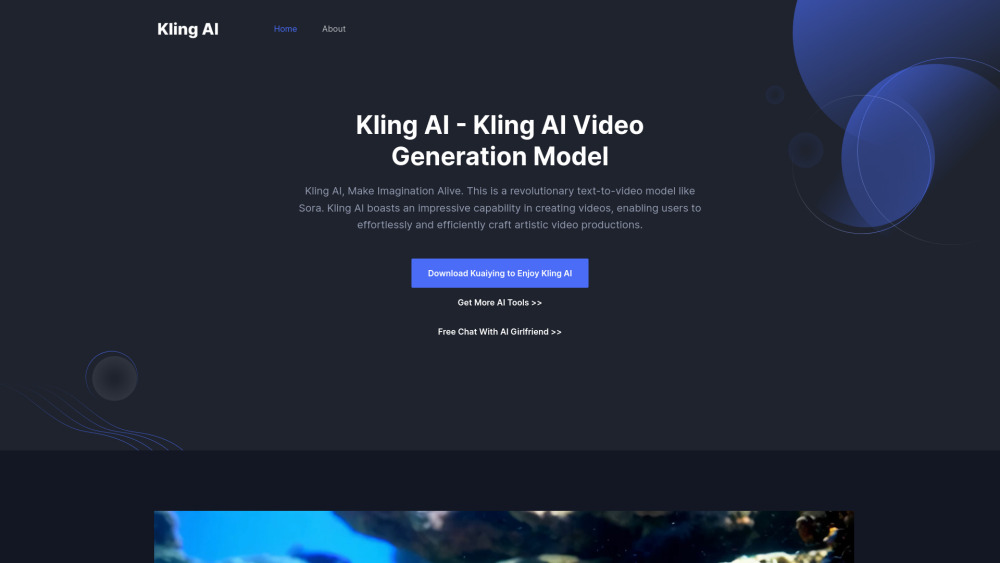
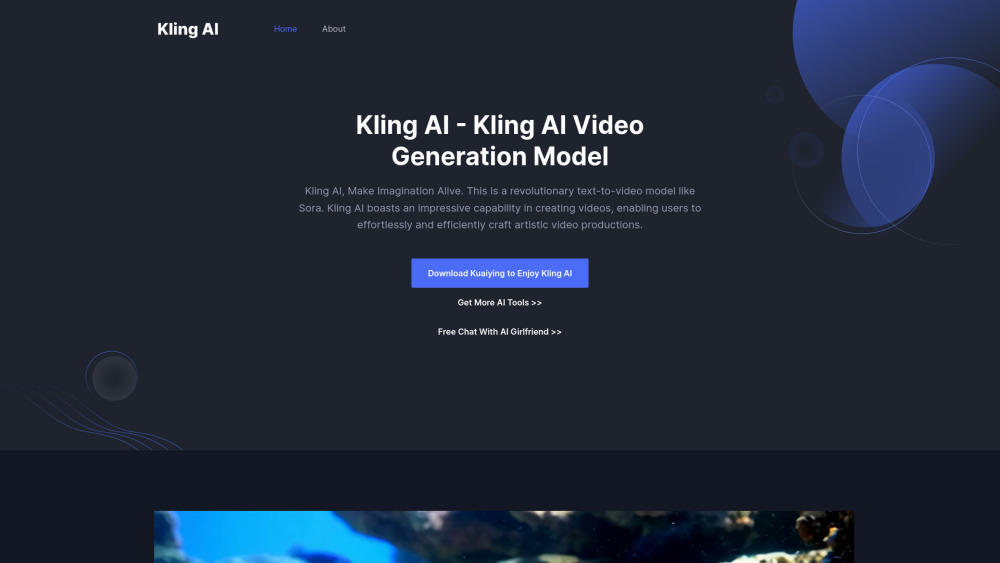
Kling AI website preview

Kling AI Website screenshot

What is Kling AI?

Kling AI is a revolutionary text-to-video model like Sora, enabling users to effortlessly create artistic video productions. It boasts significant capabilities in video generation, making imagination alive.

How to use Kling AI?

To use Kling AI, open the website, upload an image or text prompt, and input the prompt to control the generated motion video.

Kling AI's Core Features

Dynamic motion generation with 3D spatiotemporal joint attention mechanism

Long video generation up to 2 minutes at 30fps

Simulation of real-world physics in video generation

Conceptual combination for imaginative video concepts

Cinematic video generation with self-developed 3D VAE

Flexible aspect ratio catering to various video material needs

Kling AI's Use Cases

Generate cinematic-level scenes with grand and intimate settings

Experience the transformation of seasons in a dynamic video

Visualize characters in different scenarios like fast-food restaurants or tropical beaches

Product source: Kling AI official website. Check the provider for current plans, limits and availability.

FAQ

Kling AI questions and answers

Product context and practical checks for evaluating Kling AI.

What is Kling AI used for?

Text-to-video model for artistic productions

How do I get started with Kling AI?

To use Kling AI, open the website, upload an image or text prompt, and input the prompt to control the generated motion video.

Which capabilities are described for Kling AI?

Dynamic motion generation with 3D spatiotemporal joint attention mechanismLong video generation up to 2 minutes at 30fpsSimulation of real-world physics in video generationConceptual combination for imaginative video conceptsCinematic video generation with self-developed 3D VAEFlexible aspect ratio catering to various video material needs

What projects can I evaluate Kling AI for?

Generate cinematic-level scenes with grand and intimate settingsExperience the transformation of seasons in a dynamic videoVisualize characters in different scenarios like fast-food restaurants or tropical beaches Kling AI Support Email & Customer service contact & Refund contact etc. Here is the Kling AI support email for customer service: [email protected] . More Contact, visit the contact us page(mailto:[email protected]) Kling AI Company More about Kling AI, Please visit the about us page(https://klingai.co/about).

What should I compare before choosing a Kling AI plan?

Check Kling AI’s current pricing page for included usage, renewal terms and any credit charges. Compare the cost of a usable result, including retries, rather than assuming that account registration includes free usage.

What inputs should I prepare for a Kling AI trial?

Compare text prompts, reference frames, source footage and audio support. Check duration, aspect ratio and whether the tool lets you keep a subject consistent between shots.

How can I check the quality of a Kling AI result?

Watch the entire clip for motion errors, distorted objects, changing identities, lip-sync problems and abrupt transitions. Inspect the downloaded file as well as the preview.

Which export options should I check in Kling AI?

Check export resolution, frame rate, aspect ratio, audio tracks and watermark rules. A good preview is not a substitute for an export that fits your publishing channel.

What is a practical way to test Kling AI against alternatives?

Use a short shot with one subject and one camera movement. Keep the prompt and duration constant, then compare usable seconds and the number of regenerations.

Where is the official Kling AI website?

The website linked from this profile is https://klingai.co. Use the provider’s own documentation, account area and support channels to confirm current product details.

Visit Kling AI