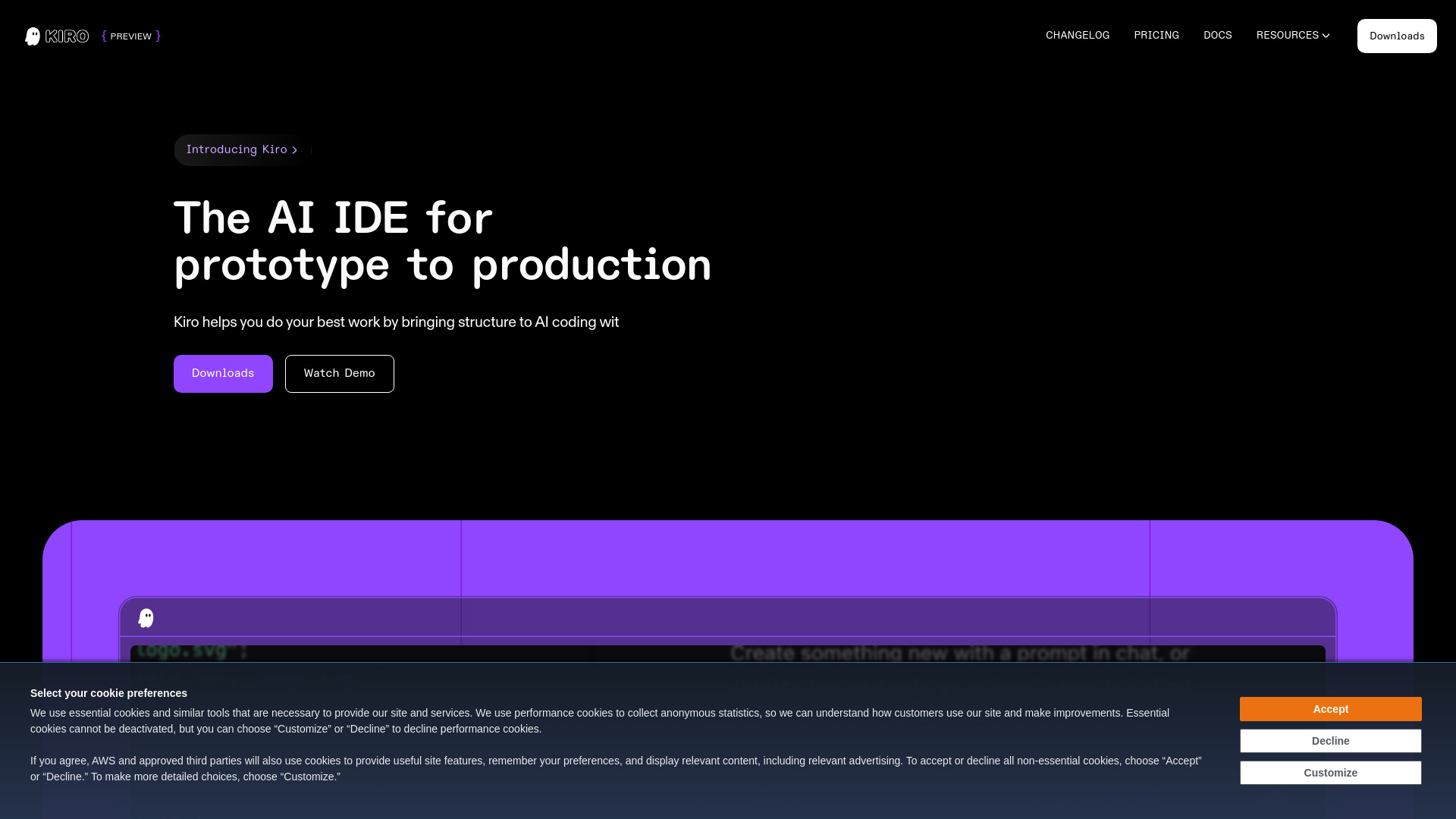
What is Kiro?
Kiro is a next-generation AI-native IDE engineered for spec-driven development—a paradigm shift where clarity precedes code. Rather than jumping straight into implementation, Kiro guides developers through a deliberate, collaborative process: transforming natural language prompts into precise specifications, validated system architectures, and production-grade code—all powered by intelligent, context-aware AI agents. Built from the ground up to reduce ambiguity and amplify intentionality, Kiro replaces fragmented toolchains with a unified environment where requirements, design, automation, and execution converge seamlessly.
How to Use Kiro
Getting started with Kiro is as simple as describing your intent. Type a prompt like *“Build a React dashboard that displays real-time analytics from a PostgreSQL database”*, and Kiro responds not with raw code—but with a structured spec: data models, API contracts, component hierarchy, and security considerations. You refine it interactively, then instruct Kiro to implement, extend, or refactor—always with full visibility into decisions and trade-offs.
Go beyond text: upload Figma mockups, Mermaid diagrams, or even handwritten architecture sketches—the multimodal interface interprets visual cues to align implementation with your intent. Leverage agent hooks to automate high-frequency tasks—like generating OpenAPI specs on API route changes or auto-updating READMEs when logic evolves. In autopilot mode, Kiro executes multi-step workflows end-to-end (e.g., “Add role-based access to the billing module”), governed by human-defined steering files that enforce style, compliance, and architectural guardrails. And because Kiro runs natively inside VS Code, your extensions, keybindings, and themes carry over—no relearning, no friction.
Key Features of Kiro
- Spec-First Workflow: Anchor every project in executable specifications—not vague tickets or informal chats. Kiro generates living docs, sequence diagrams, and traceable requirement mappings that evolve alongside your codebase.
- Context-Aware Agent Hooks: Trigger AI actions based on semantic events—not just file saves. Hook into Git commits, PR descriptions, or even Jira ticket updates to auto-generate tests, update runbooks, or flag anti-patterns before they land.
- Multimodal Understanding: Feed Kiro screenshots, wireframes, or UML class diagrams—and watch it infer structure, relationships, and constraints to inform accurate, context-grounded code generation.
- Model Context Protocol (MCP) Native: Plug directly into your internal knowledge graph: Confluence spaces, Notion docs, Postman collections, and private SDKs become first-class inputs for smarter, safer, organization-specific code synthesis.
- Production-Grade AI Models: Powered by Claude Sonnet 3.7 and Sonnet 4—fine-tuned for software reasoning—not just syntax. Kiro understands dependency graphs, runtime implications, and cross-language interoperability, enabling robust, maintainable output.
- Human-in-the-Loop Autopilot: Delegate complex, multi-file tasks while retaining veto power. Every change appears as an annotated diff with rationale, risk assessment, and rollback options—ensuring trust, not blind automation.
- Real-Time Spec Validation: As you iterate, Kiro cross-checks code against its original spec—highlighting deviations, suggesting refinements, or prompting confirmation before proceeding. No more drifting from intent.
Why Choose Kiro?
In an era of AI coding tools that optimize for speed over substance, Kiro optimizes for shared understanding. It’s built for teams tired of rewriting specs in Slack, debugging misaligned implementations, or manually stitching together documentation, tests, and infrastructure. By enforcing spec-driven discipline—without sacrificing agility—Kiro cuts rework, accelerates onboarding, and turns ambiguous requests into auditable, reproducible outcomes.
Its deep integration philosophy means Kiro doesn’t replace your stack—it unifies it. Whether you’re syncing with GitHub Issues, querying internal databases via MCP, or enforcing internal linting rules through custom steering files, Kiro acts as your intelligent orchestration layer. Solo founders ship MVPs faster; engineering leads standardize best practices across squads; platform teams embed governance without slowing down developers. And with native VS Code compatibility, adoption isn’t a migration—it’s an upgrade.
Use Cases and Applications
Frontend teams use Kiro to convert Figma designs into responsive, accessible React components with TypeScript types and Storybook stories—all while preserving design tokens and interaction states. Backend engineers rely on it to generate secure, observability-ready microservices, complete with OpenTelemetry instrumentation, auth middleware, and Terraform modules—bootstrapped from a single architectural sketch.
DevOps practitioners deploy Kiro to auto-translate SLO objectives into monitoring dashboards, alert policies, and synthetic test suites, closing the loop between business goals and infrastructure health. At startups, product managers and engineers co-author specs in real time—then hit “implement” to generate working prototypes with mocked APIs, seeded data, and CI/CD pipelines already configured.
For regulated industries, Kiro’s spec traceability enables audit-ready development: every line of generated code maps back to a requirement, a decision log, and a validation step—making compliance not an afterthought, but a built-in outcome.