Text to Image

ImagineMe - AI Art Generator

ImagineMe - AI Art Generator: Turn text into personalized art. Create unique, breathtaking images of yourself from simple text descriptions!

ImagineMe - AI Art Generator website preview

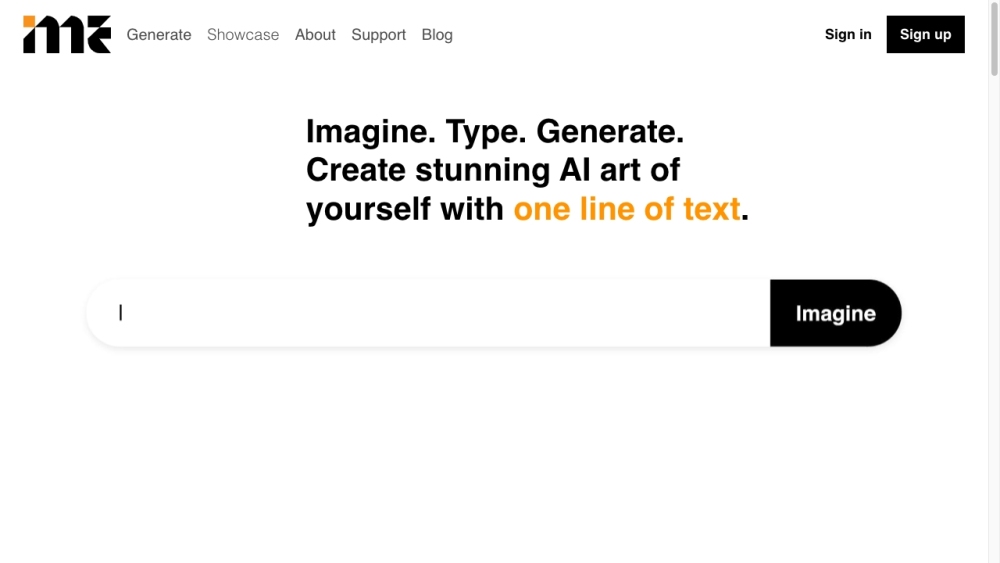
ImagineMe - Personal AI Art Generator Website screenshot

What is ImagineMe - AI Art Generator?

ImagineMe is an innovative AI art generator that transforms simple text descriptions into personalized art. Utilizing advanced AI technology, ImagineMe enables users to create unique images of themselves in a wide array of settings and styles.

How to Use ImagineMe - AI Art Generator?

Using ImagineMe is straightforward with these three steps: 1. Sign up for an account and upload 10-20 high-quality pictures of yourself. 2. Allow up to 24 hours for the AI to train on your photos. 3. Once training is complete, you can use the model by entering text descriptions to generate your personalized AI art.

Core Features of ImagineMe - AI Art Generator

Key features of ImagineMe include: - Personalized AI models: Each user gets a unique AI model that converts text into images tailored to their likeness. - Privacy-focused: Your art generation is secure and restricted to your account. - Versatile scenarios: Create art in any scenario you can think of. - Rapid image creation: After training, generating images takes just 10 seconds.

Use Cases for ImagineMe - AI Art Generator

ImagineMe can be used for: - Crafting beautiful personalized art - Making photorealistic posters and unique gifts - Finding inspiration for cosplay - Experimenting with different fashion styles - Creating artistic self-portraits

Product source: ImagineMe - AI Art Generator official website. Check the provider for current plans, limits and availability.

FAQ

ImagineMe - AI Art Generator questions and answers

Product context and practical checks for evaluating ImagineMe - AI Art Generator.

What is ImagineMe - AI Art Generator used for?

ImagineMe - AI Art Generator: Turn text into personalized art. Create unique, breathtaking images of yourself from simple text descriptions!

How do I get started with ImagineMe - AI Art Generator?

Using ImagineMe is straightforward with these three steps: 1. Sign up for an account and upload 10-20 high-quality pictures of yourself. 2. Allow up to 24 hours for the AI to train on your photos. 3. Once training is complete, you can use the model by entering text descriptions to generate your personalized AI art.

Which capabilities are described for ImagineMe - AI Art Generator?

Key features of ImagineMe include: - Personalized AI models: Each user gets a unique AI model that converts text into images tailored to their likeness. - Privacy-focused: Your art generation is secure and restricted to your account. - Versatile scenarios: Create art in any scenario you can think of. - Rapid image creation: After training, generating images takes just 10 seconds.

What projects can I evaluate ImagineMe - AI Art Generator for?

ImagineMe can be used for: - Crafting beautiful personalized art - Making photorealistic posters and unique gifts - Finding inspiration for cosplay - Experimenting with different fashion styles - Creating artistic self-portraits ImagineMe - AI Art Generator Discord Join the ImagineMe community on Discord: https://discord.gg/PnM3eN8wMs. For more details, click here(/discord/pnm3en8wms). ImagineMe - AI Art Generator Support Email & Customer Service For support, visit our contact page(https://imagineme.ai/support#contact). ImagineMe - AI Art Generator Company Learn more about ImagineMe here(https://imagineme.ai/about/). ImagineMe - AI Art Generator Login Access your account here: https://imagineme.ai/login/ ImagineMe - AI Art Generator Sign Up Create your account here: https://imagineme.ai/sign-up ImagineMe - AI Art Generator LinkedIn Connect with us on LinkedIn: https://www.linkedin.com/company/imagine-me-app/about/ ImagineMe - AI Art Generator Twitter Follow us on Twitter: https://twitter.com/imagineme_app ImagineMe - AI Art Generator Instagram Follow us on Instagram: https://www.instagram.com/imagineme.ai/

What should I compare before choosing a ImagineMe - AI Art Generator plan?

Check ImagineMe - AI Art Generator’s current pricing page for included usage, renewal terms and any credit charges. Compare the cost of a usable result, including retries, rather than assuming that account registration includes free usage.

What inputs should I prepare for a ImagineMe - AI Art Generator trial?

Look for text prompts, image references, masks or sketches as appropriate. Compare composition control, supported upload types and the ability to revise a selected area.

How can I check the quality of a ImagineMe - AI Art Generator result?

Inspect text, hands, edges, reflections and repeated objects at full size. Check that important product or brand details survive editing.

Which export options should I check in ImagineMe - AI Art Generator?

Compare pixel dimensions, transparency, file formats and any enlargement options. Confirm that the downloaded result works in your design or publishing software.

What is a practical way to test ImagineMe - AI Art Generator against alternatives?

Prepare a brief with a subject, composition, lighting and required output size. Test a first generation and a targeted revision to see how much control you retain.

Where is the official ImagineMe - AI Art Generator website?

The website linked from this profile is https://imagineme.ai/ambassador/64/. Use the provider’s own documentation, account area and support channels to confirm current product details.

Visit ImagineMe - AI Art Generator