What is Image to Drawio?
Image to Drawio is a next-generation, AI-driven diagram reconstruction tool that breathes editable life into static visuals. Designed for engineers, architects, educators, and product teams, it transforms screenshots, smartphone-captured whiteboard photos, scanned sketches, and exported diagrams—regardless of origin—into fully functional, layered Draw.io files. Leveraging proprietary computer vision models fine-tuned on thousands of technical diagrams, it intelligently reconstructs geometric primitives (rectangles, diamonds, arrows), interprets handwritten or digital text, infers logical connections, and respects color semantics—all while preserving spatial hierarchy and visual intent. With native support for PNG, JPG, JPEG, GIF, and WEBP up to 10MB, Image to Drawio bridges the gap between analog ideation and digital execution—turning “lost source files” into instantly modifiable assets.
How to Use Image to Drawio
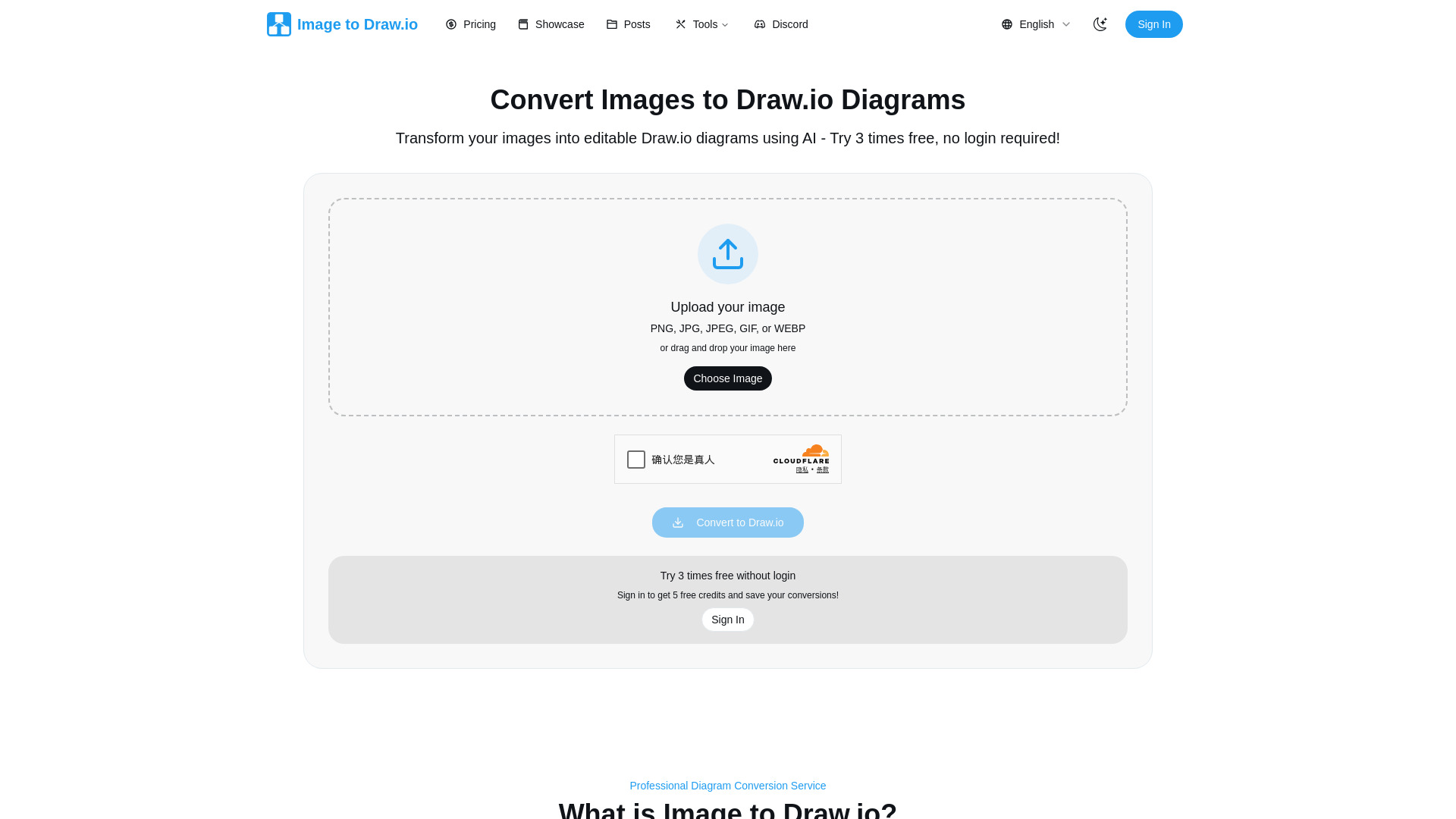
Getting from image to editable diagram takes under 15 seconds—and zero technical setup. Drag your diagram image onto the clean, responsive interface, or click to browse your device. Once uploaded, hit ‘Convert’ and watch as our optimized AI engine analyzes structure, extracts components, and maps relationships in real time. Within seconds, your diagram opens—not as a static preview, but inside a fully embedded Draw.io editor, ready for annotation, styling, restructuring, or collaboration. No downloads, no logins, no plugins. After editing, export directly to PNG for documentation, PDF for stakeholder reviews, or .drawio for version control and team integration. Plus, every conversion is automatically saved to your private history—so you can revisit, iterate, or re-export anytime, without consuming extra credits.
This intelligent persistence means your workflow stays frictionless: refine a system architecture sketch after feedback, update a user flow based on new requirements, or repurpose a competitor’s process diagram—all without starting over or paying twice.
Key Features of Image to Drawio
- Precision Diagram AI Engine: Not generic OCR or object detection—this is domain-specific AI trained exclusively on flowcharts, UML, ERDs, network topologies, and BPMN diagrams. It understands *what shapes mean*, not just what they look like—distinguishing decision diamonds from data stores, recognizing bidirectional connectors, and preserving grouping logic with contextual awareness.
- Broad Image Compatibility: Handles real-world inputs—from slightly skewed phone photos of dry-erase boards to compressed Slack screenshots and legacy JPEG documentation scans. Supports all major raster formats (PNG, JPG, JPEG, GIF, WEBP) up to 10MB, with adaptive preprocessing for contrast enhancement and noise reduction.
- Seamless In-Browser Editing: Conversion isn’t the end—it’s the beginning. Your result launches directly in an authenticated, feature-complete Draw.io editor—complete with layers, alignment guides, shape libraries, and keyboard shortcuts—ensuring continuity from pixel to production-ready diagram.
- Whiteboard-to-Workflow Translation: Specifically optimized for imperfect, human-created inputs: tolerates shaky lines, overlapping annotations, faint markers, and partial erasures. Converts messy brainstorming sessions into polished, presentation-ready assets—ideal for agile retrospectives, design sprints, and classroom instruction.
- Zero-Retention Privacy Model: Uploaded images are processed in-memory and purged within 60 seconds of conversion completion. No storage, no backups, no third-party sharing. We do not train on user uploads—ever. Your diagrams remain yours, end to end.
- Smart Conversion History: Every successful conversion is timestamped, labeled, and searchable by filename or content tags. Reopen, re-export, or re-edit any prior result instantly—no credit cost, no re-upload, no delay. Think of it as version control for diagram recovery.
Why Choose Image to Drawio?
In today’s fast-paced digital landscape, diagrams are often created quickly—but rarely preserved as editable sources. When a critical architecture sketch exists only as a Slack image, or legacy documentation lives solely in low-res JPEGs, manual redrawing becomes a bottleneck—not a solution. Image to Drawio eliminates that friction. It’s trusted by DevOps teams recovering cloud infrastructure maps from meeting screenshots, by UX researchers converting paper wireframes into interactive prototypes, and by compliance officers modernizing outdated regulatory flowcharts. Unlike generic image-to-vector tools, it speaks the language of diagrams: understanding context, hierarchy, and semantics—not just pixels.
Its transparent credit model ensures fairness—no subscriptions, no hidden fees, no forced upgrades. You pay only for new conversions, not for iteration. And because it integrates natively with Draw.io’s ecosystem—including Confluence, GitHub, and self-hosted instances—it slots effortlessly into existing engineering, documentation, and collaboration pipelines. Combine enterprise-grade accuracy with ironclad privacy and true zero-friction editing, and you get more than a converter—you get a diagram resilience platform.
Use Cases and Applications
When a developer inherits a microservices diagram as a single PNG buried in a Jira comment, Image to Drawio restores editability in seconds—enabling immediate updates for new API endpoints or security patches. Product managers convert customer journey maps sketched during remote workshops into shareable, annotated Draw.io files—then embed them directly into Figma or Notion for cross-functional alignment. Technical writers accelerate documentation cycles by transforming aging JPEG-based network diagrams into live, searchable assets that auto-update alongside infrastructure-as-code changes.
Consultants use it to ethically adapt publicly available diagrams—like AWS reference architectures or ISO process templates—converting screenshots into customizable blueprints for client proposals. Educators digitize hand-drawn physics schematics or biology flowcharts, turning classroom whiteboard sessions into reusable, animated teaching resources. And distributed teams eliminate “diagram debt” by converting static images shared over email, Teams, or WhatsApp into collaborative, version-tracked documents—reducing misalignment, rework, and delivery delays across the board.