Table of contents
Image-to-Video Maker: AI 4K Video Creation from Text, Images
Transform text, images, or clips into stunning 4K videos instantly—powerful AI video creation, simplified.
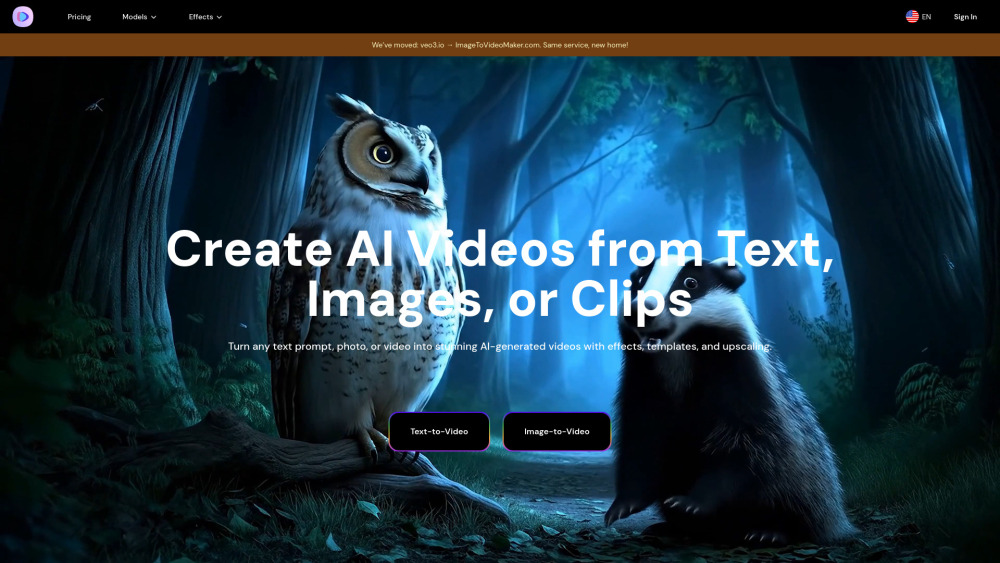
What Is Image-to-Video Maker?
Image-to-Video Maker is a next-generation AI video studio engineered for speed, quality, and creative control. Unlike fragmented AI tools, it unifies text-to-video, image-to-video, and video-to-video workflows into a single intuitive interface—powered by industry-leading models including Veo 3, Kling 2.1, Hailuo 02, and Seedance. Generate cinematic 4K videos in minutes—not days—with intelligent motion interpolation, ambient audio synthesis, dynamic effects, and one-click upscaling. No editing experience? No problem. Just upload, describe, or select—and let AI handle timing, transitions, and polish.
How to Use Image-to-Video Maker
Getting started takes seconds: sign up, choose a plan, and jump straight into creation. In the dashboard, pick your preferred AI engine—whether you're scripting a product explainer from text, breathing life into family photos, or refining raw clips with AI polish. Enter natural-language prompts or drag-and-drop images; then customize duration, aspect ratio, motion intensity, and sound design. Within minutes, your 4K-ready video renders—ready for download, sharing, or further refinement.
Image-to-Video Maker’s Core Features
Convert text, static images, or existing clips into fluid AI videos
Unified access to elite generative video models—Veo 3, Kling 2.1, Hailuo 02 & Seedance
True 4K upscaling with perceptual enhancement (not interpolation)
Curated library of cinematic templates, motion presets, and AI-powered effects
Smart prompt optimizer that refines your input for maximum visual fidelity
Zero-learning-curve interface—designed for marketers, educators, and storytellers alike
Sub-5-minute generation for most 10–30s videos (even on complex scenes)
Specialized animation tools: AI Kiss, Hug & Heart Gesture generators + vintage photo revival
Real-World Use Cases
Film & Advertising: Produce photorealistic VFX shots, branded intros, or multilingual ad variants—without hiring animators.
Game Development: Rapidly prototype character animations, cutscene sequences, or asset trailers—ensuring motion consistency across engines.
Social Media: Auto-generate vertical, sound-rich Shorts and Reels optimized for TikTok, YouTube, and Instagram algorithms.
Marketing Teams: Turn blog posts, landing pages, or product specs into scroll-stopping video assets in one click.
Content Creators: Repurpose static content—infographics, testimonials, or behind-the-scenes stills—into engaging motion stories.
Personal Projects: Animate cherished memories—revive old portraits, add gentle hugs or heart gestures, or create nostalgic home-video montages.
Frequently Asked Questions
-
What is Image-to-Video Maker?
-
What are the core technical advantages of Image-to-Video Maker?
-
How to access and use Image-to-Video Maker Video Generators?
-
What scenarios is Image-to-Video Maker suitable for?
-
How does Image-to-Video Maker ensure content safety?
-
What are the current technical limitations of Image-to-Video Maker?
-
What are Image-to-Video Maker's future development directions?
-
How to cancel a subscription?
-
How do I get my receipt?
-
Why Upgrade to Premium?
-
What is the Refund Policy?
-
Image-to-Video Maker Support Email & Customer Service Contact
For fast assistance, reach our support team at [email protected]. For full contact details—including live chat and response SLAs—visit our Contact Us page.
-
About Image-to-Video Maker
Image-to-Video Maker is developed by TYY Labs, an AI infrastructure company focused on democratizing professional-grade media creation.
Headquarters: San Francisco, CA | Founded: 2023
Learn more about our mission, values, and engineering team on the About Us page.
-
Image-to-Video Maker Login
Access your workspace instantly: https://imagetovideomaker.com/sign-in
-
Image-to-Video Maker Sign Up
Start creating in under 60 seconds: https://imagetovideomaker.com/signup
-
Image-to-Video Maker Pricing
Flexible plans—from creator tiers to enterprise licenses: https://imagetovideomaker.com/pricing
FAQ from Image-to-Video Maker
What is Image-to-Video Maker?
Image-to-Video Maker is a unified AI video platform that transforms ideas—whether typed words, uploaded photos, or raw footage—into polished, 4K-ready videos. By integrating top-tier generative models into one seamless workflow, it replaces siloed tools and manual editing, empowering anyone to produce broadcast-quality motion content in minutes.
How to use Image-to-Video Maker?
After signing up and selecting a plan, navigate to the “Create” tab. Choose your input type (text, image, or video), select your preferred AI model, adjust key parameters—like motion strength, duration, or audio style—and click “Generate.” Your video renders in real time and downloads automatically upon completion.
What are the core technical advantages of Image-to-Video Maker?
It delivers unmatched model diversity (with exclusive API access to Veo 3 and Kling 2.1), proprietary temporal coherence algorithms for natural motion, adaptive resolution scaling, and a context-aware prompt engine that interprets intent—not just keywords—to maximize visual storytelling impact.
How to access and use Image-to-Video Maker Video Generators?
Access is immediate post-signup. Simply log in, select your desired generator (Text-to-Video, Image-to-Video, or Video Enhancer), configure settings via guided sliders and dropdowns, and generate. No API keys, no local installs—just cloud-native power.
What scenarios is Image-to-Video Maker suitable for?
From indie filmmakers prototyping scenes, to SaaS companies generating demo videos, to educators animating lesson materials—it excels wherever speed, fidelity, and accessibility converge. It’s especially powerful for teams needing consistent branding, multilingual output, or rapid A/B testing of visual narratives.
How does Image-to-Video Maker ensure content safety?
We embed SynthID watermarks for provenance tracking, enforce strict copyright-safe training data curation, apply multi-layered moderation (NSFW, bias, PII), and give users granular export controls—including commercial-use toggles and watermark visibility options.
What are the current technical limitations of Image-to-Video Maker?
While generation speed and quality continue to improve, extremely long-form outputs (>60s) may require stitching; ultra-fast speech synchronization remains challenging for sub-2-second audio segments; and highly abstract artistic styles may require iterative prompt tuning.
What are Image-to-Video Maker's future development directions?
Upcoming milestones include native 120fps generation, AI voice cloning integration, collaborative real-time editing, offline export SDKs, and deeper integrations with Adobe Creative Cloud, Figma, and CMS platforms like WordPress and Shopify.
How to cancel a subscription?
Go to your Account Settings → Subscription → “Cancel Plan.” Your access remains active until the end of your current billing cycle, with no prorated refunds applied.
How do I get my receipt?
Log in → Click your profile icon → Dashboard → Subscriptions → Locate your active plan → Click “Download Receipt.” PDF receipts are available for all transactions dating back 24 months.
Why Upgrade to Premium?
Premium unlocks unlimited 4K exports, commercial usage rights, priority rendering queue, early feature access (e.g., new models before public release), and dedicated account support—making it ideal for agencies, studios, and growth-stage businesses.
What is the Refund Policy?
As a digital service with immediate access to AI compute resources, all subscriptions are non-refundable after activation. Free trials and promotional credits are not redeemable for cash.