Writing Assistants

Illustory Studio

Illustory Studio is an AI-based platform that empowers writers and artists by providing them with tools to visualize their stories. It utilizes generative AI and natural language processing to assist in the creation of novels and graphic novels, allowing users to easily generate, enhance, or even draw images of their imagined scenes with various styles such as comics, manga, and webtoons. The platform aims to be user-friendly and accessible to anyone, making story visualization more efficient and cost-effective.

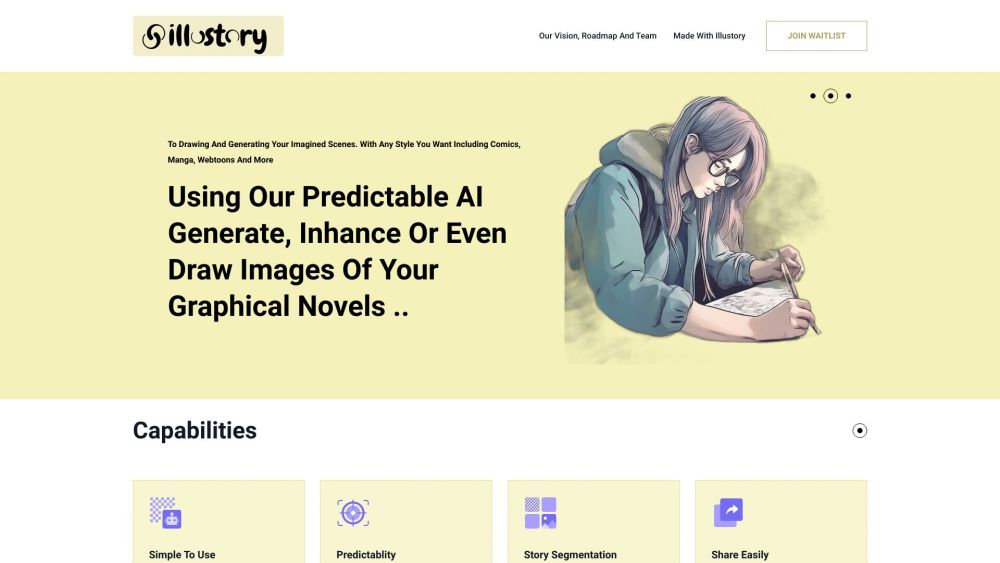
Illustory Studio website preview

Illustory Studio Website screenshot

What is Illustory Studio?

Illustory Studio is a cutting-edge AI platform designed to support writers and artists in bringing their stories to life. It leverages generative AI and natural language processing to assist in crafting novels and graphic novels, enabling users to effortlessly generate and enhance visuals for their stories. Whether you prefer the look of comics, manga, or webtoons, Illustory Studio offers versatile tools that make story visualization more efficient and affordable.

How to use Illustory Studio?

1. Sign up on the Illustory Studio website and join the waitlist.
2. Begin by utilizing the AI assistant to write your novel, taking advantage of autocompletion and writing suggestions.
3. Use the platform's AI capabilities to create and refine images for your graphic novels, selecting your desired art style.
4. Soon, you will be able to convert your written works into 2D or 3D animations with AI assistance, adding motion and exporting them as videos.
5. Share your visualized stories with ease, thanks to export options like PDF, PNG, and Photoshop.
6. Experience the future of story visualization with Illustory Studio's AI-driven tools and natural language segmentation.

Illustory Studio's Core Features

AI assistant for novel writing

Autocompletion and suggestion tools

Generate and draw images for graphic novels

Support for various styles (comics, manga, webtoons)

Transform written works into 2D/3D animations

Apply motion to animations with AI assistance

Export creations in multiple formats (PDF, PNG, Photoshop)

User-friendly interface and simple UX

Generative AI ensures 90% predictability in image generation

Story segmentation using natural language processing

Illustory Studio's Use Cases

Novelists visualizing their stories

Artists generating visuals for graphic novels

Creators of comics, manga, and webtoons

Authors turning stories into animations

Users seeking a cost-effective, time-saving story visualization solution

  • Illustory Studio Support Email & Customer Service Contact

    For more contact information, visit the contact us page.

  • Illustory Studio Company

    Learn more about Illustory Studio by visiting the about us page.

Product source: Illustory Studio official website. Check the provider for current plans, limits and availability.

FAQ

Illustory Studio questions and answers

Product context and practical checks for evaluating Illustory Studio.

What is Illustory Studio used for?

Illustory Studio is an AI-based platform that empowers writers and artists by providing them with tools to visualize their stories. It utilizes generative AI and natural language processing to assist in the creation of novels and graphic novels, allowing users to easily generate, enhance, or even draw images of their imagined scenes with various styles such as comics, manga, and webtoons. The platform aims to be user-friendly and accessible to anyone, making story visualization more efficient and cost-effective.

How do I get started with Illustory Studio?

1. Sign up on the Illustory Studio website and join the waitlist. 2. Begin by utilizing the AI assistant to write your novel, taking advantage of autocompletion and writing suggestions. 3. Use the platform's AI capabilities to create and refine images for your graphic novels, selecting your desired art style. 4. Soon, you will be able to convert your written works into 2D or 3D animations with AI assistance, adding motion and exporting them as videos. 5. Share your visualized stories with ease, thanks to export options like PDF, PNG, and Photoshop. 6. Experience the future of story visualization with Illustory Studio's AI-driven tools and natural language segmentation.

Which capabilities are described for Illustory Studio?

AI assistant for novel writingAutocompletion and suggestion toolsGenerate and draw images for graphic novelsSupport for various styles (comics, manga, webtoons)Transform written works into 2D/3D animationsApply motion to animations with AI assistanceExport creations in multiple formats (PDF, PNG, Photoshop)User-friendly interface and simple UXGenerative AI ensures 90% predictability in image generationStory segmentation using natural language processing

What projects can I evaluate Illustory Studio for?

Novelists visualizing their storiesArtists generating visuals for graphic novelsCreators of comics, manga, and webtoonsAuthors turning stories into animationsUsers seeking a cost-effective, time-saving story visualization solution Illustory Studio Support Email & Customer Service Contact For more contact information, visit the contact us page. Illustory Studio Company Learn more about Illustory Studio by visiting the about us page.

What should I compare before choosing a Illustory Studio plan?

Check Illustory Studio’s current pricing page for included usage, renewal terms and any credit charges. Compare the cost of a usable result, including retries, rather than assuming that account registration includes free usage.

What inputs should I prepare for a Illustory Studio trial?

Look for text prompts, image references, masks or sketches as appropriate. Compare composition control, supported upload types and the ability to revise a selected area.

How can I check the quality of a Illustory Studio result?

Inspect text, hands, edges, reflections and repeated objects at full size. Check that important product or brand details survive editing.

Which export options should I check in Illustory Studio?

Compare pixel dimensions, transparency, file formats and any enlargement options. Confirm that the downloaded result works in your design or publishing software.

What is a practical way to test Illustory Studio against alternatives?

Prepare a brief with a subject, composition, lighting and required output size. Test a first generation and a targeted revision to see how much control you retain.

Where is the official Illustory Studio website?

The website linked from this profile is https://illustory.studio. Use the provider’s own documentation, account area and support channels to confirm current product details.

Visit Illustory Studio