Large Language Models (LLMs)

iListing AI

Transform your property management with iListing AI: automated inspections, easy reports, and custom plans. Experience the future of property inventory today!

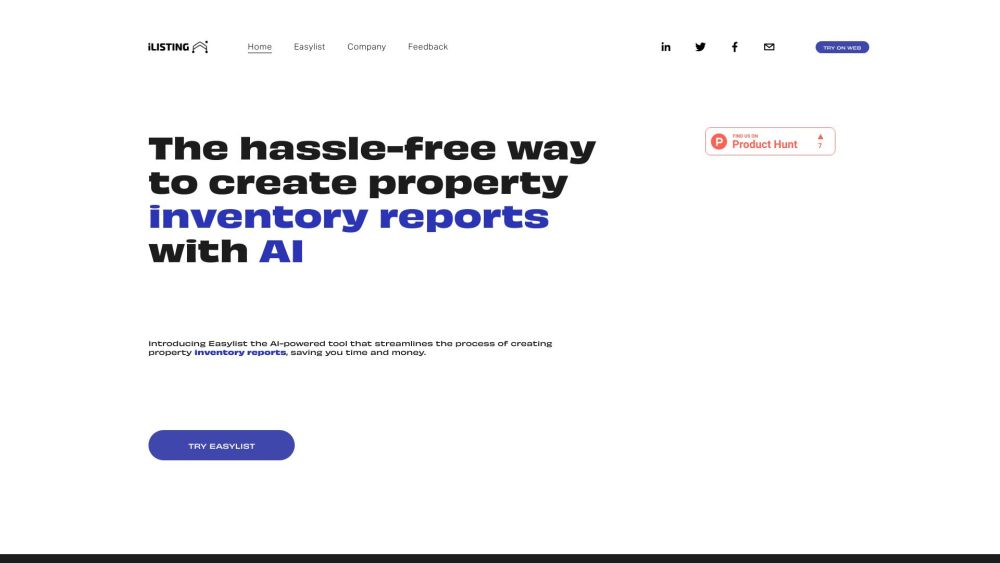
iListing AI website preview

iListing AI Website screenshot

What is iListing AI?

iListing AI is a groundbreaking tech firm revolutionizing the property market in the UK with its AI-driven platform, Easylist. This innovative solution provides automated inspections, easy report generation, and customizable subscription plans tailored to user requirements.

How to use iListing AI?

Using iListing AI and Easylist is straightforward. Sign up for an account, log in, and leverage the AI technology to create comprehensive property inventory reports. The AI tool automatically identifies property items, facilitating quick and precise inventory documentation. The process involves: 1. Creating an account on the iListing AI platform. 2. Logging in to your account. 3. Selecting the Easylist feature. 4. Entering the required property information. 5. Allowing the AI to generate a detailed inventory report. 6. Customizing the report as necessary. 7. Saving and exporting the final report for convenient sharing.

iListing AI's Core Features

Automated Property Inspections

Effortless Report Generation

Customizable Subscription Plans

AI-Powered Technology for Quick and Accurate Inventory Creation

Real-Time Recording and Up-to-Date Information

Detailed Condition Descriptions for Transparency

Streamlined Property Inventory Report Creation

Cost Reduction for Property Owners

iListing AI's Use Cases

Property Inventory Management

Real Estate Listing Descriptions

  • iListing AI Support Email & Customer Service Contact

    For customer support, reach out via email: [email protected]. For more contact options, visit the contact us page.

  • iListing AI Company Information

    Company Name: iListing AI Ltd.

    Learn more about iListing AI at the about us page.

  • iListing AI Login

    Login here: https://easylist.ai

  • iListing AI on LinkedIn

    Connect with us: iListing AI LinkedIn

Product source: iListing AI official website. Check the provider for current plans, limits and availability.

FAQ

iListing AI questions and answers

Product context and practical checks for evaluating iListing AI.

What is iListing AI used for?

Transform your property management with iListing AI: automated inspections, easy reports, and custom plans. Experience the future of property inventory today!

How do I get started with iListing AI?

Using iListing AI and Easylist is straightforward. Sign up for an account, log in, and leverage the AI technology to create comprehensive property inventory reports. The AI tool automatically identifies property items, facilitating quick and precise inventory documentation. The process involves: 1. Creating an account on the iListing AI platform. 2. Logging in to your account. 3. Selecting the Easylist feature. 4. Entering the required property information. 5. Allowing the AI to generate a detailed inventory report. 6. Customizing the report as necessary. 7. Saving and exporting the final report for convenient sharing.

Which capabilities are described for iListing AI?

Automated Property InspectionsEffortless Report GenerationCustomizable Subscription PlansAI-Powered Technology for Quick and Accurate Inventory CreationReal-Time Recording and Up-to-Date InformationDetailed Condition Descriptions for TransparencyStreamlined Property Inventory Report CreationCost Reduction for Property Owners

What projects can I evaluate iListing AI for?

Property Inventory ManagementReal Estate Listing Descriptions iListing AI Support Email & Customer Service Contact For customer support, reach out via email: [email protected]. For more contact options, visit the contact us page. iListing AI Company Information Company Name: iListing AI Ltd. Learn more about iListing AI at the about us page. iListing AI Login Login here: https://easylist.ai iListing AI on LinkedIn Connect with us: iListing AI LinkedIn

What should I compare before choosing a iListing AI plan?

Check iListing AI’s current pricing page for included usage, renewal terms and any credit charges. Compare the cost of a usable result, including retries, rather than assuming that account registration includes free usage.

What inputs should I prepare for a iListing AI trial?

Identify the files, text or account connections your task needs. Confirm that the product accepts those inputs and offers controls for reviewing its work.

How can I check the quality of a iListing AI result?

Test one representative task and inspect the result for accuracy and completeness. Record where manual corrections or extra tools are needed.

Which export options should I check in iListing AI?

Check export formats, integrations and whether you can keep using your work outside the service. Test a real export before committing to a longer plan.

What is a practical way to test iListing AI against alternatives?

Choose one task with a clear success condition. Keep the input consistent, record the time spent reviewing and compare the complete workflow cost.

Where is the official iListing AI website?

The website linked from this profile is https://www.ilistingai.com. Use the provider’s own documentation, account area and support channels to confirm current product details.

Visit iListing AI