AI Advertising Assistant

idict App

idict App: Clone & translate voices with ML! Experience voice cloning and translation for all your language needs.

idict App website preview
```html

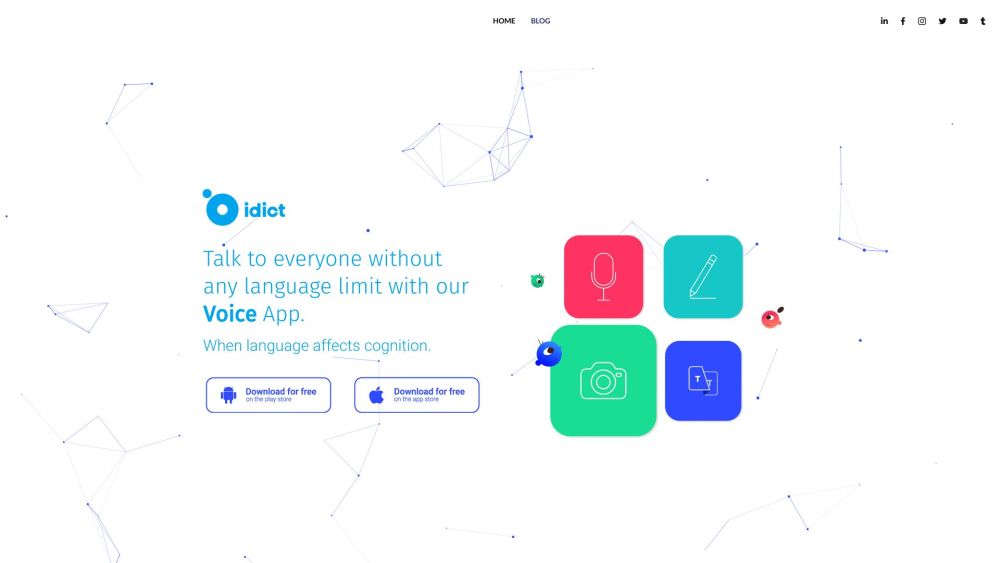
idict | Voice Cloning Translation App Website screenshot

What is idict | Voice Cloning Translation App?

idict is a cutting-edge application that utilizes Machine Learning (ML) to clone human voices and facilitate multilingual translation. This app is a one-stop solution for all your language translation needs, providing seamless and accurate translations.

How to use idict | Voice Cloning Translation App?

Using idict is incredibly simple. After downloading the app from the PlayStore or AppStore, open it and follow the intuitive interface. You can try the app for free with a trial version before opting for the full services through in-app purchases.

idict | Voice Cloning Translation App's Core Features

Voice Clone Translator - mimics the speaker's voice

Text Translation

Edit Text

Phrasebook - save translated words and phrases

Photo Translation - translate text in photos

Favorites and Conversation - save important conversations and favorite words and phrases

idict | Voice Cloning Translation App's Use Cases

Travelers

Students

Business professionals

Employers

Medical staff

  • idict | Voice Cloning Translation App Support Email & Customer service contact & Refund contact etc.

    For customer support, you can reach out via email at [email protected]. For more contact options, visit the contact us page.

  • idict | Voice Cloning Translation App Company

    Company name: idict

    Address: 1 Charents St, Yerevan.

    Learn more about idict on the about us page.

  • idict | Voice Cloning Translation App Pricing

    For detailed pricing information, visit the pricing page.

  • idict | Voice Cloning Translation App Facebook

    Follow us on Facebook: idictTranslator

  • idict | Voice Cloning Translation App LinkedIn

    Connect with us on LinkedIn: idict

  • idict | Voice Cloning Translation App Twitter

    Follow us on Twitter: i_dict

  • idict | Voice Cloning Translation App Instagram

    Follow us on Instagram: idict.io

```

Product source: idict App official website. Check the provider for current plans, limits and availability.

FAQ

idict App questions and answers

Product context and practical checks for evaluating idict App.

What is idict App used for?

idict App: Clone & translate voices with ML! Experience voice cloning and translation for all your language needs.

How do I get started with idict App?

Using idict is incredibly simple. After downloading the app from the PlayStore or AppStore, open it and follow the intuitive interface. You can try the app for free with a trial version before opting for the full services through in-app purchases.

Which capabilities are described for idict App?

Voice Clone Translator - mimics the speaker's voiceText TranslationEdit TextPhrasebook - save translated words and phrasesPhoto Translation - translate text in photosFavorites and Conversation - save important conversations and favorite words and phrases

What projects can I evaluate idict App for?

TravelersStudentsBusiness professionalsEmployersMedical staff idict | Voice Cloning Translation App Support Email & Customer service contact & Refund contact etc. For customer support, you can reach out via email at [email protected]. For more contact options, visit the contact us page. idict | Voice Cloning Translation App Company Company name: idict Address: 1 Charents St, Yerevan. Learn more about idict on the about us page. idict | Voice Cloning Translation App Pricing For detailed pricing information, visit the pricing page. idict | Voice Cloning Translation App Facebook Follow us on Facebook: idictTranslator idict | Voice Cloning Translation App LinkedIn Connect with us on LinkedIn: idict idict | Voice Cloning Translation App Twitter Follow us on Twitter: i_dict idict | Voice Cloning Translation App Instagram Follow us on Instagram: idict.io

What should I compare before choosing a idict App plan?

For detailed pricing information, visit the pricing page. Confirm current prices and allowances on the provider’s website before purchasing.

What inputs should I prepare for a idict App trial?

Compare recording length, file types, language support and speaker handling. For voice generation, check pronunciation controls and permission to use any reference voice.

How can I check the quality of a idict App result?

Listen for mispronounced names, unnatural pauses, clipped words and noise. For transcripts, compare the text with the recording and correct speaker labels.

Which export options should I check in idict App?

Check audio format, sample rate, separate tracks, captions and timestamp exports. Confirm that the result works in your editing or accessibility workflow.

What is a practical way to test idict App against alternatives?

Use a short recording with names, numbers and more than one speaker, or a script with difficult pronunciation. Review the exported audio or transcript in full.

Where is the official idict App website?

The website linked from this profile is https://idict.io. Use the provider’s own documentation, account area and support channels to confirm current product details.

Visit idict App