AI Product Description Generator

HandyPlugins

HandyPlugins: Premium WordPress plugins with top-notch support and thorough documentation. Elevate your site effortlessly with our expertly crafted tools.

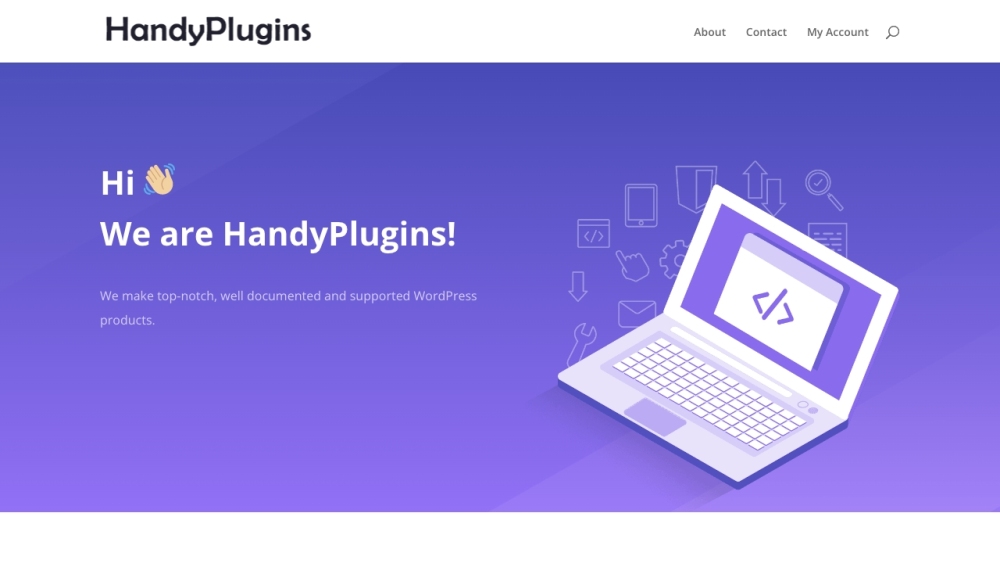
HandyPlugins website preview

HandyPlugins Website screenshot

Discover HandyPlugins

HandyPlugins specializes in creating premium WordPress plugins that are expertly crafted and highly supported. Their offerings are designed to enhance your WordPress experience with robust functionality and ease of use.

Getting Started with HandyPlugins

To start using HandyPlugins, explore their range of products to find the perfect solution for your needs. Once selected, you can purchase and download the installation file. Follow the detailed documentation provided to install and configure the plugin on your WordPress site seamlessly.

Core Features of HandyPlugins

Seamless passwordless authentication

AI-powered content creation assistant

Text-to-speech capabilities

Integrated digital product sales through Paddle

Advanced caching solutions for multisite setups

Easily manage 'security.txt' files

Comprehensive branding tools for WordPress

Option to disable comments on posts

Practical Applications of HandyPlugins

Boosting site security

Generating high-quality, unique content

Implementing text-to-speech features

Selling digital products without complex systems

Enhancing performance with caching

Efficiently managing 'security.txt' files

Customizing WordPress branding

Removing comment sections

Product source: HandyPlugins official website. Check the provider for current plans, limits and availability.

FAQ

HandyPlugins questions and answers

Product context and practical checks for evaluating HandyPlugins.

What is HandyPlugins used for?

HandyPlugins: Premium WordPress plugins with top-notch support and thorough documentation. Elevate your site effortlessly with our expertly crafted tools.

How do I get started with HandyPlugins?

To start using HandyPlugins, explore their range of products to find the perfect solution for your needs. Once selected, you can purchase and download the installation file. Follow the detailed documentation provided to install and configure the plugin on your WordPress site seamlessly.

Which capabilities are described for HandyPlugins?

Seamless passwordless authenticationAI-powered content creation assistantText-to-speech capabilitiesIntegrated digital product sales through PaddleAdvanced caching solutions for multisite setupsEasily manage 'security.txt' filesComprehensive branding tools for WordPressOption to disable comments on posts

What projects can I evaluate HandyPlugins for?

Boosting site securityGenerating high-quality, unique contentImplementing text-to-speech featuresSelling digital products without complex systemsEnhancing performance with cachingEfficiently managing 'security.txt' filesCustomizing WordPress brandingRemoving comment sections Contact HandyPlugins Support For more information or support, visit the HandyPlugins contact page. About HandyPlugins HandyPlugins is dedicated to delivering high-quality WordPress plugins. To learn more, visit the About Us page. Follow HandyPlugins on Twitter Stay updated by following HandyPlugins on Twitter: https://twitter.com/HandyPlugins. Explore HandyPlugins on GitHub Check out HandyPlugins' projects and contributions on GitHub: https://github.com/HandyPlugins/.

What should I compare before choosing a HandyPlugins plan?

Check HandyPlugins’s current pricing page for included usage, renewal terms and any credit charges. Compare the cost of a usable result, including retries, rather than assuming that account registration includes free usage.

What inputs should I prepare for a HandyPlugins trial?

Identify the files, text or account connections your task needs. Confirm that the product accepts those inputs and offers controls for reviewing its work.

How can I check the quality of a HandyPlugins result?

Test one representative task and inspect the result for accuracy and completeness. Record where manual corrections or extra tools are needed.

Which export options should I check in HandyPlugins?

Check export formats, integrations and whether you can keep using your work outside the service. Test a real export before committing to a longer plan.

What is a practical way to test HandyPlugins against alternatives?

Choose one task with a clear success condition. Keep the input consistent, record the time spent reviewing and compare the complete workflow cost.

Where is the official HandyPlugins website?

The website linked from this profile is https://handyplugins.co. Use the provider’s own documentation, account area and support channels to confirm current product details.

Visit HandyPlugins