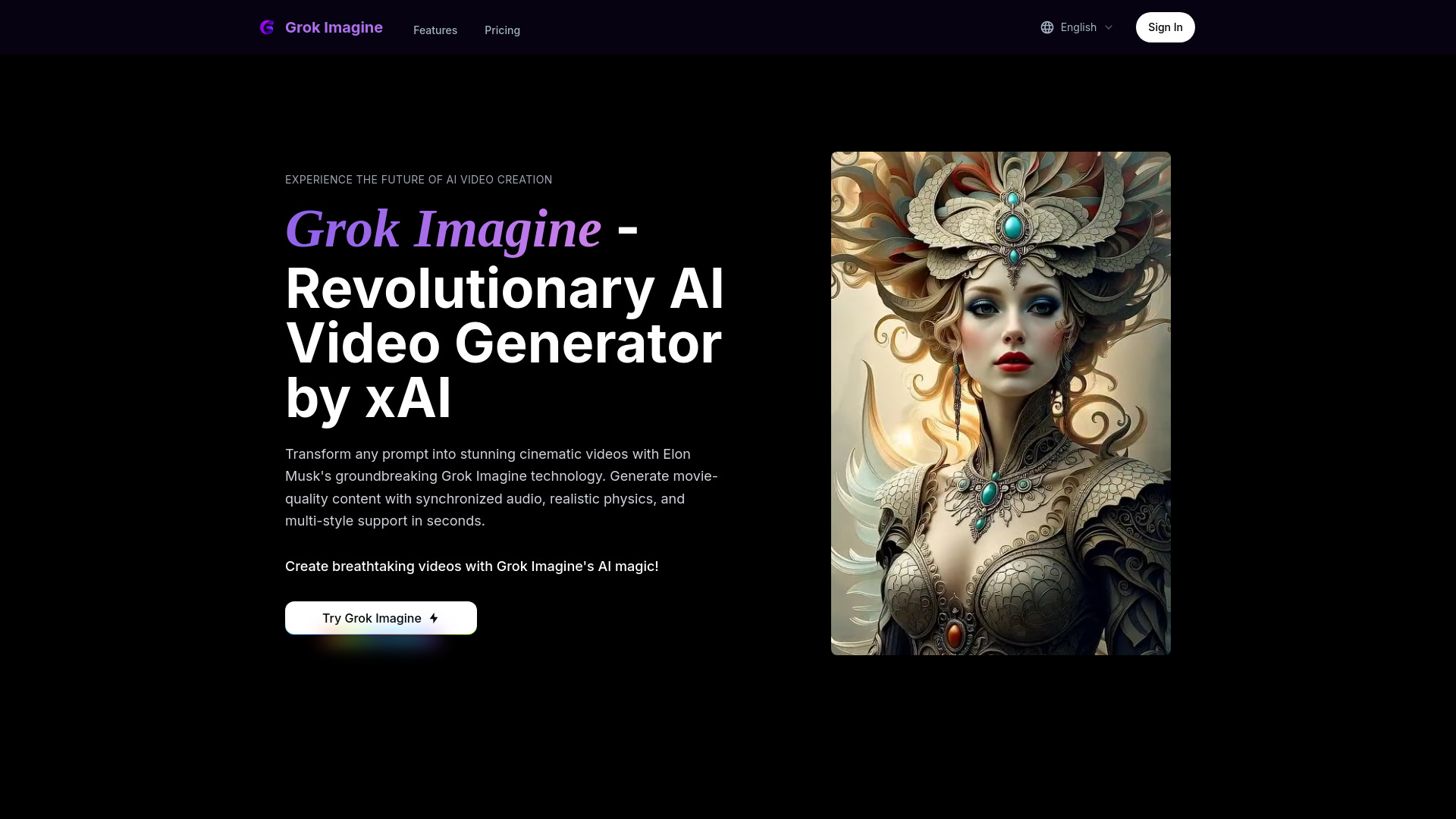
What Is Grok Imagine?
Grok Imagine is xAI’s AI-powered creative tool for turning ideas and images into short videos with synchronized audio. It helps users explore cinematic scenes through natural-language instructions, making video creation more approachable for content creators, marketers, filmmakers, and visual storytellers. Rather than building every shot from scratch, you can describe a setting, introduce movement, and guide the atmosphere through a prompt.
The appeal of Grok Imagine lies in combining visual generation, sound, and dynamic motion within a streamlined workflow. Creators can experiment with realistic environments, fantasy worlds, or science-fiction concepts while exploring how lighting, camera movement, and physical interactions shape a scene. Results vary with the prompt and available model capabilities, so generated clips work best as creative starting points that can be reviewed and refined.
How to Use Grok Imagine
Begin with a clear description of the video you want to create. Specify the main subject, surroundings, action, and visual style. For a cinematic result, include details such as camera position, lighting direction, pacing, and mood. If image-to-video generation is available in your version, upload a reference image to establish the scene’s appearance and guide its animation. Choose from the generation options shown in your interface, then submit your request.
Once the clip is ready, review its visual consistency, movement, and audio alignment. Check whether characters behave as intended, objects interact convincingly, and sound supports the action. Refine one or two prompt elements at a time rather than changing the entire concept. When export is available, download your preferred result and prepare it for your intended channel. Generation speed, output options, and feature access may depend on your subscription and the current product release.
Key Features of Grok Imagine
- Video with Synchronized Audio: Generate moving visuals alongside accompanying sound to create a more complete scene. Depending on the available capabilities, audio can help establish atmosphere and reinforce on-screen events. Review timing and sound quality before publishing.
- Physics-Informed Visual Motion: Explore scenes involving movement, environmental effects, and object interactions. Descriptions of weight, momentum, gravity, and surface contact can guide more convincing results, although AI-generated motion may still contain physical inconsistencies.
- Flexible Creative Styles: Use prompts to explore cinematic realism, imaginative fantasy, futuristic environments, and other visual directions. Describing textures, color palettes, lighting, and composition helps establish a recognizable aesthetic across your experiments.
- Text and Image-Based Creation: Develop a scene from a written idea or animate an existing image where supported. Reference images can provide a useful visual foundation for character appearance, setting, and framing.
- Iterative Concept Development: Test alternative camera angles, actions, or moods without staging a physical shoot. Creating and comparing successive versions can help you identify promising creative directions before committing to more detailed production work.
Why Choose Grok Imagine?
Grok Imagine offers an accessible way to explore video ideas without beginning with a complex editing timeline or a full production setup. Its prompt-driven approach lets users focus on what a scene should communicate: the subject, emotional tone, action, and atmosphere. Combining video and audio generation can also simplify early experimentation by reducing the need to source separate sound elements for every draft.
For creative teams, the value is often in exploration rather than guaranteed production-ready output. A short generated clip can communicate a mood, illustrate a proposed shot, or make an abstract campaign idea easier to discuss. Individual creators can use the same workflow to test visual storytelling techniques and develop distinctive content. As with other AI video tools, professional use benefits from careful quality checks, appropriate permissions for source material, and additional editing when needed.
Use Cases and Applications
Filmmakers and storyboard artists can use Grok Imagine to explore scene composition, camera movement, and narrative pacing before a shoot. A written sequence or still reference can become a moving concept that helps collaborators discuss the intended look. These clips can support previsualization and mood development, while remaining separate from the technical planning required for a finished production.
Marketing teams can experiment with campaign concepts, product atmospheres, and alternative storytelling approaches. Social media creators can develop short visual sequences, stylized backgrounds, or imaginative scenes for broader edits. Game developers may find the tool useful for exploring fictional environments and promotional concepts. Educators can also use generated visuals to introduce topics, provided that factual accuracy is checked and illustrative scenes are not presented as authentic footage. Across these applications, clear creative direction and thoughtful review remain essential.