Text to Image

GraphixAi

Unleash creativity with GraphixAi, the AI-powered image generator! Enter prompts, select styles, and create digital art in seconds.

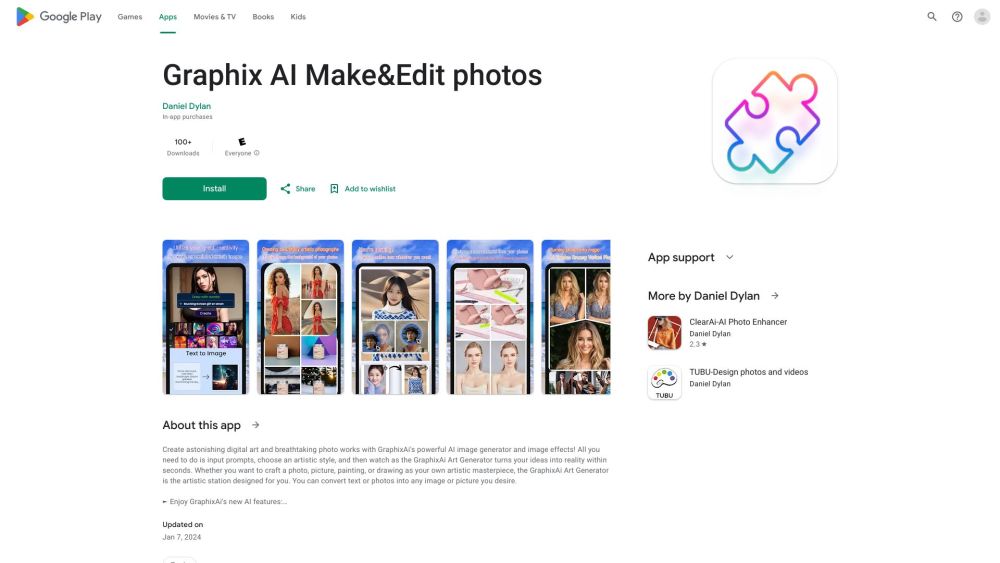
GraphixAi website preview

GraphixAi Website screenshot

Introducing GraphixAi

GraphixAi is a cutting-edge AI-driven tool designed to help users generate breathtaking digital art and photos. By providing specific prompts and selecting from a variety of artistic styles, users can witness their creative concepts brought to life instantly.

Getting Started with GraphixAi

Using GraphixAi is straightforward: enter your desired prompts and choose an art style. The AI will then convert your inputs into unique photo creations and digital art pieces. Users can also refine their images by using commands to tweak details or start with an existing photo to build upon.

Key Features of GraphixAi

Text-to-Image Generation

Image-to-Image Generation

AI Local Repaint

AI Face Swap

Photo Enhancement

Object Removal

Background Replacement

Image Expansion

IP Adapter

Applications of GraphixAi

Producing Commercial Photos and Professional Art

Creating Artistic Masterpieces

Transforming Text and Photos into Custom Images

Turning Selfies into Artworks

Generating Abstract AI Paintings

Enhancing Photos of Loved Ones or Children's Drawings

Generating Stunning Visuals from Text Prompts

Designing Anime Characters

Product source: GraphixAi official website. Check the provider for current plans, limits and availability.

FAQ

GraphixAi questions and answers

Product context and practical checks for evaluating GraphixAi.

What is GraphixAi used for?

Unleash creativity with GraphixAi, the AI-powered image generator! Enter prompts, select styles, and create digital art in seconds.

How do I get started with GraphixAi?

Using GraphixAi is straightforward: enter your desired prompts and choose an art style. The AI will then convert your inputs into unique photo creations and digital art pieces. Users can also refine their images by using commands to tweak details or start with an existing photo to build upon.

Which capabilities are described for GraphixAi?

Text-to-Image GenerationImage-to-Image GenerationAI Local RepaintAI Face SwapPhoto EnhancementObject RemovalBackground ReplacementImage ExpansionIP Adapter

What projects can I evaluate GraphixAi for?

Producing Commercial Photos and Professional ArtCreating Artistic MasterpiecesTransforming Text and Photos into Custom ImagesTurning Selfies into ArtworksGenerating Abstract AI PaintingsEnhancing Photos of Loved Ones or Children's DrawingsGenerating Stunning Visuals from Text PromptsDesigning Anime Characters

What should I compare before choosing a GraphixAi plan?

Check GraphixAi’s current pricing page for included usage, renewal terms and any credit charges. Compare the cost of a usable result, including retries, rather than assuming that account registration includes free usage.

What inputs should I prepare for a GraphixAi trial?

Look for text prompts, image references, masks or sketches as appropriate. Compare composition control, supported upload types and the ability to revise a selected area.

How can I check the quality of a GraphixAi result?

Inspect text, hands, edges, reflections and repeated objects at full size. Check that important product or brand details survive editing.

Which export options should I check in GraphixAi?

Compare pixel dimensions, transparency, file formats and any enlargement options. Confirm that the downloaded result works in your design or publishing software.

What is a practical way to test GraphixAi against alternatives?

Prepare a brief with a subject, composition, lighting and required output size. Test a first generation and a targeted revision to see how much control you retain.

Where is the official GraphixAi website?

The website linked from this profile is https://play.google.com/store/apps/details?id=com.ligan.graphixai. Use the provider’s own documentation, account area and support channels to confirm current product details.

Visit GraphixAi