What is GPTsLab Browser Extension for Chrome?
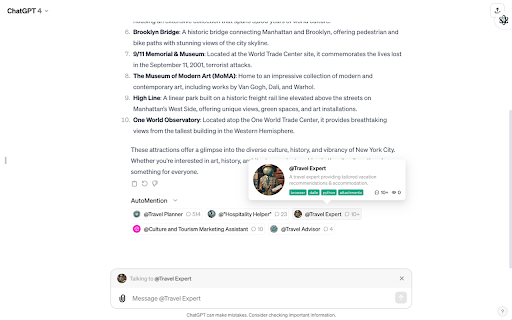
The GPTsLab Browser Extension offers seamless access to a vast library of over 20,000 GPT-powered applications, simplifying the process of exploring and utilizing various AI-driven tools directly from your Chrome browser.
How to Use GPTsLab Browser Extension on Chrome?
1. Install the extension from the Chrome Web Store.
2. Search and browse through a large collection of GPT applications.
3. Discover fresh AI tools with tailored daily recommendations.
4. Save and organize your favorite apps in your personalized space.
Key Features of GPTsLab Browser Extension
Vast Collection of GPT Apps (20k+)
Gain easy access to thousands of AI apps with a click, covering a wide array of use cases.
Tailored Recommendations
Receive personalized daily suggestions to help you stay up-to-date with the latest AI tools and innovations.
Powerful Search Capability
Find specific apps that meet your needs with an intuitive and fast search function.
Custom App Management
Keep your favorite apps organized with a personal dashboard, making it easy to revisit and manage them.
Who Can Benefit from GPTsLab Browser Extension?
Tech Enthusiasts Seeking AI Tools
Whether you're a tech professional or an AI hobbyist, the extension provides a robust platform to explore cutting-edge GPT applications.
Developers Investigating GPT Technologies
Gain access to a broad range of apps designed to help developers innovate and experiment with GPT-based tools.