AI Blog Writer

GoVoice

Effortlessly create content with GoVoice! This AI tool converts speech to text and text to speech, boosting productivity for your business.

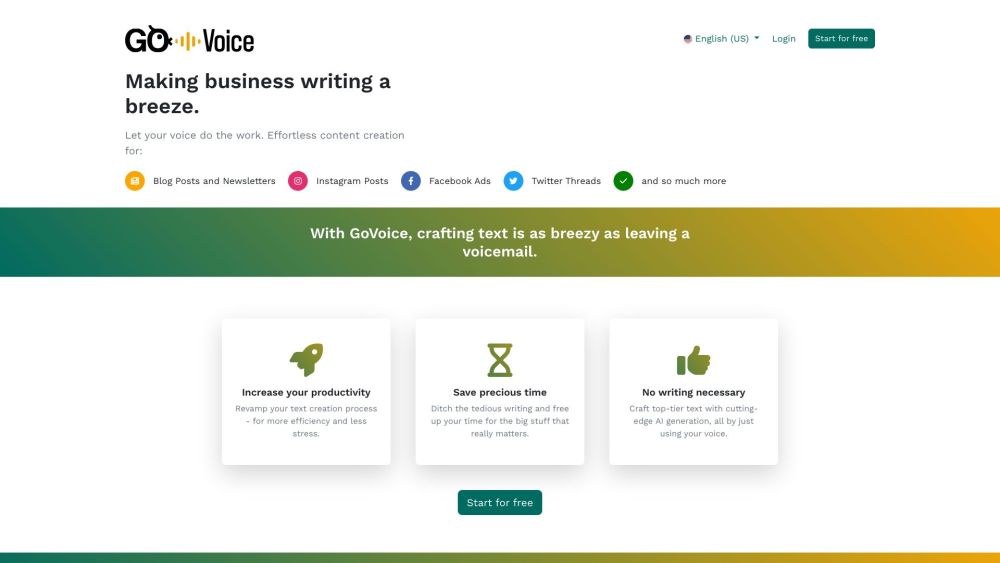
GoVoice website preview

GoVoice Website screenshot

What is GoVoice?

GoVoice is an advanced AI-powered tool designed to streamline content creation for businesses. It offers seamless speech-to-text and text-to-speech functionality, enabling users to transform spoken ideas into written text effortlessly. This innovative tool saves time and boosts productivity by simplifying the content generation process.

How to use GoVoice?

1. Start by recording your business content using your voice. 2. Select the type of content you wish to generate, such as blog posts, social media updates, or newsletters. 3. GoVoice rapidly converts your recorded speech into written text. 4. Review and edit the generated content to ensure it meets your quality standards. 5. Utilize the polished content for your marketing and communication strategies.

GoVoice's Core Features

1. Text-to-Speech and Speech-to-Text Conversion: Effortlessly transform spoken words into written content and vice versa. 2. Content Recycling: Repurpose existing content into new formats, such as converting meeting notes into blog articles. 3. Consistent Output: Focus on regular content production, with the option to edit for perfection later. 4. Quick and Easy: Speed up content creation by verbalizing ideas and letting GoVoice handle the writing. 5. Business Focus: Free up time for core business activities by delegating content creation to GoVoice.

GoVoice's Use Cases

1. Bloggers and Content Marketers: Easily create blog content by speaking your thoughts and letting GoVoice do the writing. 2. Social Media Managers: Craft engaging social media content for platforms like Instagram and Facebook through spoken ideas. 3. Small Business Owners: Generate newsletters or Twitter threads to keep your audience informed and engaged. 4. SEO Optimization: Enhance your company’s SEO by repurposing content and generating optimized blog posts.

Product source: GoVoice official website. Check the provider for current plans, limits and availability.

FAQ

GoVoice questions and answers

Product context and practical checks for evaluating GoVoice.

What is GoVoice used for?

Effortlessly create content with GoVoice! This AI tool converts speech to text and text to speech, boosting productivity for your business.

How do I get started with GoVoice?

1. Start by recording your business content using your voice. 2. Select the type of content you wish to generate, such as blog posts, social media updates, or newsletters. 3. GoVoice rapidly converts your recorded speech into written text. 4. Review and edit the generated content to ensure it meets your quality standards. 5. Utilize the polished content for your marketing and communication strategies.

Which capabilities are described for GoVoice?

1. Text-to-Speech and Speech-to-Text Conversion: Effortlessly transform spoken words into written content and vice versa. 2. Content Recycling: Repurpose existing content into new formats, such as converting meeting notes into blog articles. 3. Consistent Output: Focus on regular content production, with the option to edit for perfection later. 4. Quick and Easy: Speed up content creation by verbalizing ideas and letting GoVoice handle the writing. 5. Business Focus: Free up time for core business activities by delegating content creation to GoVoice.

What projects can I evaluate GoVoice for?

1. Bloggers and Content Marketers: Easily create blog content by speaking your thoughts and letting GoVoice do the writing. 2. Social Media Managers: Craft engaging social media content for platforms like Instagram and Facebook through spoken ideas. 3. Small Business Owners: Generate newsletters or Twitter threads to keep your audience informed and engaged. 4. SEO Optimization: Enhance your company’s SEO by repurposing content and generating optimized blog posts. GoVoice Company GoVoice Company name: GoVoice. GoVoice Login GoVoice Login Link: https://govoice.app/en GoVoice Sign up GoVoice Sign up Link: https://govoice.app/en GoVoice Pricing GoVoice Pricing Link: https://govoice.app/en/pricing GoVoice Twitter GoVoice Twitter Link: https://govoice.app/en/blog/game-changer-for-content-creators

What should I compare before choosing a GoVoice plan?

GoVoice Pricing Link: https://govoice.app/en/pricing Confirm current prices and allowances on the provider’s website before purchasing.

What inputs should I prepare for a GoVoice trial?

Compare support for source documents, style instructions, outlines and length limits. Check whether citations link to real material rather than merely looking like references.

How can I check the quality of a GoVoice result?

Verify names, dates, quotations and factual claims against the original sources. Edit tone, remove repetition and make sure the text answers the intended reader’s question.

Which export options should I check in GoVoice?

Check export to plain text, Markdown, documents or your publishing system. Formatting, headings and working links matter when moving a draft into production.

What is a practical way to test GoVoice against alternatives?

Use a real brief and a short source document. Compare factual accuracy, structure and editing time rather than accepting the longest or most confident draft.

Where is the official GoVoice website?

The website linked from this profile is https://govoice.app. Use the provider’s own documentation, account area and support channels to confirm current product details.

Visit GoVoice