AI tool profile

Glasp

Glasp is a social web highlighter that helps users organize and share highlighted content.

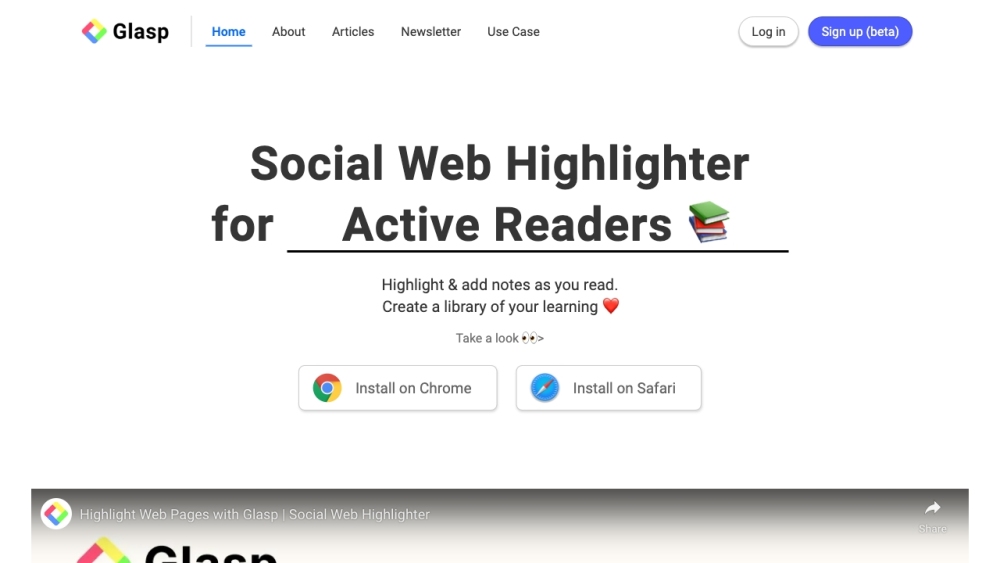
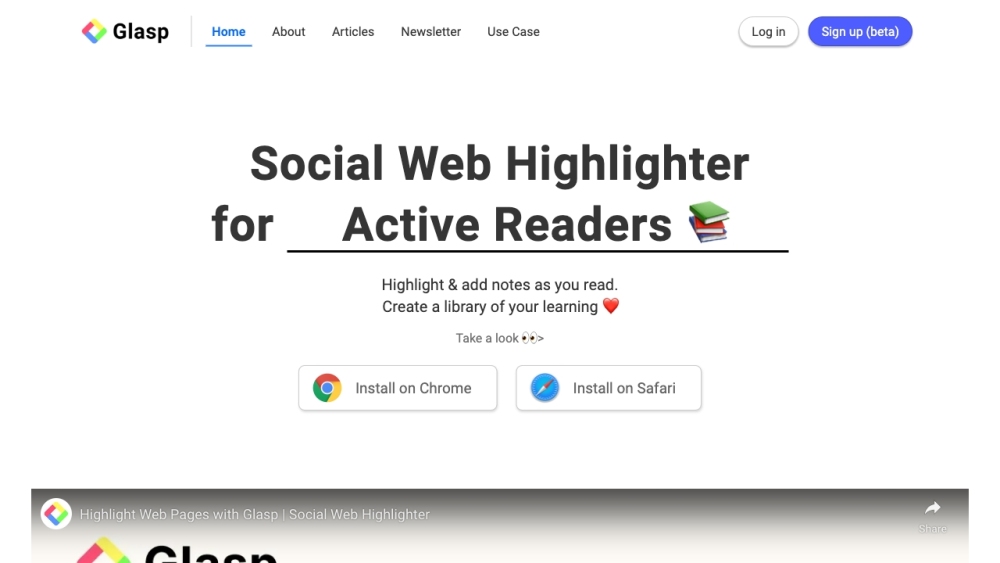
Glasp website preview

Glasp Website screenshot

What is Glasp?

Glasp is a social web highlighter that allows users to highlight and organize quotes and thoughts from the web, as well as access other like-minded people's learning.

How to use Glasp?

To use Glasp, you can install the browser extension on Chrome or Safari. Once installed, you can highlight and save notes on any web page directly within the browser. You can also copy all your highlights and notes with meta data and paste them into note-taking apps for seamless export. Additionally, Glasp allows you to share your learning through your Glasp profile, follow and discover like-minded people's content in your home feed, and even highlight and add notes on videos and PDF files. You can also embed your Glasp in your blog or newsletter for easy access. To get started, simply sign up for an account and start highlighting!

Glasp's Core Features

Highlight and save notes on any web page

Copy and export highlights and notes with meta data

Share Glasp profile and learning with others

Discover content from like-minded people

Highlight and add notes on videos and PDF files

Embed Glasp in blogs or newsletters

Glasp's Use Cases

Collect and organize favorite quotes and thoughts from the web

Access and learn from other like-minded individuals' content

Highlight and add notes to enhance learning and retention

Share learning and knowledge with others

Discover insightful content in your home feed

Easily highlight and add notes on videos and PDF files

Embed Glasp in your blog or newsletter for easy access

Product source: Glasp official website. Check the provider for current plans, limits and availability.

FAQ

Glasp questions and answers

Product context and practical checks for evaluating Glasp.

What is Glasp used for?

Glasp is a social web highlighter that helps users organize and share highlighted content.

How do I get started with Glasp?

To use Glasp, you can install the browser extension on Chrome or Safari. Once installed, you can highlight and save notes on any web page directly within the browser. You can also copy all your highlights and notes with meta data and paste them into note-taking apps for seamless export. Additionally, Glasp allows you to share your learning through your Glasp profile, follow and discover like-minded people's content in your home feed, and even highlight and add notes on videos and PDF files. You can also embed your Glasp in your blog or newsletter for easy access. To get started, simply sign up for an account and start highlighting!

Which capabilities are described for Glasp?

Highlight and save notes on any web pageCopy and export highlights and notes with meta dataShare Glasp profile and learning with othersDiscover content from like-minded peopleHighlight and add notes on videos and PDF filesEmbed Glasp in blogs or newsletters

What projects can I evaluate Glasp for?

Collect and organize favorite quotes and thoughts from the webAccess and learn from other like-minded individuals' contentHighlight and add notes to enhance learning and retentionShare learning and knowledge with othersDiscover insightful content in your home feedEasily highlight and add notes on videos and PDF filesEmbed Glasp in your blog or newsletter for easy access Glasp Discord Here is the Glasp Discord: https://discord.gg/GRbFsGwTNN. For more Discord message, please click here(/discord/grbfsgwtnn). Glasp Company Glasp Company name: Glasp Inc. . More about Glasp, Please visit the about us page(https://glasp.co/about). Glasp Login Glasp Login Link: https://glasp.co/login?ref=/ Glasp Sign up Glasp Sign up Link: https://glasp.co/signup?ref=/ Glasp Pricing Glasp Pricing Link: https://glasp.co/pricing Glasp Linkedin Glasp Linkedin Link: https://www.linkedin.com/company/glaspGlasp Twitter Glasp Twitter Link: https://twitter.com/_Glasp

What should I compare before choosing a Glasp plan?

Glasp Pricing Link: https://glasp.co/pricing Confirm current prices and allowances on the provider’s website before purchasing.

What inputs should I prepare for a Glasp trial?

Compare support for source documents, style instructions, outlines and length limits. Check whether citations link to real material rather than merely looking like references.

How can I check the quality of a Glasp result?

Verify names, dates, quotations and factual claims against the original sources. Edit tone, remove repetition and make sure the text answers the intended reader’s question.

Which export options should I check in Glasp?

Check export to plain text, Markdown, documents or your publishing system. Formatting, headings and working links matter when moving a draft into production.

What is a practical way to test Glasp against alternatives?

Use a real brief and a short source document. Compare factual accuracy, structure and editing time rather than accepting the longest or most confident draft.

Where is the official Glasp website?

The website linked from this profile is https://glasp.co. Use the provider’s own documentation, account area and support channels to confirm current product details.

Visit Glasp