Text&ampWriting

Gitmore

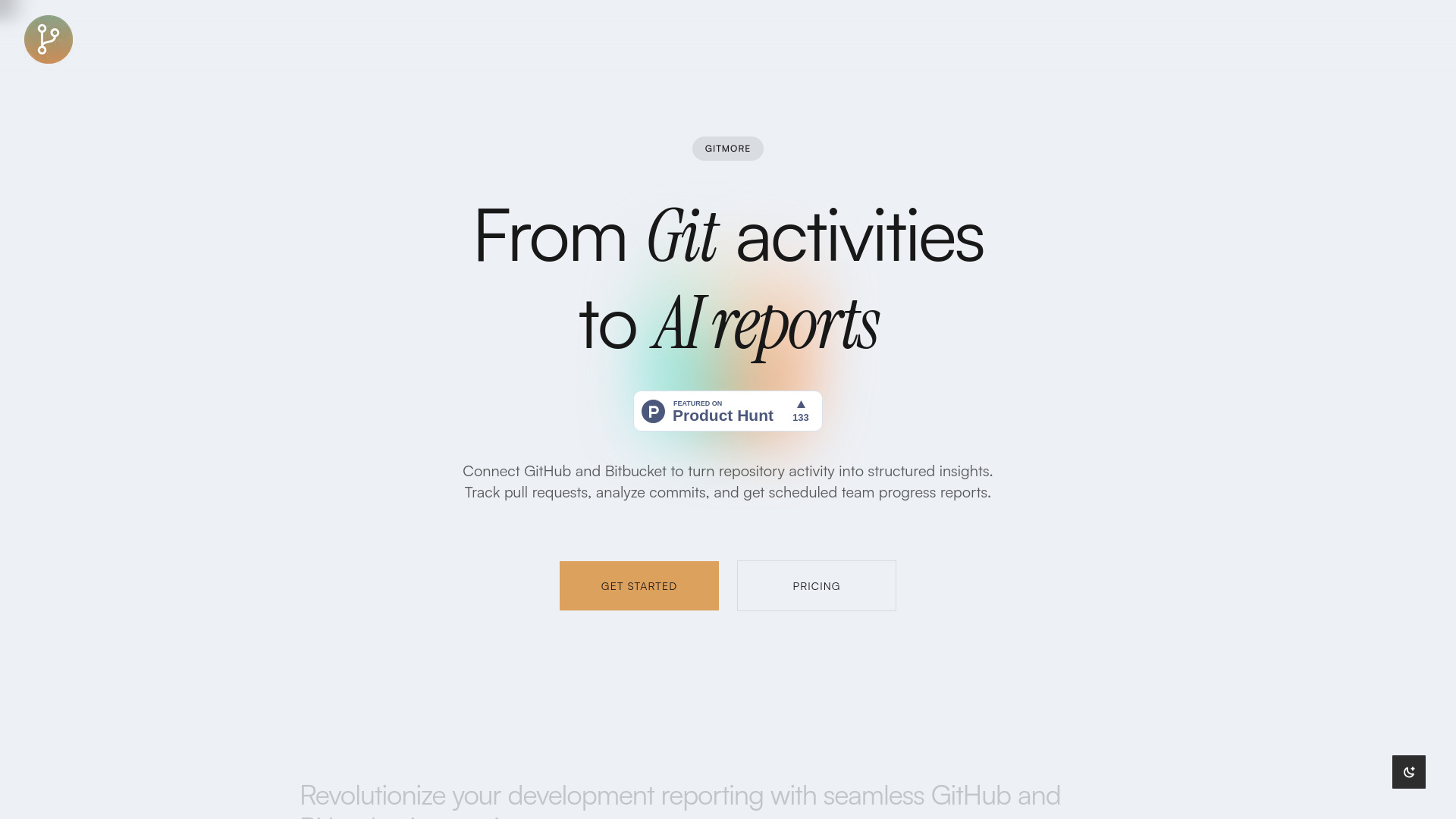
Gitmore turns GitHub and Bitbucket activity into AI-powered reports, commit insights, and team metrics delivered to email and Slack.

Gitmore website preview

What is Gitmore?

Gitmore is an AI-driven platform for creating Git reports, uncovering commit insights, and monitoring team metrics. It connects with GitHub and Bitbucket to turn everyday repository activity into clear progress updates that technical and non-technical stakeholders can understand. By reviewing commit messages, pull requests, and related development activity with large language models, Gitmore identifies meaningful work such as new features, bug fixes, maintenance, and delivery trends. Engineering leaders can use these insights to understand team momentum, while project managers and executives receive concise summaries without having to inspect repositories manually.

How to Use Gitmore

Getting started with Gitmore involves only a few practical steps. Connect your GitHub or Bitbucket repositories through the Gitmore application and authorize the required webhook access. Once the integration is active, your developers can continue working in their usual way by committing code, opening pull requests, and reviewing changes. Gitmore processes this activity and prepares progress reports according to the schedule you select. Updates can be sent to email recipients or shared through specific Slack channels, helping each audience receive information in the format that suits its workflow.

You can align notifications with daily check-ins, weekly management updates, sprint reviews, or release milestones. When a question requires more detail, use the built-in AI chat agent to explore project activity, ask about delivery patterns, or request an explanation of recent team progress. Since analysis runs continuously as repository events occur, reports become more useful over time without adding another reporting task to the development process.

Key Features of Gitmore

  • AI Git Reports: Gitmore converts repository events into readable reports that explain what the team has delivered, which work is in progress, and where recent development effort has been concentrated.
  • Commit and Pull Request Insights: Its AI analysis interprets commit messages and pull request descriptions to distinguish feature work, defect resolution, refactoring, maintenance, and other common development activities.
  • GitHub and Bitbucket Connectivity: Secure webhook-based integrations allow teams to monitor repositories across GitHub and Bitbucket from one reporting environment, even when projects are distributed across both services.
  • Email and Slack Delivery: Scheduled summaries can be delivered to individual inboxes or selected Slack channels, giving engineers, managers, and business stakeholders access to the same current project information.
  • Team Metrics and Velocity Tracking: Gitmore helps reveal patterns in pull request activity, commit volume, delivery pace, and contributor participation so teams can identify changes in momentum and potential workflow constraints.
  • Conversational AI Agent: Ask questions in natural language about recent releases, contributor activity, project progress, or historical development patterns and receive answers based on available Git data.

These capabilities reduce the need to gather updates manually from multiple engineers and tools. They also create a shared view of development activity, making it easier to discuss progress using evidence from the team's actual workflow.

Why Choose Gitmore?

Gitmore brings reporting and repository intelligence into one focused platform. Traditional status reporting often depends on manually collected updates, spreadsheets, or meetings that interrupt engineering work. Gitmore uses existing Git activity as its source, allowing teams to generate consistent reports while developers remain focused on building and reviewing software. Its AI summaries provide useful context around raw commits and pull requests, making technical progress easier for a wider group of stakeholders to follow.

The platform is suitable for teams that want better visibility without introducing a complex analytics system. Engineering managers can examine delivery trends, product leaders can follow feature progress, and executives can receive understandable updates about project momentum. With support for GitHub and Bitbucket, flexible report scheduling, and an interactive way to explore team metrics, Gitmore can support small product teams as well as larger organizations with multiple repositories and development groups.

Use Cases and Applications

Engineering managers can use Gitmore to prepare weekly team reports, compare delivery activity across projects, and spot recurring delays in the pull request process. The resulting commit insights can support one-on-one conversations, sprint reviews, and retrospective discussions without relying solely on memory or manually assembled status notes.

Product and project managers can subscribe to Slack or email updates about feature development, bug resolution, and release preparation. This gives them a practical view of progress while reducing the need to ask developers for frequent interruptions or duplicate updates. Executives and other non-technical stakeholders can receive summaries that connect repository activity with broader project outcomes, helping them understand whether work is moving forward and where attention may be needed.

Development teams can also use Gitmore when planning future sprints. By reviewing historical team metrics and asking the AI agent about earlier delivery patterns, they can identify changes in velocity, investigate periods of reduced activity, and make more informed plans for upcoming work. The same information can support release communication, technical debt discussions, and long-term workflow improvements.

Product source: Gitmore official website. Check the provider for current plans, limits and availability.

FAQ

Gitmore questions and answers

Product context and practical checks for evaluating Gitmore.

What is Gitmore used for?

Gitmore turns GitHub and Bitbucket activity into AI-powered reports, commit insights, and team metrics delivered to email and Slack.

How do I get started with Gitmore?

Getting started with Gitmore involves only a few practical steps. Connect your GitHub or Bitbucket repositories through the Gitmore application and authorize the required webhook access. Once the integration is active, your developers can continue working in their usual way by committing code, opening pull requests, and reviewing changes. Gitmore processes this activity and prepares progress reports according to the schedule you select. Updates can be sent to email recipients or shared through specific Slack channels, helping each audience receive information in the format that suits its workflow.You can align notifications with daily check-ins, weekly management updates, sprint reviews, or release milestones. When a question requires more detail, use the built-in AI chat agent to explore project activity, ask about delivery patterns, or request an explanation of recent team progress. Since analysis runs continuously as repository events occur, reports become more useful over time without adding another reporting task to the development process.

Which capabilities are described for Gitmore?

AI Git Reports: Gitmore converts repository events into readable reports that explain what the team has delivered, which work is in progress, and where recent development effort has been concentrated. Commit and Pull Request Insights: Its AI analysis interprets commit messages and pull request descriptions to distinguish feature work, defect resolution, refactoring, maintenance, and other common development activities. GitHub and Bitbucket Connectivity: Secure webhook-based integrations allow teams to monitor repositories across GitHub and Bitbucket from one reporting environment, even when projects are distributed across both services. Email and Slack Delivery: Scheduled summaries can be delivered to individual inboxes or selected Slack channels, giving engineers, managers, and business stakeholders access to the same current project information. Team Metrics and Velocity Tracking: Gitmore helps reveal patterns in pull request activity, commit volume, delivery pace, and contributor participation so teams can identify changes in momentum and potential workflow constraints. Conversational AI Agent: Ask questions in natural language about recent releases, contributor activity, project progress, or historical development patterns and receive answers based on available Git data. These capabilities reduce the need to gather updates manually from multiple engineers and tools. They also create a shared view of development activity, making it easier to discuss progress using evidence from the team's actual workflow.

What projects can I evaluate Gitmore for?

Engineering managers can use Gitmore to prepare weekly team reports, compare delivery activity across projects, and spot recurring delays in the pull request process. The resulting commit insights can support one-on-one conversations, sprint reviews, and retrospective discussions without relying solely on memory or manually assembled status notes.Product and project managers can subscribe to Slack or email updates about feature development, bug resolution, and release preparation. This gives them a practical view of progress while reducing the need to ask developers for frequent interruptions or duplicate updates. Executives and other non-technical stakeholders can receive summaries that connect repository activity with broader project outcomes, helping them understand whether work is moving forward and where attention may be needed.Development teams can also use Gitmore when planning future sprints. By reviewing historical team metrics and asking the AI agent about earlier delivery patterns, they can identify changes in velocity, investigate periods of reduced activity, and make more informed plans for upcoming work. The same information can support release communication, technical debt discussions, and long-term workflow improvements.

How does Gitmore handle ai git reports?

AI Git Reports: Gitmore converts repository events into readable reports that explain what the team has delivered, which work is in progress, and where recent development effort has been concentrated.

How does Gitmore handle commit and pull request insights?

Commit and Pull Request Insights: Its AI analysis interprets commit messages and pull request descriptions to distinguish feature work, defect resolution, refactoring, maintenance, and other common development activities.

What should I compare before choosing a Gitmore plan?

Check Gitmore’s current pricing page for included usage, renewal terms and any credit charges. Compare the cost of a usable result, including retries, rather than assuming that account registration includes free usage.

What inputs should I prepare for a Gitmore trial?

Compare support for source documents, style instructions, outlines and length limits. Check whether citations link to real material rather than merely looking like references.

How can I check the quality of a Gitmore result?

Verify names, dates, quotations and factual claims against the original sources. Edit tone, remove repetition and make sure the text answers the intended reader’s question.

Where is the official Gitmore website?

The website linked from this profile is https://gitmore.io. Use the provider’s own documentation, account area and support channels to confirm current product details.

Visit Gitmore