Text&ampWriting

Fume

Turn videos into Playwright tests with Fume. Get AI test generation, self-healing tests, free cloud runners, and full ownership of your code.

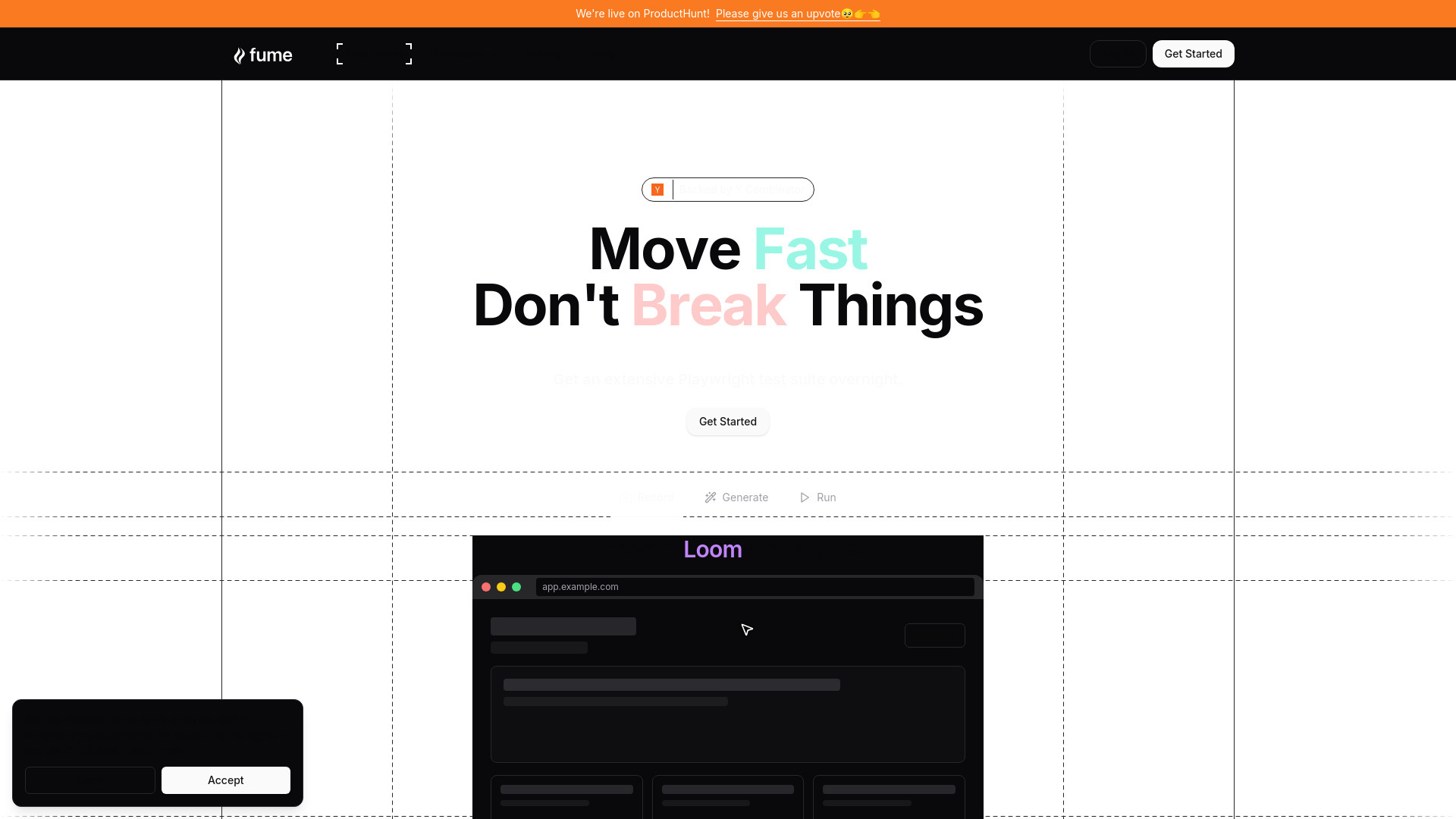
Fume website preview

What is Fume?

Fume is an AI-powered testing platform that helps software teams create, run, and maintain Playwright end-to-end tests. Its video-to-test workflow turns recorded walkthroughs into browser tests, reducing the effort required to build automated coverage. Teams can record a Loom video, explain the actions and outcomes they want to check, and use Fume to generate the corresponding Playwright code. The platform combines AI-assisted test creation, self-healing capabilities, and free scheduled runs on Fume Cloud. Developers retain ownership of their generated code, giving them flexibility to use the tests within their existing development environments.

How to Use Fume

Begin by recording a walkthrough of your application with Loom or another screencasting tool. Navigate through the workflow you want to test and describe the expected behavior, such as signing in, submitting a form, or completing a purchase. Upload the recording to Fume so its AI can interpret the steps and generate Playwright tests. Review the resulting coverage, then configure the execution settings and notification channels that suit your team. Fume Cloud provides automated runs twice a day, helping teams check important workflows regularly without setting up their own browser-testing infrastructure.

Teams with existing automated tests can also use Fume to support a transition from Playwright, Selenium, or Cypress workflows. Its self-healing capabilities help address test failures caused by application changes, while access to the underlying Playwright code allows developers to adjust assertions and extend coverage. Generated tests can run locally or become part of an existing continuous integration process, keeping automated QA connected to everyday development.

Key Features of Fume

  • AI-Generated Playwright Tests: Convert narrated application recordings into browser tests without writing every interaction manually. Fume uses the demonstrated workflow to produce Playwright code, helping teams establish coverage for important user journeys and reduce repetitive test-authoring work.
  • Self-Healing Test Support: AI agent fallbacks help tests adapt when interface changes disrupt their original execution paths. This capability reduces maintenance work associated with changing page elements and helps teams keep useful automated coverage as their applications evolve.
  • Free Scheduled Cloud Runs: Execute tests automatically twice daily on Fume Cloud and receive notifications when failures occur. Hosted execution gives teams a straightforward way to introduce recurring browser checks without managing a dedicated test-running environment.
  • Full Playwright Code Ownership: Keep control of the tests Fume generates, including after a subscription ends. Developers can inspect the code, modify test behavior, execute tests locally, and connect them to CI/CD workflows such as GitHub Actions, Jenkins, or GitLab CI.

Together, these capabilities address three recurring challenges in browser automation: creating initial coverage, maintaining tests through interface changes, and running checks consistently. Fume brings those activities into a connected workflow while preserving access to the code developers need to review and customize their tests.

Why Choose Fume?

Fume offers a practical starting point for teams that want broader browser-test coverage but have limited time for manual test development. Recording a user journey provides a familiar way to communicate what needs testing, making it easier for developers, QA specialists, and product colleagues to contribute their knowledge. Playwright provides the foundation for the generated tests, while Fume adds AI assistance for creation and maintenance. This combination can help teams spend more time refining meaningful checks and investigating failures as their testing needs grow.

The platform also supports teams that want flexibility in how they run automated QA. Scheduled Fume Cloud runs provide recurring checks, while code ownership allows the same testing investment to support local development and CI/CD pipelines. Notifications can bring failures into existing team workflows, including Slack where configured. For organizations moving from Selenium or Cypress, Fume offers a route toward Playwright-based testing with AI-assisted maintenance. Its appeal lies in combining accessible test creation with code that developers can continue to control.

Use Cases and Applications

Product teams can use Fume to turn recorded feature demonstrations into initial end-to-end coverage for a new application. E-commerce businesses can automate checks for shopping carts, checkout steps, and account access to catch disruptions in important purchasing journeys. SaaS teams can test onboarding, subscription management, and other workflows that span multiple screens. Developers can run generated tests while working on interface changes, and QA teams can expand regression coverage from documented user scenarios. DevOps teams can incorporate the Playwright code into deployment pipelines, using test results to inform release decisions alongside their existing quality checks.

Product source: Fume official website. Check the provider for current plans, limits and availability.

FAQ

Fume questions and answers

Product context and practical checks for evaluating Fume.

What is Fume used for?

Turn videos into Playwright tests with Fume. Get AI test generation, self-healing tests, free cloud runners, and full ownership of your code.

How do I get started with Fume?

Begin by recording a walkthrough of your application with Loom or another screencasting tool. Navigate through the workflow you want to test and describe the expected behavior, such as signing in, submitting a form, or completing a purchase. Upload the recording to Fume so its AI can interpret the steps and generate Playwright tests. Review the resulting coverage, then configure the execution settings and notification channels that suit your team. Fume Cloud provides automated runs twice a day, helping teams check important workflows regularly without setting up their own browser-testing infrastructure.Teams with existing automated tests can also use Fume to support a transition from Playwright, Selenium, or Cypress workflows. Its self-healing capabilities help address test failures caused by application changes, while access to the underlying Playwright code allows developers to adjust assertions and extend coverage. Generated tests can run locally or become part of an existing continuous integration process, keeping automated QA connected to everyday development.

Which capabilities are described for Fume?

AI-Generated Playwright Tests: Convert narrated application recordings into browser tests without writing every interaction manually. Fume uses the demonstrated workflow to produce Playwright code, helping teams establish coverage for important user journeys and reduce repetitive test-authoring work. Self-Healing Test Support: AI agent fallbacks help tests adapt when interface changes disrupt their original execution paths. This capability reduces maintenance work associated with changing page elements and helps teams keep useful automated coverage as their applications evolve. Free Scheduled Cloud Runs: Execute tests automatically twice daily on Fume Cloud and receive notifications when failures occur. Hosted execution gives teams a straightforward way to introduce recurring browser checks without managing a dedicated test-running environment. Full Playwright Code Ownership: Keep control of the tests Fume generates, including after a subscription ends. Developers can inspect the code, modify test behavior, execute tests locally, and connect them to CI/CD workflows such as GitHub Actions, Jenkins, or GitLab CI. Together, these capabilities address three recurring challenges in browser automation: creating initial coverage, maintaining tests through interface changes, and running checks consistently. Fume brings those activities into a connected workflow while preserving access to the code developers need to review and customize their tests.

What projects can I evaluate Fume for?

Product teams can use Fume to turn recorded feature demonstrations into initial end-to-end coverage for a new application. E-commerce businesses can automate checks for shopping carts, checkout steps, and account access to catch disruptions in important purchasing journeys. SaaS teams can test onboarding, subscription management, and other workflows that span multiple screens. Developers can run generated tests while working on interface changes, and QA teams can expand regression coverage from documented user scenarios. DevOps teams can incorporate the Playwright code into deployment pipelines, using test results to inform release decisions alongside their existing quality checks.

How does Fume handle ai-generated playwright tests?

AI-Generated Playwright Tests: Convert narrated application recordings into browser tests without writing every interaction manually. Fume uses the demonstrated workflow to produce Playwright code, helping teams establish coverage for important user journeys and reduce repetitive test-authoring work.

How does Fume handle self-healing test support?

Self-Healing Test Support: AI agent fallbacks help tests adapt when interface changes disrupt their original execution paths. This capability reduces maintenance work associated with changing page elements and helps teams keep useful automated coverage as their applications evolve.

What should I compare before choosing a Fume plan?

Check Fume’s current pricing page for included usage, renewal terms and any credit charges. Compare the cost of a usable result, including retries, rather than assuming that account registration includes free usage.

What inputs should I prepare for a Fume trial?

Compare text prompts, reference frames, source footage and audio support. Check duration, aspect ratio and whether the tool lets you keep a subject consistent between shots.

How can I check the quality of a Fume result?

Watch the entire clip for motion errors, distorted objects, changing identities, lip-sync problems and abrupt transitions. Inspect the downloaded file as well as the preview.

Where is the official Fume website?

The website linked from this profile is https://fumedev.com. Use the provider’s own documentation, account area and support channels to confirm current product details.

Visit Fume