Table of contents
Free AI Article Summarizer : 80+ Languages, Any Length, Q&A
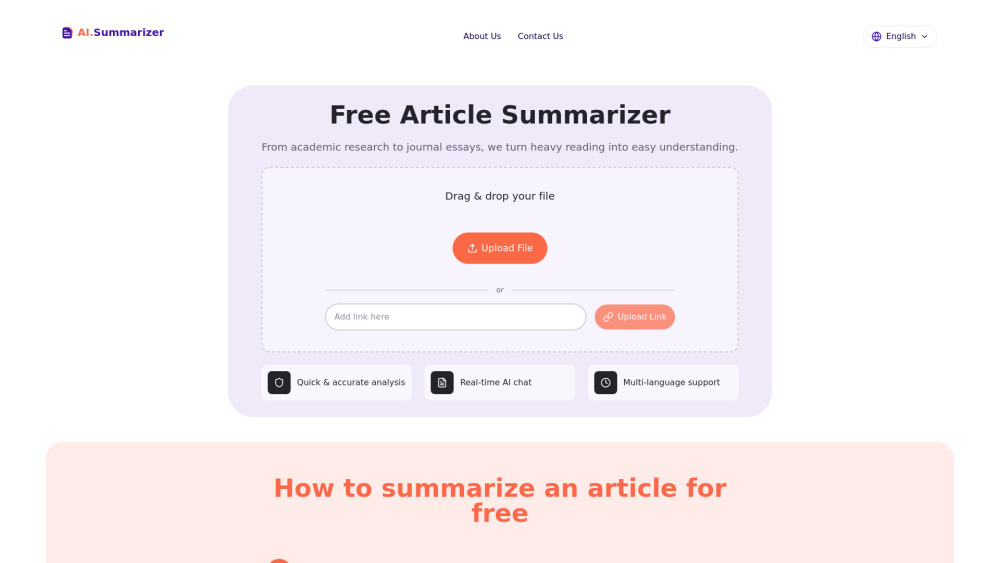
Free AI Article Summarizer: Instantly summarize any article or study in 80+ languages—no length limits. Ask questions & get smart, concise answers—in seconds.
Directory : AI Summarizer
What Is the Free AI Article Summarizer?
Information overload shouldn’t mean missed insights. Meet the Free AI Article Summarizer — a powerful, no-cost tool that distills any written content into clear, actionable summaries—in seconds. From peer-reviewed journals and regulatory filings to travel blogs and cooking instructions, it identifies intent, logic, and nuance—not just keywords. Ask clarifying questions on the spot, switch languages mid-session, and absorb essential knowledge across 80+ supported tongues. Whether you're researching, learning, or creating, this is your intelligent reading companion—always free, always ready.
Why This Summarizer Stands Out
Lightning-fast, context-aware processing: No waiting, no compromises. Paste, upload, or paste a URL—and get a human-readable summary in under 5 seconds. Length? Irrelevant. Complexity? Handled. Our model processes full documents (PDFs, TXT, DOCX) up to 10 MB without truncation or loss of critical detail.
True comprehension—not compression: Unlike basic extractive tools, our AI reads *like a skilled reader*. It detects argument structure, distinguishes evidence from opinion, recognizes sarcasm or urgency, and preserves authorial tone. The result? Summaries that reflect meaning—not just metrics.
Interactive Q&A built-in: Got a follow-up? Click “Ask about this section” or type freely in the chat panel. Clarify jargon, request examples, compare viewpoints, or ask for bullet-point breakdowns—your summary evolves with every question.
Truly global language support: With native-level fluency in over 80 languages—including Arabic, Japanese, Hindi, Brazilian Portuguese, and Ukrainian—this isn’t translation *after* summarization. It’s deep understanding *in* your language, from input to output.
Zero-length limits, zero setup: Recipes (200 words), whitepapers (20,000+ words), or multi-chapter reports? All treated equally. No sign-up, no downloads, no paywall—just paste and go.
Fully responsive, browser-native: Works flawlessly on Chrome, Safari, Edge—or your smartphone. No app store, no permissions, no tracking. Your data stays private and ephemeral.
Who Uses This Tool—and Why
Students & researchers: Turn dense textbooks or journal articles into digestible study guides. Use Q&A mode to simulate office hours—get explanations, definitions, and connections between concepts—all in real time.
Professionals & analysts: Scan market reports, earnings calls, or competitor press releases in minutes—not hours. Extract trends, risks, and opportunities before your next meeting.
Content creators & writers: Beat writer’s block with instant insight mining. Feed in industry blogs or case studies, then repurpose key takeaways—accurately, ethically, and efficiently.
Lifelong learners & polyglots: Read foreign-language news, academic abstracts, or cultural essays—with confidence. Upload in Mandarin, summarize in Spanish, clarify in English. Language barriers dissolve.
Time-crunched readers: Skip filler, fluff, and filler again. Whether it’s a 5,000-word op-ed or a 3-step recipe with backstory—you get *only what matters*, in your voice and your terms.
Frequently Asked Questions
-
How does AI summarize articles accurately?
-
Can it handle very long documents like books or PDF reports?
-
What file types and formats are supported?
-
Is using AI summaries compliant with copyright and fair use?
-
Which languages are supported—and how accurate are they?
-
Support & Contact
For help, feedback, or urgent requests: visit our Contact Us page.
-
About Our Team
Free AI Article Summarizer Company name: TYY Labs
Free AI Article Summarizer Company address: San Francisco, CA & Remote (Global)
Learn more about our mission and technology: About Us.
-
Access Your Account
Free AI Article Summarizer Login Link: Log in here
-
Get Started Instantly
Free AI Article Summarizer Sign up Link: Create your free account
FAQ from Free AI Article Summarizer
What is Free AI Article Summarizer?
It’s a zero-cost, web-based AI tool designed to help you read smarter—not harder. Whether you’re reviewing clinical trial data, decoding legal terms, or catching up on international news, it delivers precise, contextual summaries—and lets you interrogate them like a live expert. All in 80+ languages, with no install or subscription required.
How does AI summarize articles accurately?
Using advanced transformer architecture fine-tuned on millions of annotated texts, our model doesn’t just scan sentences—it maps relationships, infers unstated assumptions, and weights importance by rhetorical function. That’s why summaries retain logic, causality, and emphasis—not just nouns and verbs.
Can it handle very long documents like books or PDF reports?
Yes. Upload PDFs, Word docs, or plain text up to 10 MB. Our engine processes full documents sequentially—preserving section hierarchy, citations, and conclusions. Ideal for thesis chapters, annual reports, or technical manuals.
What file types and formats are supported?
Currently: PDF, TXT, DOCX, and direct URL parsing (for publicly accessible web pages). Copy-paste works for any plain or formatted text—including code comments, markdown, or bilingual content.
Is using AI summaries compliant with copyright and fair use?
Summarization for personal study, internal analysis, or educational commentary typically falls under fair use—but redistribution, commercial repackaging, or verbatim reuse requires permission from the original rights holder. We never store or share uploaded content.
Which languages are supported—and how accurate are they?
We support 82 languages—including major world languages and emerging digital standards (e.g., Swahili, Vietnamese, Greek, Hebrew). Accuracy scales with training data volume: top-tier languages achieve >92% semantic fidelity; others deliver reliable gist + Q&A capability, with continuous improvement via community feedback.
`/`` tags, classes, `data-v-*` attributes, and ``/`
- `/`