AI Recipe Assistant

FoodWiz

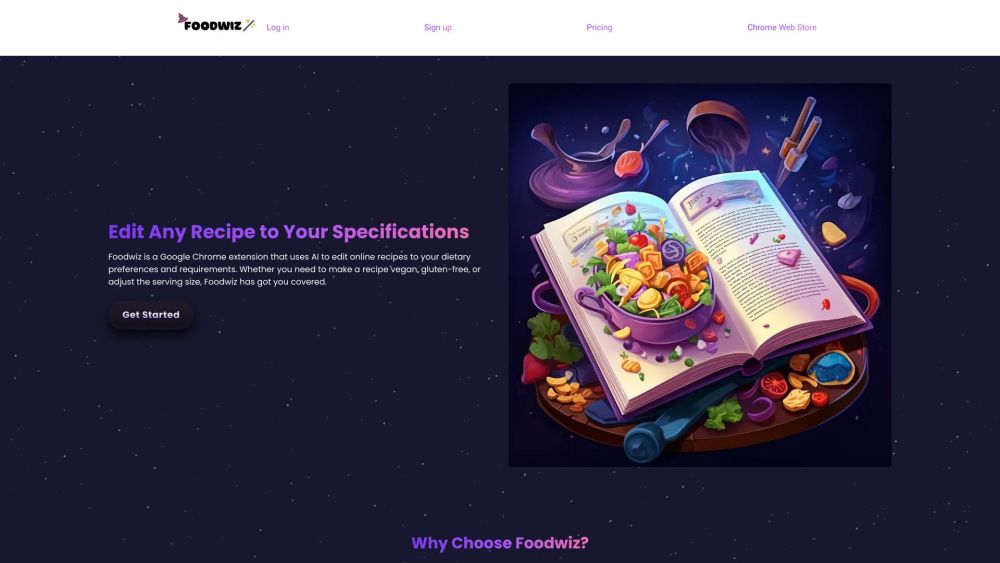
FoodWiz: Elevate your cooking with AI-powered recipe customization. Tailor meals to perfection online for flavors that fit your taste!

FoodWiz website preview

FoodWiz Website screenshot

What is FoodWiz?

FoodWiz is an innovative Google Chrome extension powered by AI that personalizes online recipes to suit your unique dietary needs and preferences.

How to Get Started with FoodWiz?

Begin your journey with FoodWiz by following these six simple steps: 1. Sign Up for an Account 2. Install the Chrome Extension 3. Log in to Your Account 4. Visit Any Recipe Website 5. Tailor the Recipe to Your Liking 6. Savor Your Customized Dish.

Key Features of FoodWiz

Smart AI Recipe Customization

User-Friendly Interface

Limitless Recipe Adjustments

Why Use FoodWiz?

FoodWiz lets you transform any recipe to match your dietary choices, whether you’re vegan, gluten-free, or have other specific requirements.

  • Contact FoodWiz Support

    Need help? Visit our Contact Us page for support and service inquiries.

  • About FoodWiz

    FoodWiz is developed by Newland Creatives. Learn more about our mission and team by visiting our About Us page.

  • FoodWiz Login

    Access your account via our Login page.

  • Sign Up for FoodWiz

    New to FoodWiz? Get started by signing up on our Sign Up page.

  • FoodWiz Pricing

    Explore our plans on the Pricing page.

  • FoodWiz on YouTube

    Watch our tutorials and more on our YouTube channel.

  • FoodWiz on Twitter

    Follow us for updates on Twitter.

Product source: FoodWiz official website. Check the provider for current plans, limits and availability.

FAQ

FoodWiz questions and answers

Product context and practical checks for evaluating FoodWiz.

What is FoodWiz used for?

FoodWiz: Elevate your cooking with AI-powered recipe customization. Tailor meals to perfection online for flavors that fit your taste!

How do I get started with FoodWiz?

Begin your journey with FoodWiz by following these six simple steps: 1. Sign Up for an Account 2. Install the Chrome Extension 3. Log in to Your Account 4. Visit Any Recipe Website 5. Tailor the Recipe to Your Liking 6. Savor Your Customized Dish.

Which capabilities are described for FoodWiz?

Smart AI Recipe CustomizationUser-Friendly InterfaceLimitless Recipe Adjustments

What should I compare before choosing a FoodWiz plan?

Explore our plans on the Pricing page. Confirm current prices and allowances on the provider’s website before purchasing.

What inputs should I prepare for a FoodWiz trial?

Identify the files, text or account connections your task needs. Confirm that the product accepts those inputs and offers controls for reviewing its work.

How can I check the quality of a FoodWiz result?

Test one representative task and inspect the result for accuracy and completeness. Record where manual corrections or extra tools are needed.

Which export options should I check in FoodWiz?

Check export formats, integrations and whether you can keep using your work outside the service. Test a real export before committing to a longer plan.

What is a practical way to test FoodWiz against alternatives?

Choose one task with a clear success condition. Keep the input consistent, record the time spent reviewing and compare the complete workflow cost.

What should I review before uploading material to FoodWiz?

Read the provider’s rules on access, retention, deletion and use of uploaded material. Start with a non-confidential sample that you have permission to use.

Where is the official FoodWiz website?

The website linked from this profile is https://foodwiz.ai. Use the provider’s own documentation, account area and support channels to confirm current product details.

Visit FoodWiz