AI Video Generator

Flashloop AI Video and Image Generator

Flashloop is an AI creation suite for generating videos, images, ads, films and social content with multiple AI models, reusable characters and templates.

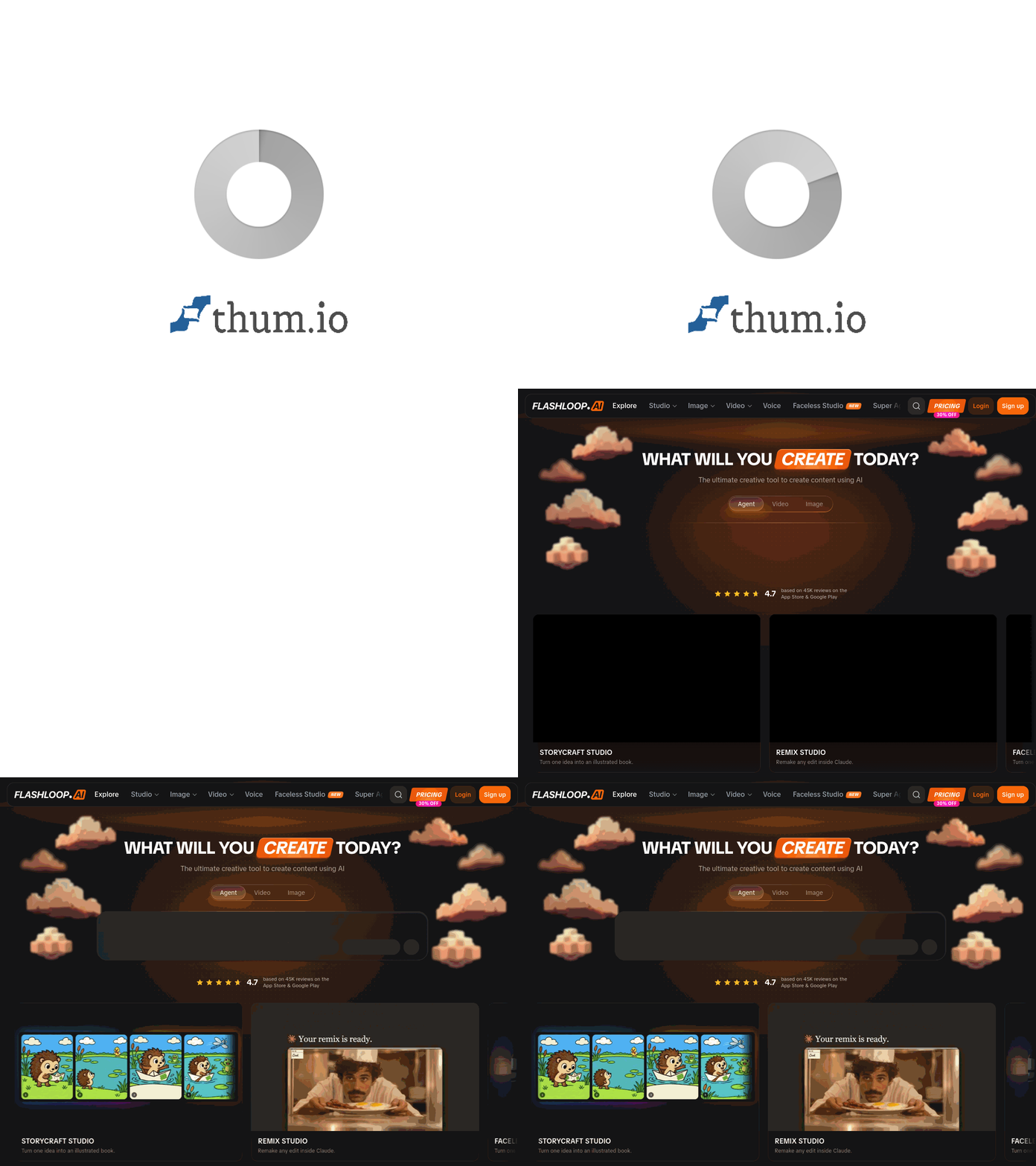
Flashloop AI Video and Image Generator website preview

Flashloop overview

Flashloop is an AI creation suite for producing videos, images, ads, short films and social content. It combines multiple image and video models with templates, reusable characters and an AI Super Agent.

How to use Flashloop

Describe what you want to create and let the Super Agent select models, write scenes and generate the result. You can also choose a model and work in a manual composer for more control.

  • Create videos from prompts, scripts or loglines.
  • Generate images with supported image models.
  • Build creator-style ads and product videos in Ads Studio.
  • Use Film Studio for camera movement, lighting, film palettes and genre settings.
  • Create recurring characters for consistent videos and series.
  • Remix existing edits with templates and custom images through Remix Studio.
  • Generate faceless video series with multiple episodes and selectable styles.

Flashloop AI Video and Image Generator: key features

  • Access to a library of image and video generation models in one platform.
  • Super Agent for end-to-end video creation.
  • Templates for ads, social content, cinematic videos and other formats.
  • Character creation and character consistency across videos.
  • Image editing, image upscaling, voiceover, voice changes and translation tools.
  • Availability on web, iOS and Android.

Product source: Flashloop AI Video and Image Generator official website. Check the provider for current plans, limits and availability.

FAQ

Flashloop AI Video and Image Generator questions and answers

Product context and practical checks for evaluating Flashloop AI Video and Image Generator.

What is Flashloop AI Video and Image Generator used for?

Flashloop is an AI creation suite for generating videos, images, ads, films and social content with multiple AI models, reusable characters and templates.

How do I get started with Flashloop AI Video and Image Generator?

Describe what you want to create and let the Super Agent select models, write scenes and generate the result. You can also choose a model and work in a manual composer for more control.Create videos from prompts, scripts or loglines.Generate images with supported image models.Build creator-style ads and product videos in Ads Studio.Use Film Studio for camera movement, lighting, film palettes and genre settings.Create recurring characters for consistent videos and series.Remix existing edits with templates and custom images through Remix Studio.Generate faceless video series with multiple episodes and selectable styles.

Which capabilities are described for Flashloop AI Video and Image Generator?

Access to a library of image and video generation models in one platform.Super Agent for end-to-end video creation.Templates for ads, social content, cinematic videos and other formats.Character creation and character consistency across videos.Image editing, image upscaling, voiceover, voice changes and translation tools.Availability on web, iOS and Android.

What should I compare before choosing a Flashloop AI Video and Image Generator plan?

Check Flashloop AI Video and Image Generator’s current pricing page for included usage, renewal terms and any credit charges. Compare the cost of a usable result, including retries, rather than assuming that account registration includes free usage.

What inputs should I prepare for a Flashloop AI Video and Image Generator trial?

Compare text prompts, reference frames, source footage and audio support. Check duration, aspect ratio and whether the tool lets you keep a subject consistent between shots.

How can I check the quality of a Flashloop AI Video and Image Generator result?

Watch the entire clip for motion errors, distorted objects, changing identities, lip-sync problems and abrupt transitions. Inspect the downloaded file as well as the preview.

Which export options should I check in Flashloop AI Video and Image Generator?

Check export resolution, frame rate, aspect ratio, audio tracks and watermark rules. A good preview is not a substitute for an export that fits your publishing channel.

What is a practical way to test Flashloop AI Video and Image Generator against alternatives?

Use a short shot with one subject and one camera movement. Keep the prompt and duration constant, then compare usable seconds and the number of regenerations.

What should I review before uploading material to Flashloop AI Video and Image Generator?

Read the provider’s rules on access, retention, deletion and use of uploaded material. Start with a non-confidential sample that you have permission to use.

Where is the official Flashloop AI Video and Image Generator website?

The website linked from this profile is https://flashloop.ai/. Use the provider’s own documentation, account area and support channels to confirm current product details.

Visit Flashloop AI Video and Image Generator