AI Chatbot

Flash Insights

Browser extension Flash Insights extracts insights from web pages/videos and optimizes them for AI chatbots.

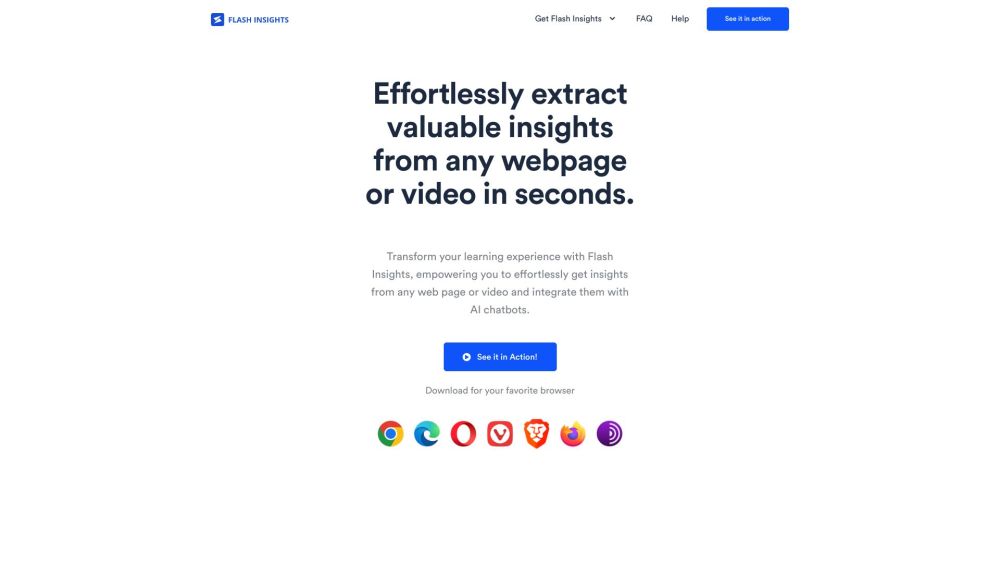
Flash Insights website preview

Flash Insights Website screenshot

Understanding Flash Insights

Flash Insights is a powerful browser extension designed to help users quickly extract key insights from any online content, whether it’s a webpage, article, or video. The tool is optimized for creating summaries and preparing information for seamless integration with AI chatbots, making knowledge extraction more efficient and accessible.

Using Flash Insights

1. Start with Flash Insights: Click on the extension icon while browsing the web or watching videos to initiate the extraction process. 2. Prepare content for chatbots: Flash Insights optimizes the extracted content, ensuring it is compatible with AI chatbots for enhanced analysis. 3. Gain AI-powered insights: Insert the prepared content into your preferred AI chatbot to receive detailed insights from any online source.

Key Features of Flash Insights

Quick extraction of essential insights from online content

Optimizes content for AI chatbot interaction

Enhances learning with actionable summaries and plans

Personalized insights based on user preferences

Versatile applications in areas like cooking, news, and education

Simple and intuitive user interface

Free to use and always accessible

Boosts efficiency in information processing

Applications of Flash Insights

Cooking: Extract and customize recipes, create shopping lists, and convert measurements with AI assistance

News Analysis: Get a comprehensive view of current events by processing news videos through AI chatbots

Education: Transform educational content into step-by-step guides or concise summaries

Skill Development: Extract and apply techniques from instructional videos using AI guidance

Podcast Summaries: Quickly obtain key takeaways from podcasts with the help of Flash Insights and AI tools

  • Flash Insights Support & Contact Information

    For customer service, you can reach Flash Insights support at: [email protected].

  • Flash Insights on YouTube

    Watch our YouTube tutorials here: https://www.youtube.com/watch?v=8BftzTMClME

Product source: Flash Insights official website. Check the provider for current plans, limits and availability.

FAQ

Flash Insights questions and answers

Product context and practical checks for evaluating Flash Insights.

What is Flash Insights used for?

Browser extension Flash Insights extracts insights from web pages/videos and optimizes them for AI chatbots.

How do I get started with Flash Insights?

Open the official Flash Insights website and identify the workflow that matches your task. Use a short shot with one subject and one camera movement. Keep the prompt and duration constant, then compare usable seconds and the number of regenerations.

Which capabilities are described for Flash Insights?

Quick extraction of essential insights from online contentOptimizes content for AI chatbot interactionEnhances learning with actionable summaries and plansPersonalized insights based on user preferencesVersatile applications in areas like cooking, news, and educationSimple and intuitive user interfaceFree to use and always accessibleBoosts efficiency in information processing

What projects can I evaluate Flash Insights for?

Cooking: Extract and customize recipes, create shopping lists, and convert measurements with AI assistanceNews Analysis: Get a comprehensive view of current events by processing news videos through AI chatbotsEducation: Transform educational content into step-by-step guides or concise summariesSkill Development: Extract and apply techniques from instructional videos using AI guidancePodcast Summaries: Quickly obtain key takeaways from podcasts with the help of Flash Insights and AI tools Flash Insights Support & Contact Information For customer service, you can reach Flash Insights support at: [email protected]. Flash Insights on YouTube Watch our YouTube tutorials here: https://www.youtube.com/watch?v=8BftzTMClME

What should I compare before choosing a Flash Insights plan?

Check Flash Insights’s current pricing page for included usage, renewal terms and any credit charges. Compare the cost of a usable result, including retries, rather than assuming that account registration includes free usage.

What inputs should I prepare for a Flash Insights trial?

Compare text prompts, reference frames, source footage and audio support. Check duration, aspect ratio and whether the tool lets you keep a subject consistent between shots.

How can I check the quality of a Flash Insights result?

Watch the entire clip for motion errors, distorted objects, changing identities, lip-sync problems and abrupt transitions. Inspect the downloaded file as well as the preview.

Which export options should I check in Flash Insights?

Check export resolution, frame rate, aspect ratio, audio tracks and watermark rules. A good preview is not a substitute for an export that fits your publishing channel.

What is a practical way to test Flash Insights against alternatives?

Use a short shot with one subject and one camera movement. Keep the prompt and duration constant, then compare usable seconds and the number of regenerations.

Where is the official Flash Insights website?

The website linked from this profile is https://getflashinsights.com. Use the provider’s own documentation, account area and support channels to confirm current product details.

Visit Flash Insights