Text&ampWriting

Fixiol

Fixiol’s A.R.I-1 AI analyzes roof photos to detect damage, estimate repair costs, and generate insurance-ready reports in seconds. Try Fixiol today.

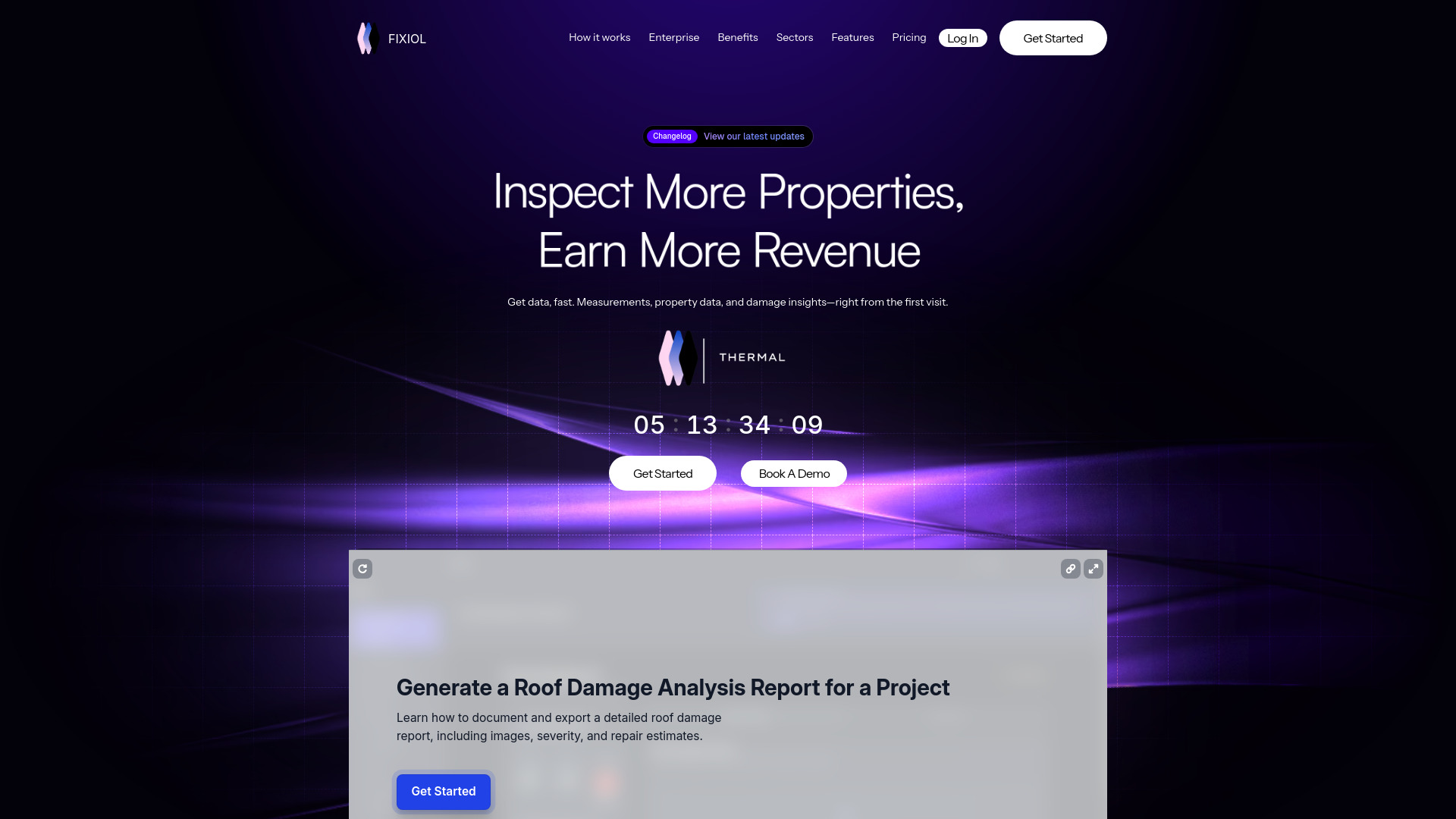
Fixiol website preview

What Is Fixiol?

Fixiol is an AI-powered roofing platform for checking roof damage, estimating repair costs, and preparing reports. Its A.R.I-1 model analyzes available roof imagery to flag visible signs of damage and calculate approximate roof dimensions. Roofing contractors can use those findings to scope repairs, insurance adjusters can review them alongside claim documentation, and real estate professionals can use them to summarize a roof’s condition. Fixiol also brings inspection records, estimates, and invoicing into the same workspace.

How to Use Fixiol

Start by uploading a drone image or entering the property address. Fixiol analyzes the available imagery for signs of damage and uses roof measurements to generate a preliminary repair estimate. Review the flagged areas and estimated costs, then generate a shareable report with annotated findings, supporting images, and relevant weather information.

For ongoing work, use the client management tools to organize inspections by property and retrieve earlier reports when a project resumes. The property measurement tool provides additional dimensions for planning the job. Once the scope and pricing are settled, you can create an invoice from the same workspace.

Fixiol’s Key Roofing Features

  • AI roof damage checks — The A.R.I-1 model reviews roof imagery and highlights visible areas of concern so inspectors know where to focus their review.
  • Automated roof measurements — Get approximate roof dimensions and property details to help calculate material quantities and define the scope of work.
  • Repair estimates and invoices — Use the assessment to prepare an initial cost estimate, then create an invoice based on the agreed scope of work.
  • Reports for clients and insurers — Package roof images, damage findings, measurements, and relevant weather records in a report that stakeholders can review and share.
  • Client and inspection management — Track active assessments, organize records by client or property, and retrieve previous reports from a central workspace.

Why Choose Fixiol for Roof Inspections?

Fixiol connects the steps that follow a roof inspection. A contractor can use the flagged damage and roof dimensions to draft an estimate, then share a report that shows the customer how the proposed work relates to the findings. Keeping the imagery and measurements together makes it easier to answer questions about which areas need attention and how the repair scope was developed.

For insurance work, the combination of roof imagery and weather records gives reviewers context when evaluating reported damage after a storm. Cloud storage keeps project files accessible for follow-up, so teams can retrieve previous findings when a homeowner, adjuster, or colleague asks about the property.

Who Uses Fixiol?

Roofing contractors can review incoming jobs, prioritize site visits, and prepare repair proposals with supporting images. Insurance adjusters can use roof reports to organize claim documentation and identify sections that need closer examination. Real estate agents and property managers can use a roof condition summary during due diligence or maintenance planning to flag potential repair costs and guide conversations with owners or buyers.

Product source: Fixiol official website. Check the provider for current plans, limits and availability.

FAQ

Fixiol questions and answers

Product context and practical checks for evaluating Fixiol.

What is Fixiol used for?

Fixiol’s A.R.I-1 AI analyzes roof photos to detect damage, estimate repair costs, and generate insurance-ready reports in seconds. Try Fixiol today.

How do I get started with Fixiol?

Start by uploading a drone image or entering the property address. Fixiol analyzes the available imagery for signs of damage and uses roof measurements to generate a preliminary repair estimate. Review the flagged areas and estimated costs, then generate a shareable report with annotated findings, supporting images, and relevant weather information.For ongoing work, use the client management tools to organize inspections by property and retrieve earlier reports when a project resumes. The property measurement tool provides additional dimensions for planning the job. Once the scope and pricing are settled, you can create an invoice from the same workspace.

Which capabilities are described for Fixiol?

AI roof damage checks — The A.R.I-1 model reviews roof imagery and highlights visible areas of concern so inspectors know where to focus their review. Automated roof measurements — Get approximate roof dimensions and property details to help calculate material quantities and define the scope of work. Repair estimates and invoices — Use the assessment to prepare an initial cost estimate, then create an invoice based on the agreed scope of work. Reports for clients and insurers — Package roof images, damage findings, measurements, and relevant weather records in a report that stakeholders can review and share. Client and inspection management — Track active assessments, organize records by client or property, and retrieve previous reports from a central workspace.

What projects can I evaluate Fixiol for?

Roofing contractors can review incoming jobs, prioritize site visits, and prepare repair proposals with supporting images. Insurance adjusters can use roof reports to organize claim documentation and identify sections that need closer examination. Real estate agents and property managers can use a roof condition summary during due diligence or maintenance planning to flag potential repair costs and guide conversations with owners or buyers.

How does Fixiol handle ai roof damage checks?

AI roof damage checks — The A.R.I-1 model reviews roof imagery and highlights visible areas of concern so inspectors know where to focus their review.

How does Fixiol handle automated roof measurements?

Automated roof measurements — Get approximate roof dimensions and property details to help calculate material quantities and define the scope of work.

What should I compare before choosing a Fixiol plan?

Check Fixiol’s current pricing page for included usage, renewal terms and any credit charges. Compare the cost of a usable result, including retries, rather than assuming that account registration includes free usage.

What inputs should I prepare for a Fixiol trial?

Look for text prompts, image references, masks or sketches as appropriate. Compare composition control, supported upload types and the ability to revise a selected area.

How can I check the quality of a Fixiol result?

Inspect text, hands, edges, reflections and repeated objects at full size. Check that important product or brand details survive editing.

Where is the official Fixiol website?

The website linked from this profile is https://fixiol.com. Use the provider’s own documentation, account area and support channels to confirm current product details.

Visit Fixiol