Fitness

FitMate

FitMate: a personalized fitness app using AI to reach fitness goals without compromise.

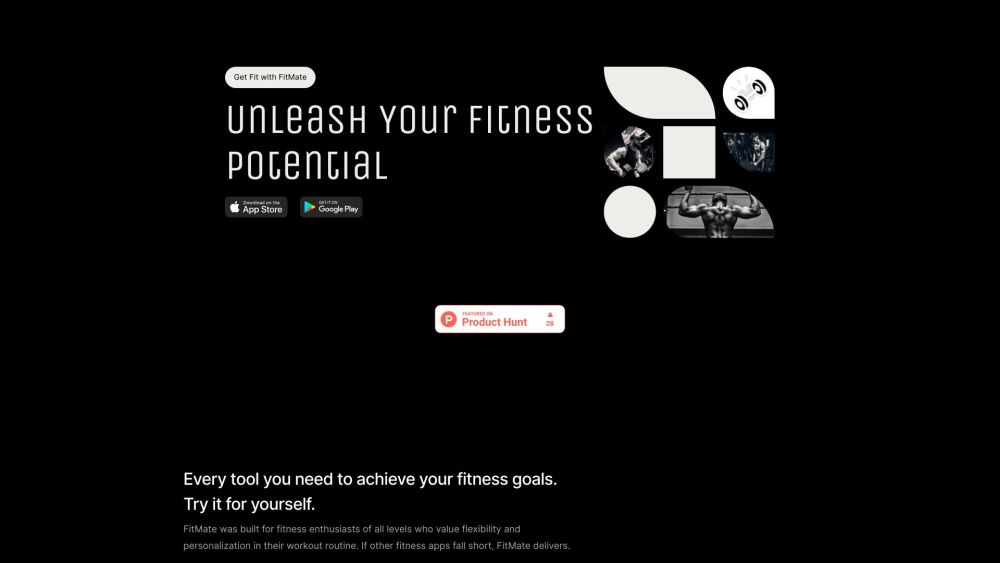
FitMate website preview

FitMate - Begin your fitness journey today. Website screenshot

What is FitMate - Your Personalized Fitness Companion?

FitMate is a cutting-edge fitness application designed to empower users on their fitness journey by offering tailored workout routines and essential tools to meet individual goals. Suitable for all fitness levels, FitMate stands out for its flexibility and customization, making it an ideal choice for anyone seeking a personalized workout experience. With a focus on privacy, FitMate ensures that your fitness journey remains secure and personal, operating entirely offline with no need for signups or data collection. The app leverages advanced AI technology to create workout plans that are uniquely suited to your fitness aspirations.

How to Get Started with FitMate?

Starting with FitMate is simple and straightforward. Download the app from the App Store by scanning the QR code provided. Once installed, you can dive into your fitness journey immediately. The app’s intuitive interface makes it easy to navigate and customize your workouts. Choose your preferred workout duration, select the type of exercises you’re interested in, and tweak your routine on the fly with over 1900 exercise combinations available. FitMate also offers robust progress tracking, allowing you to monitor your improvements and stay motivated as you advance through your fitness journey.

Key Features of FitMate

AI-driven Custom Workouts

Intuitive and Easy-to-Use Interface

Complete Privacy and Offline Functionality

Extensive Customization Options

Vast Exercise Library

Detailed Progress Tracking

Who Can Benefit from FitMate?

New to Fitness? Start Here!

Experienced Athletes Welcome

Perfect for Those Seeking Privacy in Fitness

  • Support and Contact Information for FitMate

    If you need assistance or have questions, reach out to FitMate's support team via email at: [email protected].

  • Connect with FitMate on Twitter

    Follow FitMate on Twitter: https://twitter.com/fitmateai

  • Find FitMate on Instagram

    Stay updated with FitMate on Instagram: https://www.instagram.com/fitmateai

  • Explore FitMate on GitHub

    Check out FitMate's development progress on GitHub: https://github.com/skdev24

Product source: FitMate official website. Check the provider for current plans, limits and availability.

FAQ

FitMate questions and answers

Product context and practical checks for evaluating FitMate.

What is FitMate used for?

FitMate: a personalized fitness app using AI to reach fitness goals without compromise.

How do I get started with FitMate?

Starting with FitMate is simple and straightforward. Download the app from the App Store by scanning the QR code provided. Once installed, you can dive into your fitness journey immediately. The app’s intuitive interface makes it easy to navigate and customize your workouts. Choose your preferred workout duration, select the type of exercises you’re interested in, and tweak your routine on the fly with over 1900 exercise combinations available. FitMate also offers robust progress tracking, allowing you to monitor your improvements and stay motivated as you advance through your fitness journey.

Which capabilities are described for FitMate?

AI-driven Custom WorkoutsIntuitive and Easy-to-Use InterfaceComplete Privacy and Offline FunctionalityExtensive Customization OptionsVast Exercise LibraryDetailed Progress Tracking

What should I compare before choosing a FitMate plan?

Check FitMate’s current pricing page for included usage, renewal terms and any credit charges. Compare the cost of a usable result, including retries, rather than assuming that account registration includes free usage.

What inputs should I prepare for a FitMate trial?

Identify the files, text or account connections your task needs. Confirm that the product accepts those inputs and offers controls for reviewing its work.

How can I check the quality of a FitMate result?

Test one representative task and inspect the result for accuracy and completeness. Record where manual corrections or extra tools are needed.

Which export options should I check in FitMate?

Check export formats, integrations and whether you can keep using your work outside the service. Test a real export before committing to a longer plan.

What is a practical way to test FitMate against alternatives?

Choose one task with a clear success condition. Keep the input consistent, record the time spent reviewing and compare the complete workflow cost.

What should I review before uploading material to FitMate?

Read the provider’s rules on access, retention, deletion and use of uploaded material. Start with a non-confidential sample that you have permission to use.

Where is the official FitMate website?

The website linked from this profile is https://fitmateai.app. Use the provider’s own documentation, account area and support channels to confirm current product details.

Visit FitMate