Table of contents
Please provide the product name and the summary.
Could you please provide the product name and details? This will help me craft the perfect product description for you.
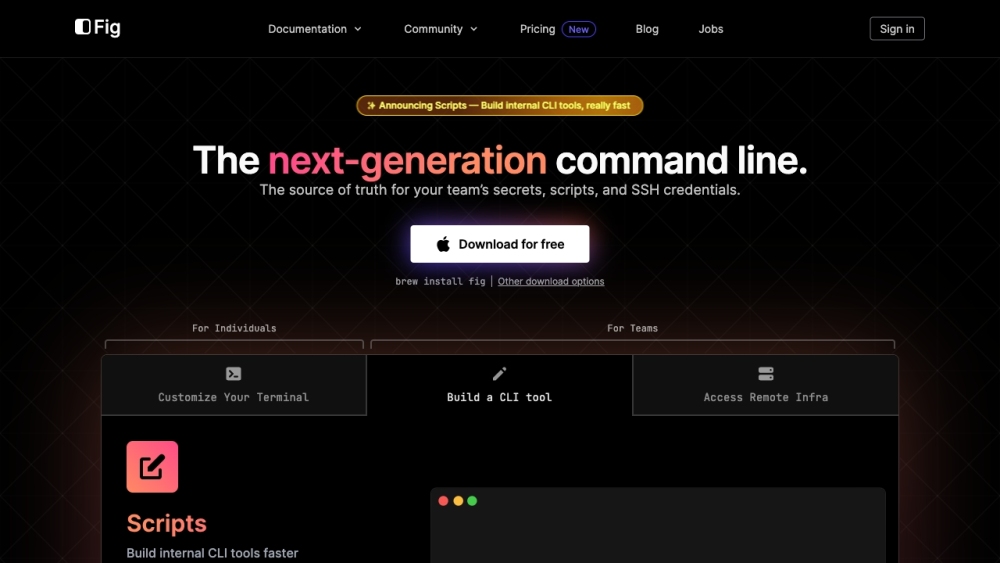
Understanding Fig
Fig is an advanced command line interface (CLI) enhancement tool designed to streamline and secure your team's workflows. It integrates seamlessly with your terminal, offering features like autocomplete, script management, SSH credential handling, and dotfile synchronization.
Getting Started with Fig
Key Features of Fig
Autocomplete for 500+ CLI tools
Interactive UIs for CLI tool development
Secure SSH server access and management
Effortless dotfile editing and syncing
Comprehensive shell plugin management
Use Cases for Fig
Boosting command line productivity
Collaborative shell alias and environment variable sharing
Developing and distributing internal CLI tools
Managing SSH credentials and connections securely
Syncing dotfiles across devices with ease
Overseeing shell plugins for zsh, bash, and fish
Fig Support and Contact Information
For support, contact Fig via this page (https://github.com/withfig/fig/issues/new?assignees=&labels=&projects=&template=1_general_question.md).
About Fig Company
Company Name: Fig
Fig's GitHub Repository
GitHub Link: https://github.com/withfig/fig
Frequently Asked Questions about Fig
What is Fig?
Fig is a powerful CLI enhancement tool that centralizes your team's secrets, scripts, and SSH credentials, offering features like autocomplete, script management, and dotfile syncing.
How to use Fig?
To use Fig, install it with 'brew install fig' or choose another installation option. It enriches your terminal with autocomplete for over 500 CLI tools, secure SSH access, and more.
Is Fig free?
Yes, Fig is free to download and use. For more information on pricing for additional features, visit the Fig website.
Does Fig integrate with different terminals and shells?
Yes, Fig supports integration with popular terminals and shells like bash, zsh, and fish, enhancing your terminal experience with various tools and features.
Is Fig secure?
Yes, Fig prioritizes security and privacy. All cloud features are optional, and your data is encrypted. Autocomplete processes are handled locally.
How can Fig help my team?
Fig fosters team collaboration by sharing aliases, syncing environment variables, and supporting internal CLI tools with team-specific customizations.
Can I contribute to Fig?
Yes, Fig is open source and community-driven. Contributions are welcome through their GitHub or by joining the Fig Discord Community.