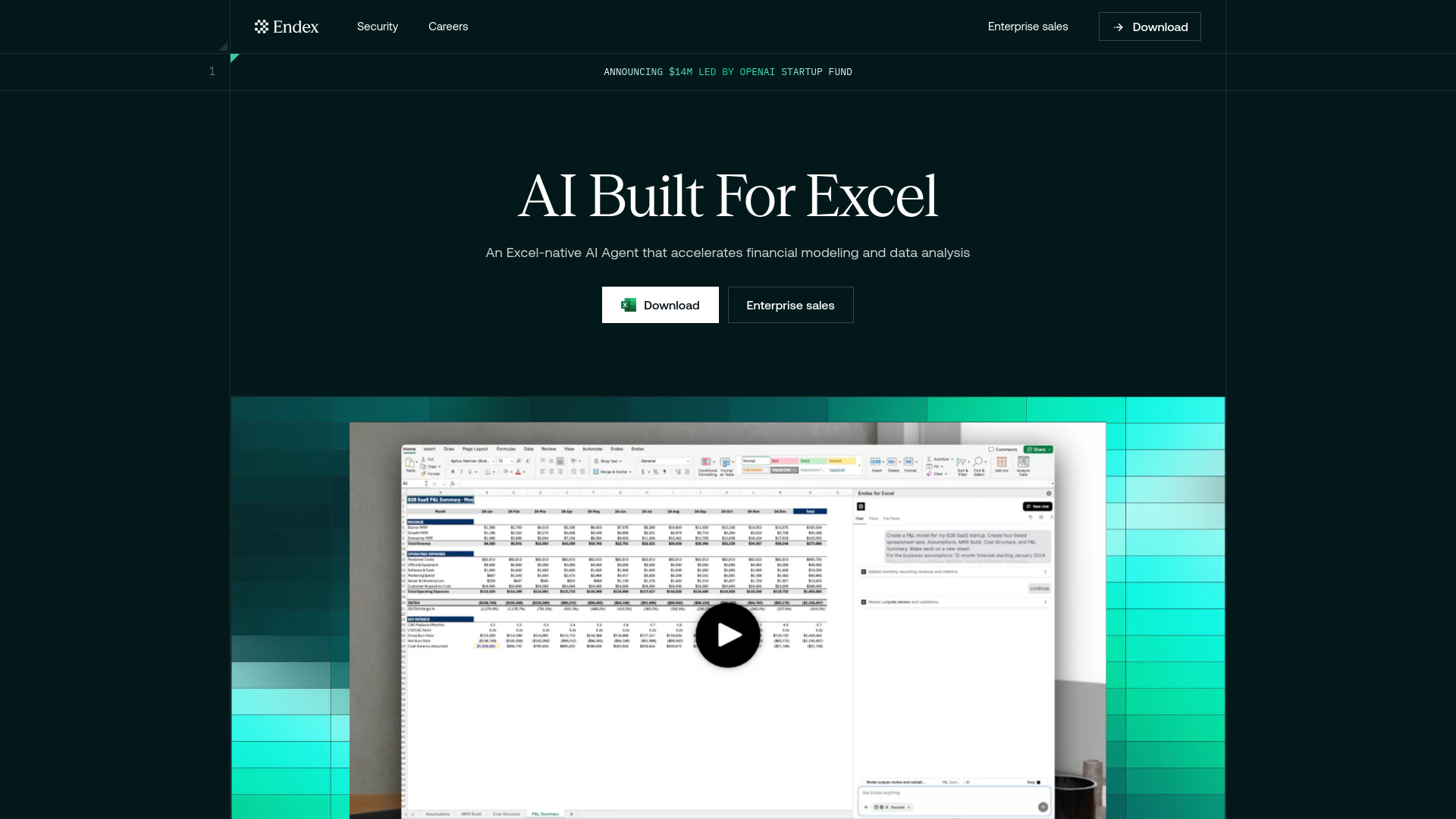
What is Endex AI Agent?
Endex AI Agent is an AI assistant for Excel that helps finance professionals automate spreadsheet tasks, develop financial models, and bring information from PDFs into their workbooks. Accessible through an Excel sidebar, it lets users describe their requirements in natural language and apply changes directly to their sheets. Its finance-focused capabilities support work such as organizing financial statements, building discounted cash flow (DCF) valuations, and analyzing business performance. By connecting workbook content with uploaded documents and external financial information, Endex helps teams move from data collection to analysis while keeping source references available for review.
How to Use Endex AI Agent
Start by installing the Endex Excel add-in and opening its sidebar within your workbook. Describe the output you need, identify the relevant files or data sources, and explain any formatting rules or modeling assumptions. For example, you might ask the agent to extract revenue and operating expenses from an uploaded financial report, arrange the figures by year, and calculate annual growth rates. Endex can carry out the requested spreadsheet changes, allowing you to inspect the results and undo edits as you refine the task.
For more involved assignments, break the work into clear stages: import the source data, organize the workbook, build formulas, and review the finished analysis. Reusable templates and formatting preferences help maintain consistent presentation across projects. Cell-reference tracing and source citations support verification, while research capabilities can assist with gathering context for financial forecasts, three-statement models, and valuation assumptions.
Key Features of Endex AI Agent
- Financial Modeling and DCF Support: Use natural language instructions to help build and update financial models inside Excel. Endex supports tasks involving income statements, balance sheets, cash flow statements, and DCF valuations, helping analysts organize assumptions and connect calculations across worksheets.
- PDF Import and Data Extraction: Convert information from financial reports, presentation decks, and other PDF documents into structured spreadsheet tables. Bringing source material into Excel reduces repetitive transcription and makes it easier to prepare historical figures for modeling, comparison, and further analysis.
- Connected Research and Data Sources: Work with information from existing workbooks, uploaded files, and external financial sources in a shared workflow. Source references help users trace imported figures and examine the evidence behind their analysis without repeatedly switching between documents and spreadsheets.
- Excel-Based Automation and Review: Request spreadsheet edits, formatting changes, trend analysis, and anomaly checks through an integrated sidebar. Features such as cell-reference tracing, reusable workflow preferences, and undo controls help users review changes and maintain oversight as the agent completes tasks.
Together, these capabilities address several time-consuming parts of financial work: collecting figures, preparing tables, applying consistent formatting, and assembling models. The time saved depends on the task and the quality of the source material, while analyst review remains essential for validating assumptions and interpreting results.
Why Choose Endex AI Agent?
Endex AI Agent brings AI assistance into the spreadsheet environment that many finance teams already use every day. Analysts can work with familiar formulas, workbook layouts, and firm templates while delegating repetitive preparation and editing tasks to the agent. This approach is useful when a project requires both document research and detailed spreadsheet work, such as importing historical financial statements before building a forecast or updating a valuation model.
Its review features also matter in workflows where figures must be explainable. Citations and cell-reference tracing help users investigate where information came from and how workbook calculations connect. For teams handling confidential material, Endex describes security measures that include encryption, restrictions on model-provider data retention, and a policy against training on user data. Organizations should confirm current security documentation, contractual protections, and applicable compliance coverage when evaluating the platform for their requirements.
Saved preferences and repeatable templates can further support consistency across recurring assignments. Whether the task involves a monthly reporting workbook or a company valuation, clear instructions and established modeling standards help make the resulting output easier to review and reuse.
Use Cases and Applications
Investment banking teams can use Endex AI Agent to organize historical financials, prepare valuation inputs, and assist with DCF models in Excel. Private equity analysts can extract tables from investment materials and company reports, then compare operating trends across potential investments or portfolio businesses. Corporate finance teams can apply the agent to three-statement modeling, recurring reporting, and variance analysis. Across these applications, PDF import connects document-based information to spreadsheet analysis, while automation helps reduce repetitive preparation work. Analysts retain responsibility for checking extracted values, confirming formula logic, and deciding whether the assumptions fit the business being evaluated.